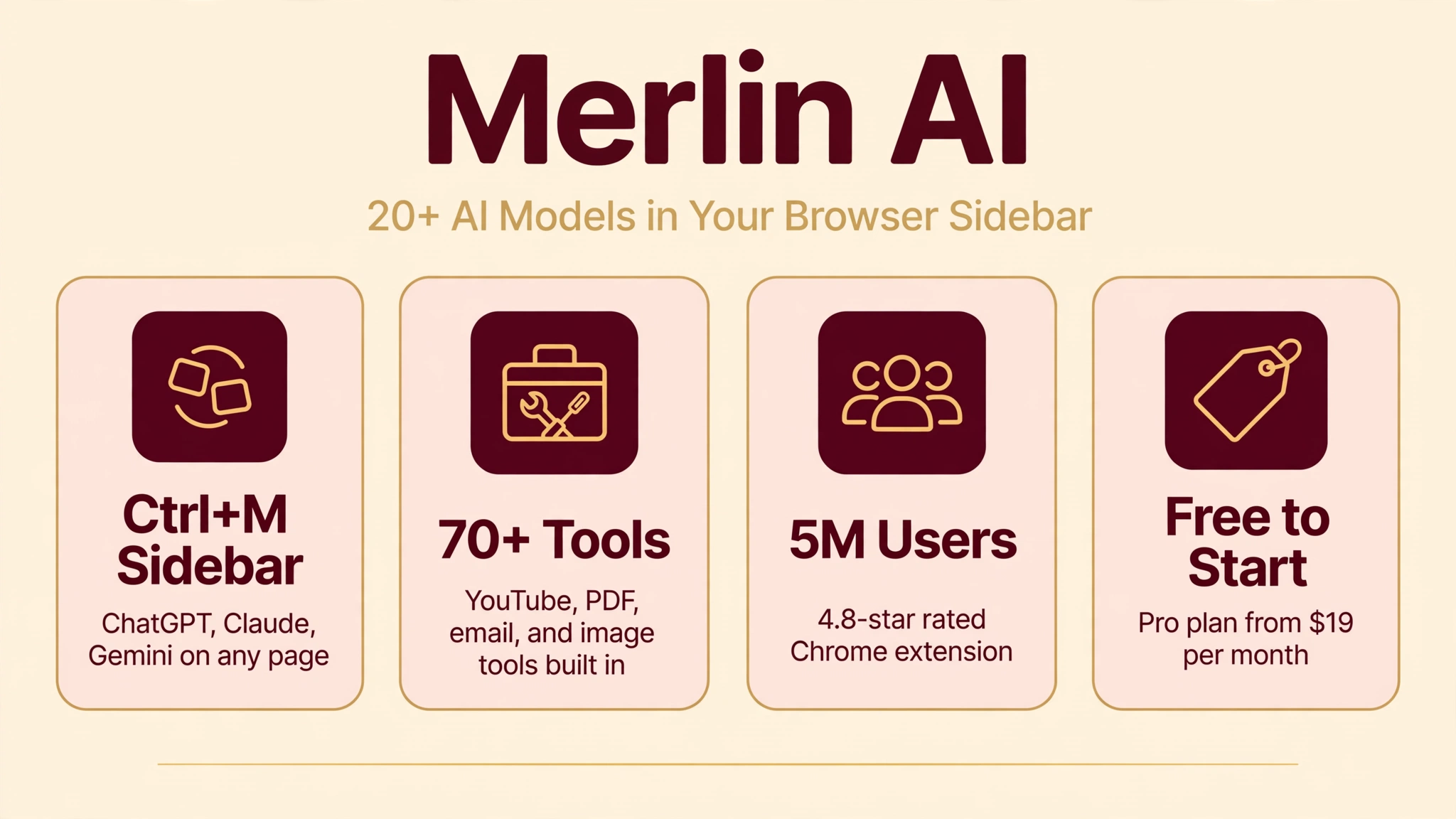
What if ChatGPT lived inside every website you visit? That is the promise of Merlin AI, a browser extension and web app by Foyer Tech that puts ChatGPT, Claude, Gemini, and 20+ other AI models into a sidebar you can summon on any page with Ctrl+M. Instead of copying text into a separate tab, you summarize articles, draft emails, and research right where you work.
We researched Merlin’s 2026 features, pricing, and independent reviews to see whether it earns its claimed 5 million users. The standout is its 70+ built-in tools, from YouTube summarizers to Gmail compose assistants, plus web and mobile apps that sync across devices. There are also real caveats around fair-use limits and billing complaints you should know before paying.
In this guide we break down what Merlin AI is, how it works, what the free and paid plans really include, whether it is safe, and how it compares to Monica, Sider, and Poe, so you can decide if it deserves a permanent spot in your browser.
Quick Answer
Merlin AI is an AI browser extension, web app, and mobile app developed by Foyer Tech, founded in 2021. It gives you access to 20+ AI models including GPT-4, GPT-4o, Claude, Gemini, Llama, Mistral, and DeepSeek through a single sidebar available on any webpage, summoned with Ctrl+M on Windows or Cmd+M on Mac. It bundles 70+ tools such as YouTube and article summarizers, a Gmail compose assistant, chat with PDF, an AI detector, and image generation. There is a free plan with limited daily queries, and paid plans start with Pro at $19 per month, while Teams costs $15 per seat per month.
What Is Merlin AI?
Merlin AI is an all-in-one AI assistant built by Foyer Tech, Inc., a company founded in 2021 by Pratyush Rai, Siddhartha Saxena, and Sirsendu Sarkar. Unlike OpenAI or Anthropic, Merlin does not train its own foundation model. Instead, it acts as a smart layer on top of third-party models, routing your prompts to GPT-4, GPT-4o, Claude, Gemini, Llama, Mistral, DeepSeek, and others, and presenting them all through one consistent interface. The idea is simple: you should not need a dozen subscriptions and tabs to use the best AI available.
The product comes as a browser extension for Chrome, Edge, and other Chromium-based browsers, a web app hosted at getmerlin.in, and companion apps for iOS and Android that sync your conversations across devices. According to the company’s own marketing, Merlin serves more than 5 million users worldwide, and its Chrome Web Store listing holds a rating around 4.8 out of 5 from thousands of reviews, which suggests the core experience resonates with a large audience.
What makes Merlin different from simply opening ChatGPT in another tab is context. Because the extension lives inside your browser, it can see the page you are on. Highlight a paragraph and ask for a summary, open a YouTube video and get timestamped notes, or start drafting a reply directly inside Gmail.
How Does Merlin AI Work?
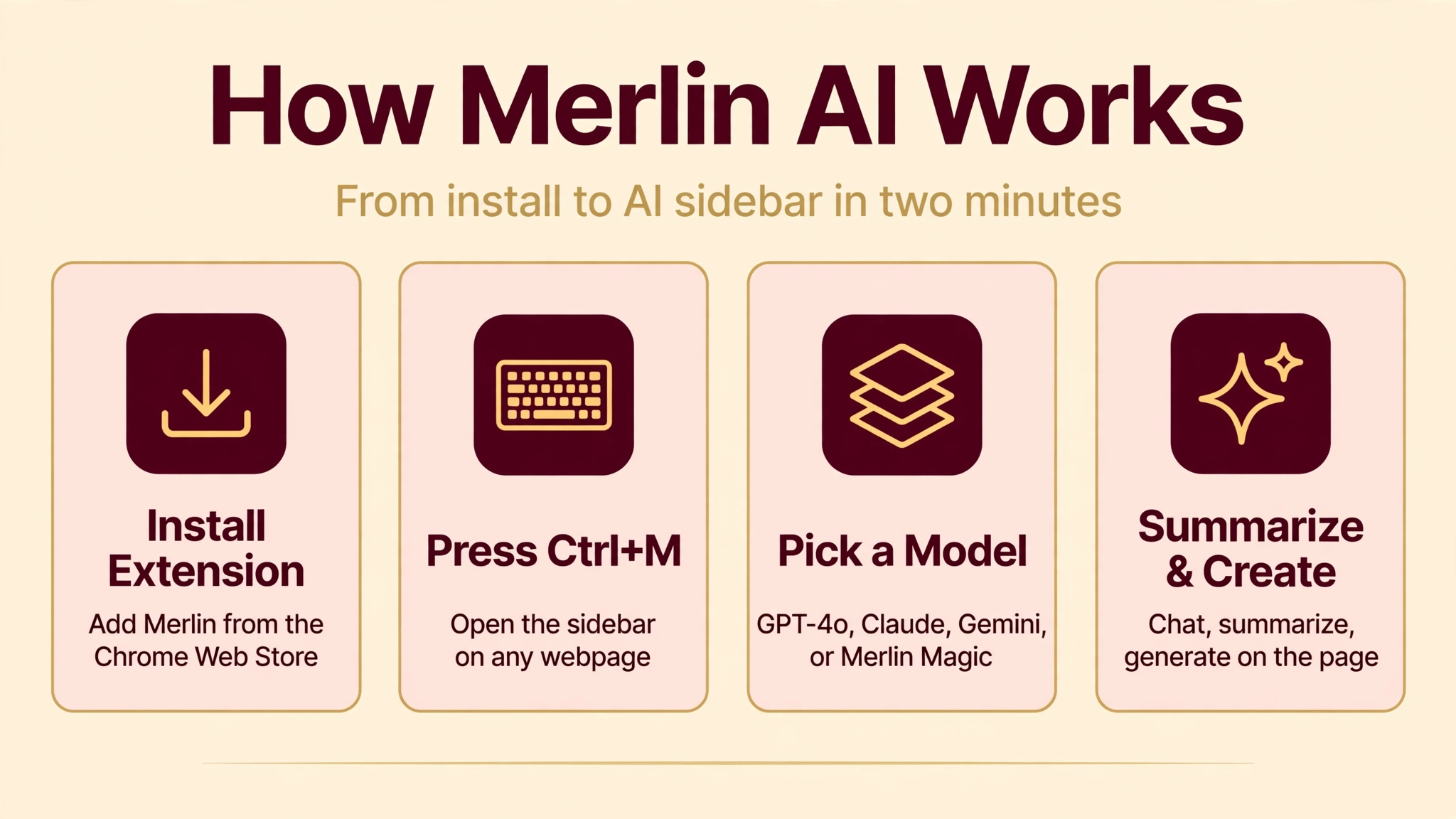
Getting started takes about two minutes. You install the Merlin extension from the Chrome Web Store, sign in with your Google account or email, and a small Merlin icon appears in your browser toolbar. From then on, pressing Ctrl+M on Windows or Cmd+M on Mac opens the AI sidebar on whatever page you are viewing, with the page’s content already loaded as context for your questions.
When you type a prompt, Merlin routes it to the AI model you have selected, or to Merlin Magic, an automatic mode that picks a model based on your use case. Because the sidebar already understands the page you are on, you can ask things like “summarize this article in five bullets” or “draft a professional reply to this email thread” without copying anything. For selected text, a floating mini-menu offers one-click actions such as summarize, explain, translate, or rewrite.
Beyond chat, Merlin organizes its capabilities into dedicated tools. The YouTube summarizer pulls transcripts and produces timestamped summaries of long videos. Chat with PDF and chat with website let you upload documents or paste links and then ask questions about their contents. Analyst Mode works like a data analyst: you upload a spreadsheet and it writes code to analyze the data and visualize insights.
On the image side, Merlin integrates models such as FLUX 1.1 Pro, Recraft V3, Ideogram V3 Turbo, and GPT Image 1, with extras like upscaling, background removal, and object erasing. Everything shares one account, so your free or paid query allowance applies across chat, tools, and image features, subject to a combined fair-use limit.
Key Features of Merlin AI
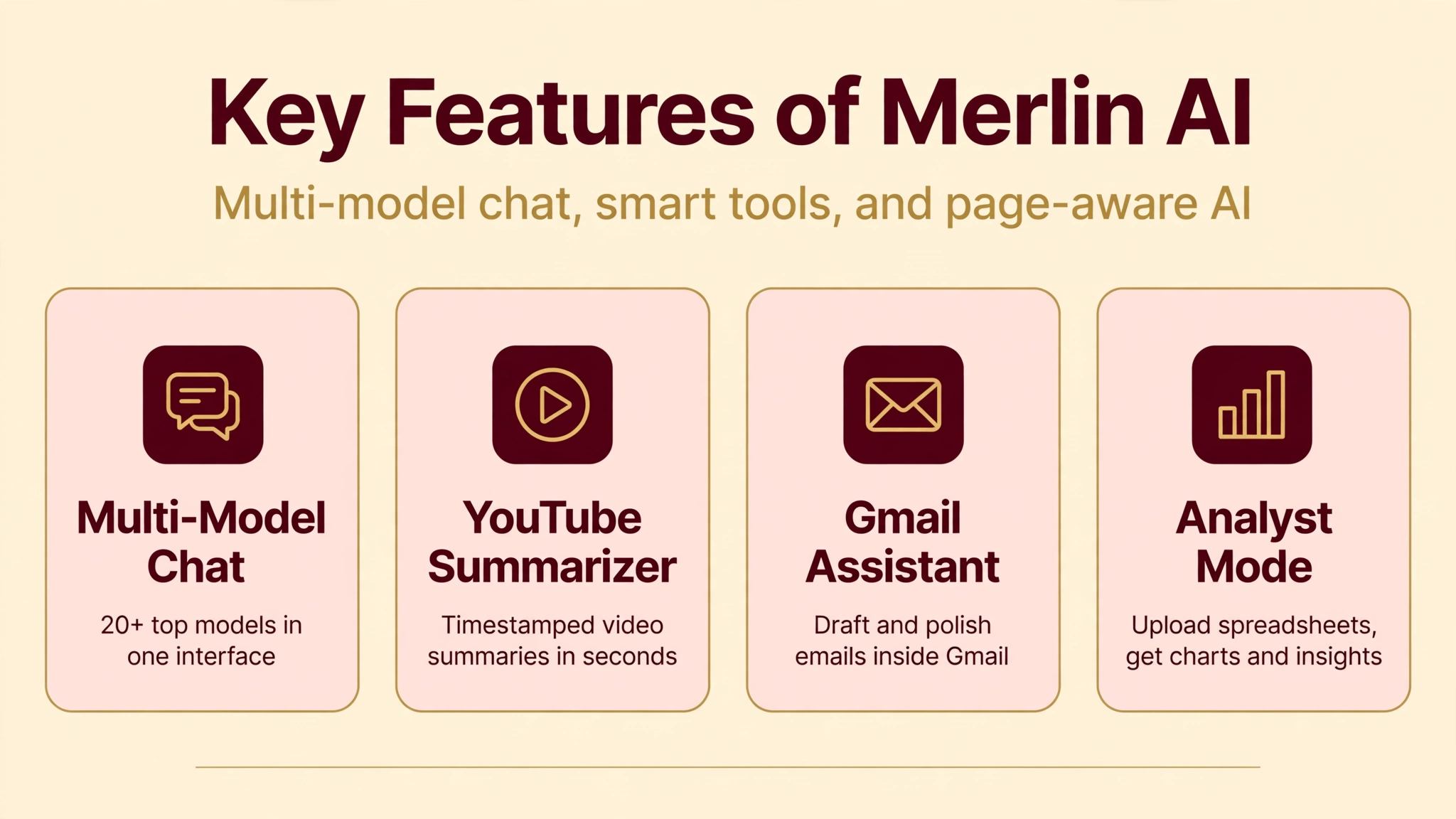
- Multi-model sidebar on any page: Chat with GPT-4, GPT-4o, GPT-5, Claude Sonnet and Opus variants, Gemini, Llama, Mistral, DeepSeek, and Grok without leaving the page you are on, summoned instantly with a keyboard shortcut.
- 70+ built-in AI tools: A large toolkit covering summarizers, an email and social media writer, essay writer with citation support, AI translator, plagiarism checker, and code helpers, so common tasks need no prompt engineering.
- YouTube and blog summarizers: Turn long videos into timestamped summaries and articles into key points in seconds, a favorite among students and researchers. If you create written content regularly, you may also like our guide to the AI Text Generator | 10 Best Free and Paid Tools.
- Gmail compose and reply assistant: Draft and polish emails directly inside Gmail’s composer, with tone control for professional, friendly, or concise replies.
- Chat with PDF and websites: Upload documents or paste a link and ask questions about the content, useful for research papers, contracts, and long reports.
- AI detector and humanizer: Built-in tools to check whether text looks AI-generated and to rewrite it in a more natural style. For a dedicated detection tool, see Winston AI | AI Content Detector, Features, Pricing, And More.
- Image generation and editing: Generate images with leading models, then upscale, erase objects, or replace backgrounds without opening another app.
- Analyst Mode: Upload CSVs or spreadsheets and get an AI agent that writes code for analysis and creates charts from your data.
- Projects and knowledge bases: Maintain persistent collections of your files, links, and videos that the AI can retrieve from when answering.
- Crafts: Create diagrams and even render React apps and websites from a simple prompt.
- 128+ language support: Chat, translate, and generate content in well over a hundred languages.
- Mobile apps and sync: iOS and Android apps keep your conversations and settings synced with the browser extension.
Is Merlin AI Free?
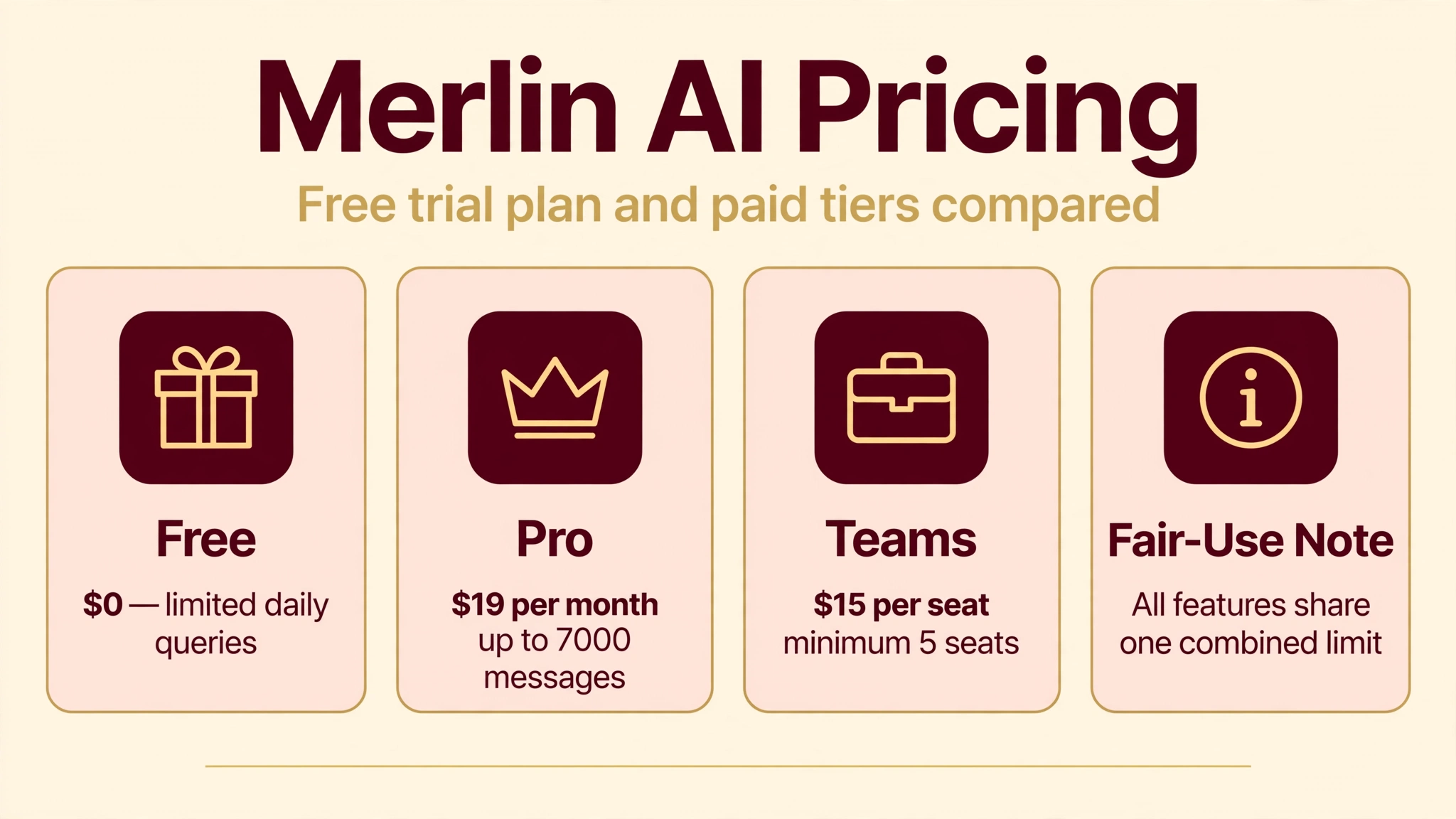
Yes, Merlin AI has a free plan, but it is designed as a trial of the platform rather than a full replacement for paid AI tools. Here is how the pricing breaks down based on the official pricing page and recent reviews:
- Free ($0): Limited daily queries, limited access to basic models, limited access to premium models, basic image generation, limited access to the 70+ AI tools, sync across devices, and limited Chrome extension features. Enough to test whether the sidebar workflow suits you.
- Pro ($19 per month): Much higher query allowances across text models (for example, up to 7,000 messages per month on GPT-class models on current tiers), extended access to features like Crafts, Projects, and Analyst Mode, thousands of image generations per month, YouTube summarization allowances, and priority model routing.
- Teams ($15 per seat per month, billed annually, minimum 5 seats): Everything in Pro, plus team member management, a usage dashboard, larger context windows, and shared workspaces for organizations.
Two honest caveats belong here. First, Merlin has revised its tiers and per-tier query allowances more than once, so treat any specific number as indicative and confirm on the live pricing page before buying, especially annually. Second, all features share a combined fair-use limit, so heavy use of one feature reduces availability for others, and some reviewers report hitting caps sooner than the marketing suggests.
How to Use Merlin AI
- Step 1: Install the extension. Add Merlin from the Chrome Web Store to Chrome, Edge, or another Chromium browser, then pin it to your toolbar for quick access.
- Step 2: Create your account. Sign in with your Google account or email. The free plan activates immediately with no credit card required.
- Step 3: Open the sidebar anywhere. Press Ctrl+M on Windows or Cmd+M on Mac on any webpage to open the Merlin sidebar with the page loaded as context.
- Step 4: Pick a model or use Merlin Magic. Choose a specific model like GPT-4o or Claude, or let Merlin Magic select one automatically based on your task.
- Step 5: Chat, summarize, or select text. Ask questions about the current page, highlight any text for one-click actions like summarize or rewrite, or open a dedicated tool such as the YouTube summarizer.
- Step 6: Try the specialized tools. Explore chat with PDF, Analyst Mode for spreadsheets, Crafts for diagrams, and image generation from the tool menu.
- Step 7: Upgrade only if you hit limits. Use the free daily queries for a week or two. If you consistently run out, compare Pro against simply subscribing to a single model provider directly.
Is Merlin AI Safe?
On paper, Merlin’s security posture looks solid for a consumer AI product. The company states compliance with SOC 2, GDPR, and ISO 27001 standards, which are the industry-standard frameworks for data security and privacy. Your account is protected by standard authentication through Google or email sign-in, and team plans add centralized access controls.
That said, two practical cautions apply. First, Merlin routes your prompts to third-party AI providers, so anything you paste, upload, or summarize is processed outside Merlin’s own servers. Avoid feeding it passwords, private customer data, or medical records. Second, independent review patterns are worth noting: while the Chrome Web Store rating is strong, unprompted Trustpilot reviews skew negative, mostly around billing disputes and refund difficulties. If you subscribe, keep an eye on renewal dates.
For everyday use such as summarizing public articles, drafting emails, and brainstorming, Merlin is as safe as any mainstream AI assistant. Just treat it like email: convenient, but not the place for your most sensitive secrets.
Merlin AI Pros and Cons
Pros
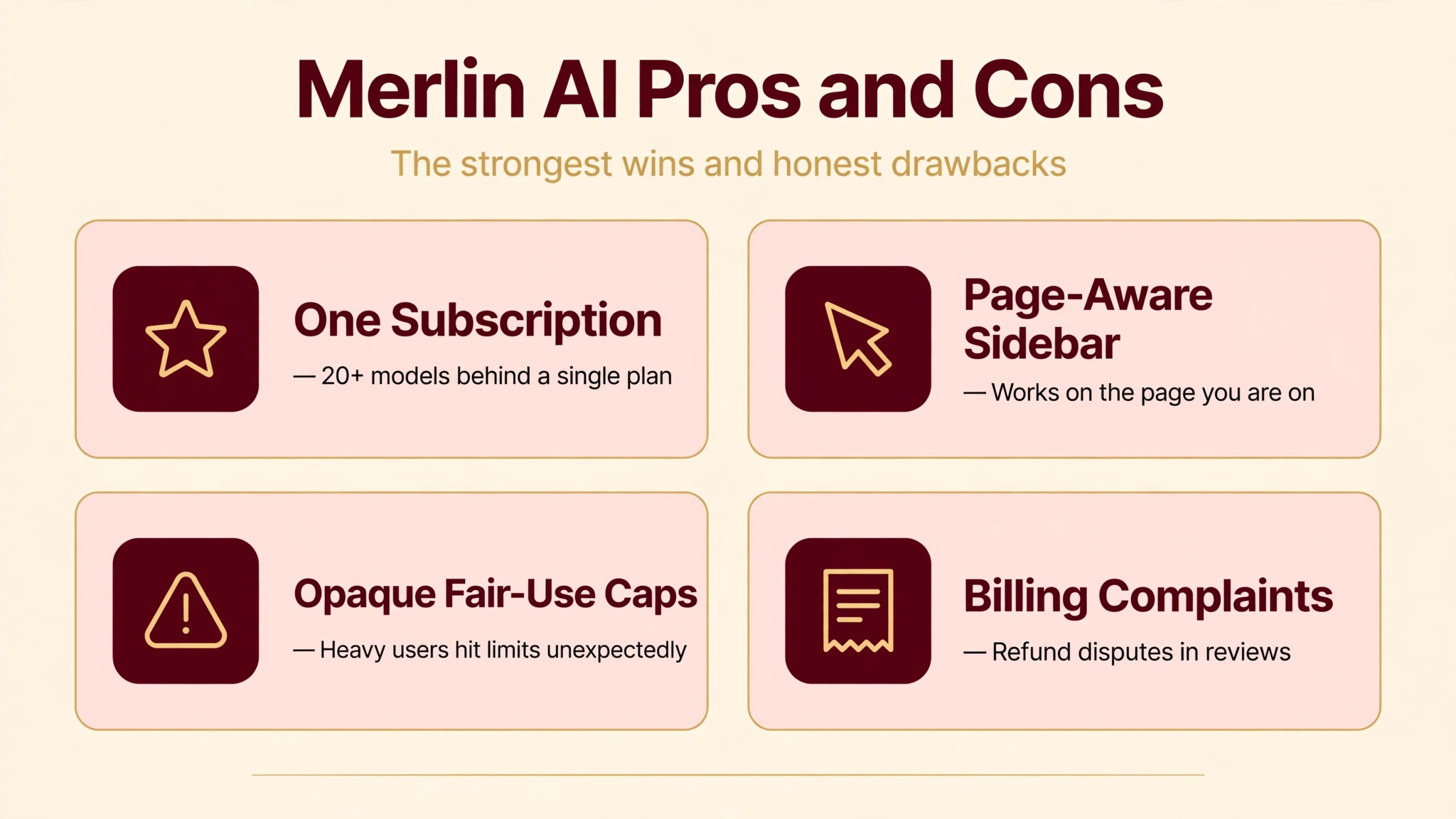
- Access to 20+ top AI models through one subscription and one interface.
- Genuinely useful browser integration: the sidebar understands the page you are on.
- Huge toolkit of 70+ ready-made tools, from YouTube summaries to Gmail replies.
- Free plan lets you test the full workflow before paying anything.
- Web app plus iOS and Android apps with cross-device sync.
- Strong extras like Analyst Mode, Projects knowledge bases, and Crafts diagrams.
Cons
- Fair-use caps are opaque, and heavy users report hitting limits unexpectedly.
- Pattern of billing and refund complaints in independent reviews.
- Pricing tiers and allowances have changed multiple times, which erodes trust.
- Response speed can lag during peak times according to testers.
- Merlin trains no models of its own, so quality depends entirely on third parties.
- No Firefox or Safari extension, Chromium browsers only.
Merlin AI vs Alternatives
Merlin AI vs ChatGPT Plus: ChatGPT Plus costs $20 per month and gives you deep access to OpenAI’s own models with features like custom GPTs and advanced data analysis. Merlin at $19 per month gives you many models instead of one, plus the browser layer. Choose ChatGPT Plus if you want the best single-model experience; choose Merlin if you constantly copy web content into AI chats and want that friction gone. An independent comparison of the extension is available in this Merlin AI review.
Merlin AI vs Monica: Monica is the closest direct rival, another multi-model AI sidebar for Chrome, and it undercuts Merlin on price with plans starting around $8 to $10 per month. Both offer summarizers, writing tools, and multi-model chat. Merlin edges ahead on the breadth of its toolkit and features like Analyst Mode, while Monica wins on price and simplicity.
Merlin AI vs Poe: Poe, by Quora, is a multi-model chat platform with custom bots, starting around $19.99 per month, but it has no browser extension. If your work happens mostly in chat threads, Poe’s bot ecosystem is richer. If your work happens on web pages, Merlin’s sidebar is the whole point.
Merlin AI vs Sider: Sider is another browser AI assistant with similar page-aware features and lower starting prices around $8 per month. It is a strong budget pick, though its toolkit is narrower than Merlin’s 70+ tools. For a real-time meeting companion rather than a browser sidebar, see Parakeet AI | AI Transcription Tool, Features, Pricing, And More.
Best Merlin AI Alternatives
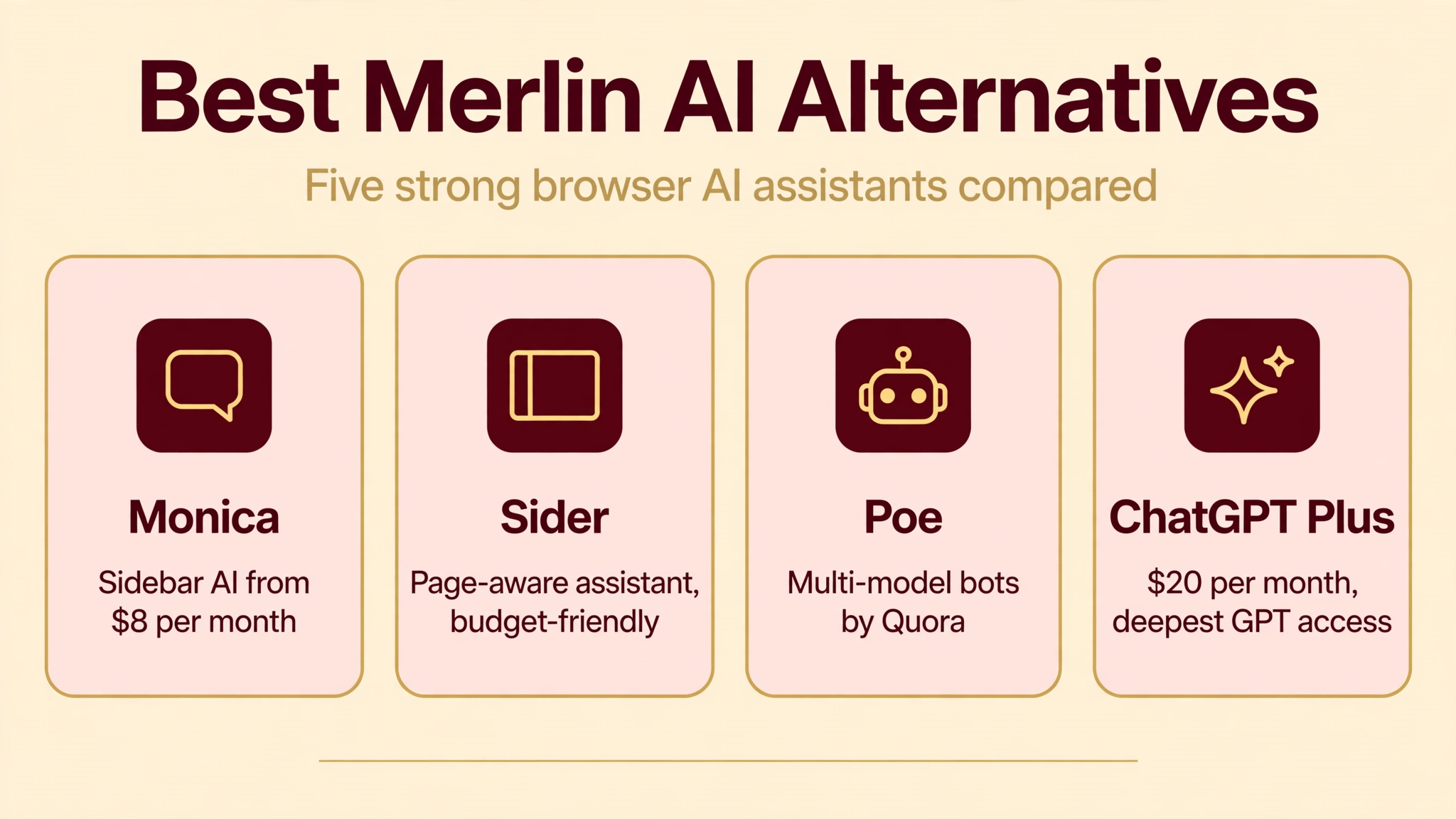
Monica AI. The closest alternative: a multi-model AI sidebar for Chrome with chat, summarization, writing, and image tools, starting at a lower price than Merlin. Best for users who want the sidebar concept on a budget.
Sider. A page-aware browser AI assistant with chat, translation, and writing helpers built into a sidebar and floating toolbar. Affordable plans and a clean interface make it ideal for casual daily use.
Poe by Quora. A polished multi-model chat platform with thousands of community-created bots, including specialized assistants for writing, coding, and roleplay. No extension, but excellent for pure chat workflows.
MaxAI. Another Chromium AI sidebar with summarizers, writers, and multi-model access, often priced below Merlin. A solid pick if Merlin’s pricing feels steep for your usage.
ChatGPT Plus. OpenAI’s own $20 per month plan with the deepest GPT model access, custom GPTs, and advanced data analysis. Best when model quality matters more than browser convenience.
Who Should Use Merlin AI?
Merlin AI fits people who live in their browser and constantly shuttle text between web pages and AI tools. Students and researchers who summarize papers and videos will get immediate value from the summarizers and chat-with-PDF features. Professionals who write dozens of emails and LinkedIn messages a day benefit most from the Gmail and LinkedIn integrations, since the time savings compound fast.
Content creators, marketers, and analysts who juggle writing, research, and data tasks will appreciate having 70+ tools and multiple models in one place. It is a weaker fit if you only need one AI chatbot occasionally, if you use Firefox or Safari, or if you already pay for ChatGPT Plus or Claude Pro and are happy switching tabs. In those cases, Merlin is a duplicate expense rather than a new capability.
Getting the Most Out of Merlin AI
A few habits separate happy Merlin users from frustrated ones. First, learn the keyboard shortcut until it is muscle memory: Ctrl+M or Cmd+M is the entire product thesis, and users who never build the habit end up with an icon they forget to click. Second, highlight text before opening the sidebar whenever you want to work with something specific; page-aware prompting is dramatically better than generic chat because the model starts with your context.
Third, treat the free plan as a measuring tool. Track how many days per week you hit the daily query cap. If it is most days, Pro will likely pay for itself; if it is rarely, you are fine on free. Fourth, for long documents, use chat with PDF or Projects rather than pasting walls of text into chat. Finally, before any annual purchase, re-read the current pricing page carefully and prefer monthly billing until you are sure the allowances match your real usage.
FAQs
Is Merlin AI really free?
Yes, Merlin AI offers a free plan with no credit card required, but it includes limited daily queries, limited access to premium models, and limited use of the 70+ tools and image features. It is best for testing the sidebar workflow. Regular daily use realistically requires the Pro plan at $19 per month.
Which AI models does Merlin AI use?
Merlin does not train its own models. It routes prompts to more than 20 third-party models including GPT-4, GPT-4o, GPT-5, Claude Sonnet and Opus variants, Google Gemini, Llama, Mistral, DeepSeek, and Grok. Merlin Magic can automatically choose a model based on your task.
Does Merlin AI work on Firefox or Safari?
No. The Merlin extension supports Chrome, Edge, and other Chromium-based browsers only. There is no Firefox or Safari extension. However, the web app at getmerlin.in and the iOS and Android apps work independently of your desktop browser.
Can I use Merlin AI on YouTube videos?
Yes. The YouTube summarizer is one of Merlin’s most popular tools. Open any YouTube video, launch Merlin, and it generates a timestamped summary of the video’s transcript, which is handy for lectures, podcasts, and long tutorials.
Is Merlin AI better than ChatGPT Plus?
It depends on what you value. ChatGPT Plus offers deeper access to OpenAI’s own models and features like custom GPTs. Merlin offers many models in one place plus the browser sidebar layer that works on any page. If you constantly move web content into AI chats, Merlin’s convenience can outweigh a single-model subscription.
Conclusion
Merlin AI is one of the most fully featured browser AI assistants you can install today. The combination of 20+ models, 70+ tools, page-aware chat, and genuinely useful extras like Analyst Mode and Projects makes a strong case for anyone whose work lives in the browser. The free plan is generous enough to prove the concept, and the 4.8-star Chrome Web Store rating shows many users stick around.
Go in with open eyes, though. The fair-use limits are not as transparent as they should be, the pricing tiers have shifted more than once, and billing complaints appear too often in independent reviews to ignore. Start free, measure your real usage for a couple of weeks, and only then decide whether Pro earns its $19 per month. Used that way, Merlin AI is a legitimate productivity upgrade rather than a gamble.
Discover More: