Emails, essays, marketing copy, blog posts: the writing never stops, so writers are turning to AI text generators, tools that write content from your prompts. The right one depends entirely on your use case, and picking wrong wastes both time and money.
We tested the major options across real writing tasks. The best free picks include ChatGPT, Google Gemini, Microsoft Copilot, and Rytr’s generous free plan. For professional work, Jasper leads in marketing content, Copy.ai excels at sales copy, Claude is praised for natural sounding prose, and Grammarly’s free tier remains the best writing improver. Most premium tools cost $9 to $50 per month.
In this guide we rank the 10 best AI text generators, compare free versus paid, and help you choose based on whether you write for general, marketing, SEO, or academic purposes.
Quick Answer
An AI text generator is a tool that writes content from your prompts, from emails and essays to marketing copy and blog posts. The best free options include ChatGPT, Google Gemini, Microsoft Copilot, and Rytr’s generous free plan. For professional work, Jasper leads in marketing content, Copy.ai excels at sales copy, Claude is praised for natural sounding prose, and Grammarly’s free tier remains the best writing improver. Most premium tools cost $9 to $50 per month. The right pick depends on your use case: general writing, marketing, SEO, or academic work.
What Is an AI Text Generator?
An AI text generator is software powered by artificial intelligence, typically a large language model, that produces written content from a short instruction. You describe what you need, a product description, a cover letter, a blog outline, a poem, and the tool drafts it in seconds. Modern generators handle tone, length, format, and even multiple languages, making them useful far beyond simple autocomplete.
The category covers two overlapping jobs. AI text generators create original content from scratch, which is what tools like Jasper, Copy.ai, and Rytr do. AI writing assistants improve text you already wrote, which is Grammarly’s and QuillBot’s territory. Many platforms now do both: Notion AI drafts and edits inside your notes, and ChatGPT happily switches between creating and polishing.
These tools have become everyday infrastructure for marketers, students, freelancers, and small businesses. A $50 per month tool that saves ten hours of writing time monthly pays for itself quickly, which is why adoption keeps climbing even as free options get better.
How Does an AI Text Generator Work?
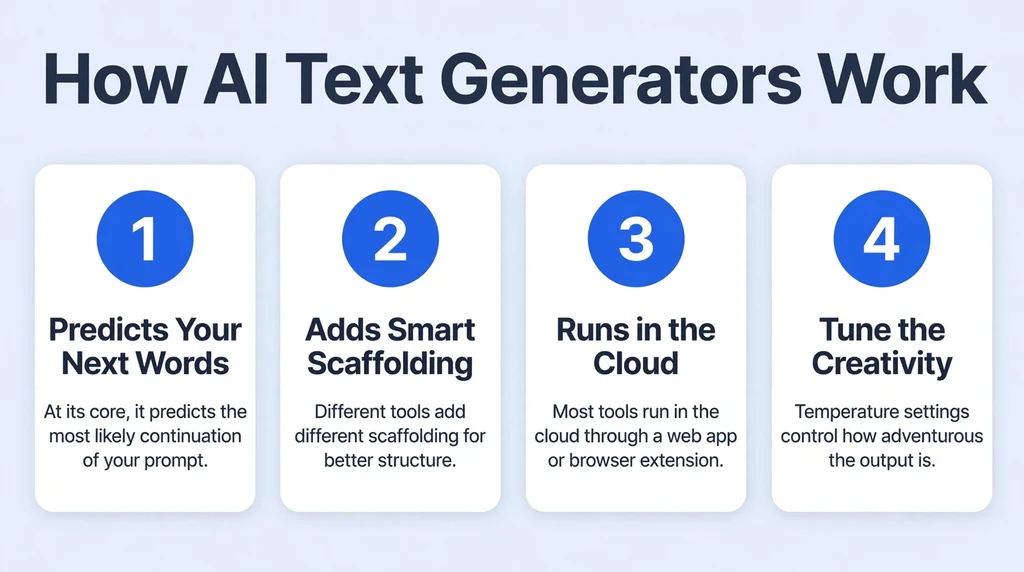
At its core, an AI text generator predicts the most likely continuation of your prompt using patterns learned from enormous amounts of text. You provide the topic, audience, tone, and length, and the model produces a draft that matches those constraints. The quality of the output depends heavily on the quality of your prompt: specific instructions about structure and style beat vague requests every time.
Different tools add different scaffolding. Marketing focused generators like Jasper and Copy.ai offer templates for specific formats: ad headlines, product descriptions, email sequences. SEO tools like Writesonic and Frase pull in search data to align content with what ranks. Paraphrasers like QuillBot specialize in rewriting existing sentences in new words. General chatbots like ChatGPT, Gemini, and Claude rely on conversation, letting you iterate with follow up instructions.
Most tools run in the cloud through a web app or browser extension. Free tiers limit words, features, or daily usage, while paid plans unlock longer outputs, better models, plagiarism checks, and team features.
Temperature and creativity settings, where offered, control how adventurous the output gets. Low settings produce safe, predictable text ideal for business writing. Higher settings take more risks with wording and ideas, which suits brainstorming and creative work but increases the chance of odd phrasing. Most users never touch this dial, but knowing it exists helps when output feels either too boring or too wild.
Another underused capability is style imitation through examples. Paste two or three paragraphs written in the voice you want, then ask the tool to continue in the same style. This few shot approach beats tone sliders for matching a specific brand voice or a favorite author’s cadence, and it works on nearly every platform.
Key Features of AI Text Generators
Here are the capabilities that separate genuinely useful tools from gimmicks.
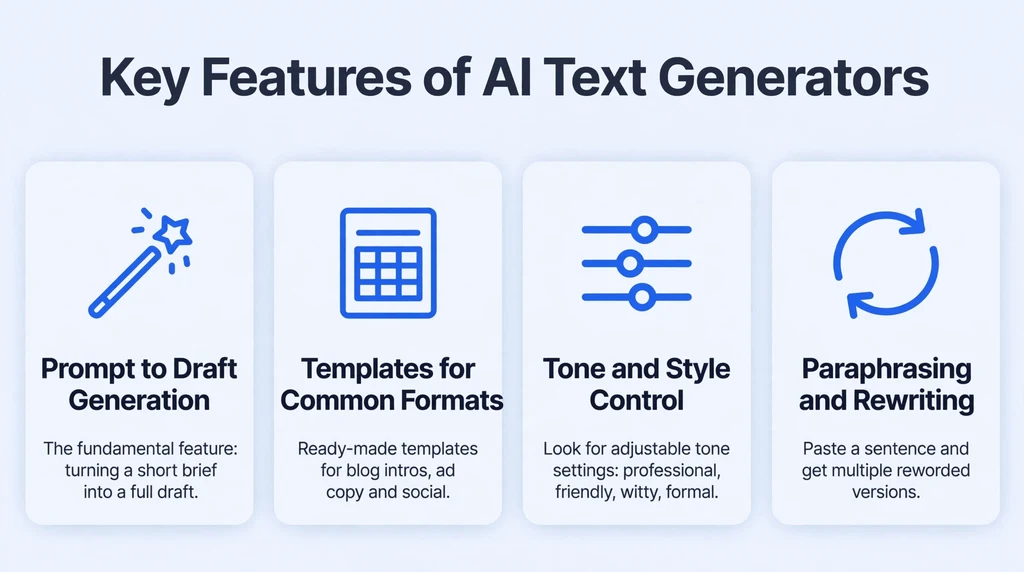
Prompt to Draft Generation
The fundamental feature: turning a short brief into a full draft. The best tools respect your specified tone, audience, and format instead of producing generic filler that needs total rewriting.
Templates for Common Formats
Marketing tools shine here, with ready made templates for blog intros, ad copy, social posts, product descriptions, and emails. Templates save the most time for repetitive business writing.
Tone and Style Control
Look for adjustable tone settings: professional, friendly, witty, formal. The difference between a tool that nails your brand voice and one that writes everything like a press release lives in this setting.
Paraphrasing and Rewriting
QuillBot built its reputation on this: paste a sentence and get multiple reworded versions. Essential for students, non native speakers, and anyone polishing rough drafts.
Grammar and Clarity Checking
Grammarly’s home turf. Real time grammar, spelling, tone, and clarity suggestions layered over everything you write, in a browser extension that works almost everywhere.
Plagiarism and AI Detection
Increasingly important for students and publishers. Some tools bundle originality checks so you can verify your content before submitting or publishing it.
Is an AI Text Generator Free?
Yes, strong free options exist. ChatGPT’s free tier handles everyday writing tasks well. Google Gemini is free and fast with a familiar interface. Microsoft Copilot is free with a Microsoft account and includes web search. Rytr’s free plan offers 10,000 characters per month with no credit card required, which covers short tasks. Grammarly’s free tier includes grammar checking, tone detection, and a monthly allowance of AI prompts. Simplified also offers a usable free plan.
Free plans have limits: monthly word caps, fewer templates, slower or older AI models, and no advanced features like brand voice or plagiarism reports. For students, casual bloggers, and light business use, free is often plenty. Heavy content producers will hit the ceilings quickly.
Paid plans start low and climb fast. Rytr’s paid tier starts around $9 per month. Jasper, Copy.ai, and Writesonic sit in the $30 to $50 range for individual plans, with team tiers higher. QuillBot Premium and Grammarly Premium are mid priced options for rewriting and editing. Annual billing typically saves 15 to 20 percent.
Batch your prompting for efficiency. Instead of generating one email at a time, queue up five related tasks in one session: the announcement, the social post, the FAQ entry, the subject lines, the follow up. Working in batches keeps you in an editing mindset and reveals inconsistencies across pieces while they are still easy to fix.
Learn the revision vocabulary of your chosen tool. Phrases like “make this more concise,” “rewrite for a skeptical audience,” “add a concrete example,” and “match the tone of the previous paragraph” are precision instruments. The writers getting the most from AI tools are not better prompters in some mystical sense; they simply revise in more rounds with more specific instructions.
How to Use an AI Text Generator
Good results come from good process. Here is a workflow that works across tools:
- Choose your tool by task: a chatbot for general writing, a marketing tool for copy, a paraphraser for rewriting, an editor for polishing.
- Start with the free tier to learn the interface before spending money.
- Write a detailed prompt: state the format, audience, tone, length, and key points to include. Example: “Write a 150 word product description for a ceramic coffee mug, friendly tone, aimed at gift buyers, mention dishwasher safety.”
- Generate, then iterate. Ask for a shorter version, a bolder headline, or a more formal tone. Two or three rounds beat one long prompt.
- Fact check everything. AI tools confidently invent statistics, dates, and quotes. Verify claims independently before publishing.
- Add your own insight. The most valuable paragraph in any AI assisted piece is the one only you could write: an opinion, an anecdote, a specific example.
- Edit for voice. Read the draft aloud and cut anything that sounds robotic. Your final pass is what makes it human.
Data security deserves emphasis for teams. Consumer AI tools generally reserve the right to use your inputs for training, which is fine for public blog posts and terrible for unreleased product plans or client confidential material. Enterprise tiers with zero retention policies exist precisely for this reason. If your work involves sensitive data, the cheapest compliant option is often a business plan from a major provider, not a free consumer account.
Accessibility is a quieter benefit. Non native English speakers use these tools to close fluency gaps, neurodivergent writers use them to organize thoughts, and busy founders use them to get ideas out of their heads and onto the page. Judged purely as assistive technology, AI writing tools are among the most broadly useful software of the decade.
Is Using an AI Text Generator Safe?
Reputable AI writing tools are safe to use: they run in your browser, do not harm your device, and protect accounts with standard security. The cautions are about content, not malware.
Privacy first: your prompts are stored on the provider’s servers. Do not paste passwords, private client data, unpublished research, or anything confidential into a free consumer tool. Businesses handling sensitive material should use enterprise tiers with data processing agreements.
Accuracy second: AI generators hallucinate. They invent facts with total confidence, so every statistic, name, and date needs independent verification before it goes public.
Originality third: AI text can trip plagiarism and AI detectors. For schoolwork, follow your institution’s AI policy and cite AI assistance where required. For publishing, disclose AI use where platforms ask for it, and always add substantial human editing. Heavily edited, fact checked, insight rich content is both safer and better.
AI Text Generator Pros and Cons
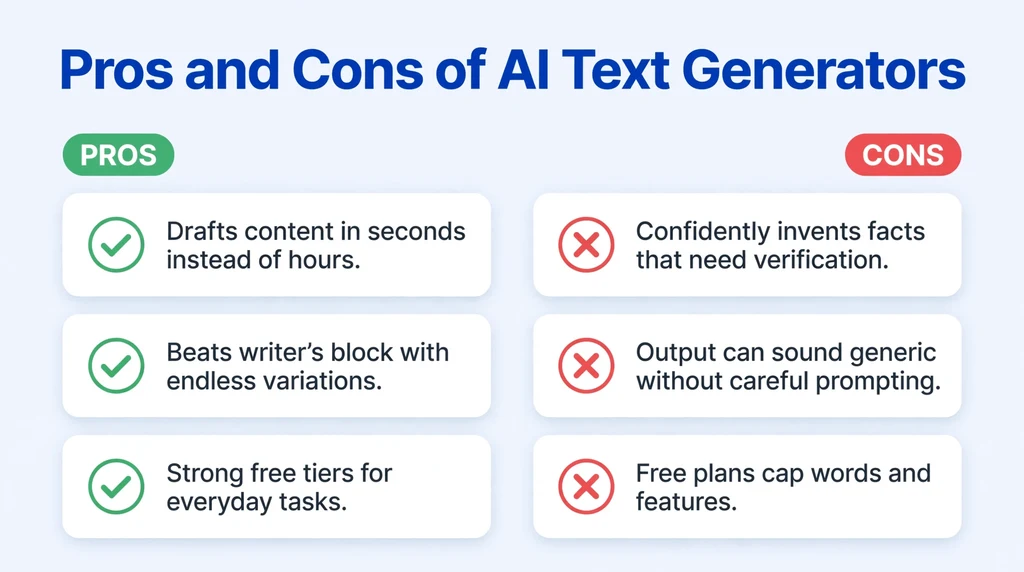
- Drafts content in seconds instead of hours
- Beats writer’s block with endless variations
- Strong free tiers for everyday tasks
- Templates speed up repetitive business writing
- Multilingual support for global teams
- Available around the clock with no scheduling
- Confidently invents facts that need verification
- Output can sound generic without careful prompting
- Free plans cap words and features
- Detection tools may flag unedited AI text
- Privacy concerns for sensitive or proprietary content
- Overuse can flatten your personal writing voice
AI Text Generator vs Alternatives
The classic alternative is writing everything yourself. It is slower, but the voice is unmistakably yours and there are no accuracy or originality worries. For personal essays, opinion pieces, and anything where your perspective is the product, manual writing still wins.
Hiring freelance writers is the premium alternative. A skilled human brings research ability, interview skills, and judgment that AI cannot match, at a cost of tens to hundreds of dollars per piece. Businesses with budget and high stakes content often use a hybrid: AI for drafts, humans for reporting and final polish.
Within the AI world, the choice is between general chatbots and specialized tools. Chatbots like ChatGPT and Gemini are flexible and cheap, but lack marketing templates, SEO scoring, and brand voice features. Specialized tools cost more but pay off for teams producing content at volume in a specific format.
Translation and localization tools deserve a mention as adjacent alternatives. If your main need is producing content in multiple languages rather than drafting from scratch, a dedicated translation platform with AI assistance will outperform a general text generator. Similarly, transcription tools that turn meetings into written summaries solve a different problem better than any chatbot.
The pragmatic answer for most people is a stack, not a single tool: a free chatbot for drafting, a paraphraser for rewriting, and an editor for polish. That combination costs little or nothing and covers nearly every writing task a small team faces.
Best AI Text Generator Alternatives
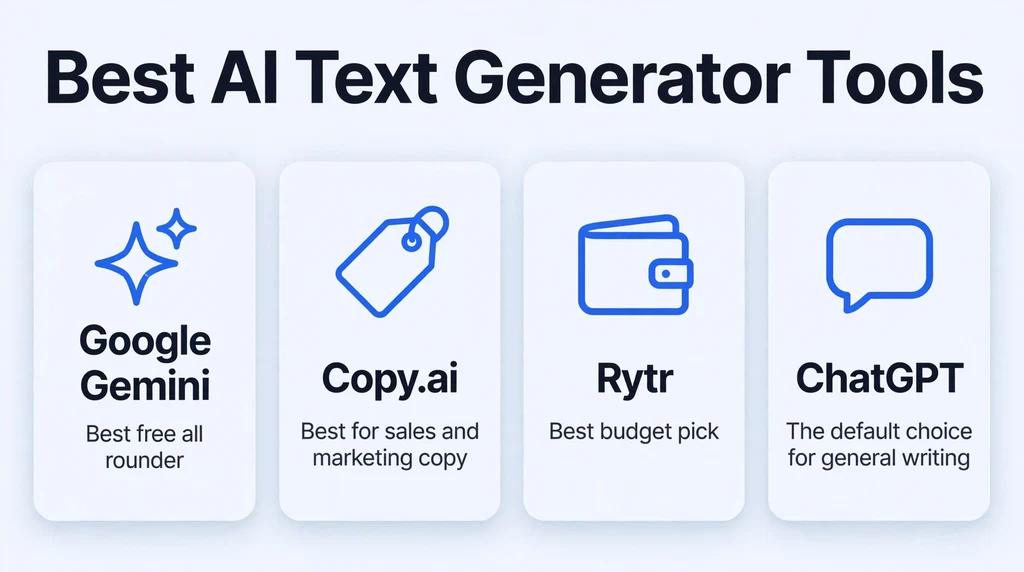
These seven tools cover every major use case.
ChatGPT
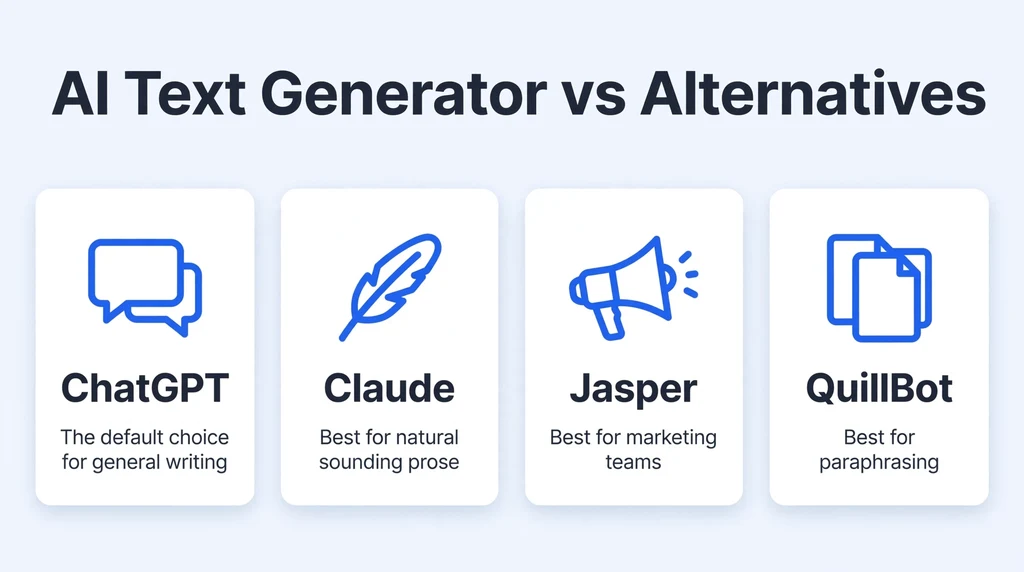
The default choice for general writing. Excellent at brainstorming, drafting, outlining, and editing, with custom GPTs and memory on paid plans. The free tier is genuinely capable, and Plus costs $20 per month. It can be generic without strong prompting.
Google Gemini
Best free all rounder. Fast, capable, and woven into Google’s ecosystem, with a generous free tier that handles everyday writing, research, and summarization. The interface will feel instantly familiar to Google users.
Claude
Best for natural sounding prose. Frequently cited as the most human writer among AI models, it avoids many of ChatGPT’s clichés and handles long documents gracefully with its large context window. Pro runs about $17 to $20 per month.
Jasper
Best for marketing teams. Purpose built for brand consistent marketing content with templates, brand voice settings, and campaign workflows. Pricing sits in the premium range, but teams producing high volume marketing copy see clear returns.
Copy.ai
Best for sales and marketing copy. Strong template library for ads, emails, and product descriptions, with workflow automation for go to market teams. A favorite for short form persuasive writing.
Rytr
Best budget pick. A generous free plan with 10,000 characters monthly and paid plans starting around $9, covering 40 plus templates for common formats. Ideal for freelancers and students watching their spending.
QuillBot
Best for paraphrasing. The go to tool for rewriting sentences, summarizing articles, and polishing academic writing, with a free tier for basic use. Essential for non native English speakers and students.
Voice input is changing how people draft. Speaking your ideas into a chatbot, then asking it to structure the transcript, bypasses the blank page entirely for verbal thinkers. The workflow is simple: ramble for five minutes, request an outline of what you said, then expand the outline into a draft. Writers who think out loud often produce better first drafts this way than by typing.
Collaboration features matter more than most solo users expect. Shared workspaces, comment threads, and version history turn AI writing from a solitary act into a team process. Even if you write alone today, choosing a tool with collaboration support keeps your options open for the day a client, editor, or coauthor joins the project.
Who Should Use an AI Text Generator?
Marketers and small business owners who publish constantly will benefit most from Jasper or Copy.ai. Students and academics should lean on QuillBot and Grammarly for rewriting and correctness. Freelancers on a budget get enormous value from Rytr’s free plan. General users who just want a writing helper will be happy with ChatGPT, Gemini, or Copilot for free.
Skip them, or use them lightly, if you write literary or deeply personal work where voice is everything, or if you handle confidential material that should never touch a cloud server. And whatever you write, keep the human in the loop: prompt well, verify facts, and edit hard.
Content agencies and freelancers use these tools differently from in house teams. For client work, disclosure norms matter: many clients now ask whether AI was involved, and honest workflows document the human contribution. Agencies that systematize this, with AI drafts plus expert review as a defined service tier, tend to keep clients happier than those quietly passing off raw output.
A final note on skill building. Writers who learn to prompt well, verify rigorously, and edit ruthlessly become more productive without becoming dependent. Writers who accept first drafts as final become interchangeable. The tool amplifies whichever habit you bring to it, so bring good ones.
Expect the technology to keep shifting under your feet. Models improve every few months, pricing changes, and features migrate between tiers. The durable skill is not mastering one tool’s interface but mastering the underlying workflow: clear briefs, critical review, and relentless editing. Writers who own that workflow switch tools without missing a beat.
Start today with a single real task, not a test prompt. Pick tomorrow’s actual email, product description, or blog draft and run it through the workflow above. An hour of real use teaches more than a week of reading reviews, and you will know by the end whether AI writing tools earn a place in your routine.
Frequently Asked Questions About AI Text Generators
1. What is the best free AI text generator?
ChatGPT and Google Gemini offer the most capable free tiers for general writing. Rytr’s free plan is the best dedicated writing tool at no cost, with 10,000 characters monthly. Grammarly’s free tier is unmatched for improving text you already wrote.
2. Can AI generated text be detected?
Yes, detectors like GPTZero exist, but their accuracy is imperfect and false positives are common. Heavily edited text with original insights usually passes. The reliable approach is to treat AI output as a draft and rewrite it substantially in your own voice.
3. Is it legal to use AI generated text commercially?
Generally yes for blog posts, marketing copy, and product descriptions, with caveats: always review and edit the content, verify facts independently, add original analysis, and check the tool’s terms of service for commercial use rights.
4. Which AI text generator is best for SEO content?
Surfer and Frase lead for SEO focused content with optimization scoring and SERP analysis, though they are pricey. Writesonic also targets SEO workflows. For most bloggers, a general tool plus good SEO judgment works fine.
5. What is the difference between an AI text generator and a writing assistant?
Generators like Jasper and Copy.ai create original content from prompts. Assistants like Grammarly and QuillBot improve text you wrote yourself. Many modern tools, including ChatGPT and Notion AI, do both jobs in one interface.
Final Thoughts
An AI text generator is now as basic a productivity tool as a spell checker, and the free options are good enough that there is no reason not to try one. The trick is matching the tool to the task: chatbots for general work, specialists for marketing and SEO, paraphrasers for rewriting, editors for polish. Prompt specifically, verify relentlessly, and always add the one thing AI cannot: your own judgment.
For a tested comparison of leading options, see this review of 13 AI text generators. For free focused picks with no signup required, check this free AI text generator roundup.