Most AI image tools make you type a prompt and stare at a progress bar. Krea AI flips that: it is a real-time AI image and video generator that shows your creation forming live as you type or draw. Open a canvas, sketch rough shapes or describe a scene, and the image updates as you work.
We dug into the platform to test whether live generation is a gimmick or a genuine workflow upgrade. Hosted at krea.ai, it pairs its own Krea 2 image model with dozens of third-party models such as Flux and Veo 3 under one subscription. You can generate images, edit photos, upscale visuals to 22K, train custom LoRA styles on your own art, and turn text or images into video.
The free plan gives 100 compute units per day with no credit card required, and paid plans start at $9 per month. This guide breaks down the features, pricing, and closest competitors.
Quick Answer
Krea AI is a real-time AI image and video generator that shows your creation forming live as you type or draw. Hosted at krea.ai, it pairs its own Krea 2 image model with dozens of third-party models such as Flux and Veo 3 under one subscription. You can generate images, edit photos, upscale visuals to 22K, train custom LoRA styles on your own art, and turn text or images into video. The free plan gives 100 compute units per day with no credit card required, and paid plans start at $9 per month.
What Is Krea AI?
Krea AI is an all-in-one AI creative suite built around one signature idea: generating visuals should feel live, not like a waiting game. Instead of typing a prompt and watching a progress bar, you open a canvas, sketch rough shapes or type a description, and the image updates in real time as you work. That interactive loop is what made Krea stand out in a crowded field of AI art tools.
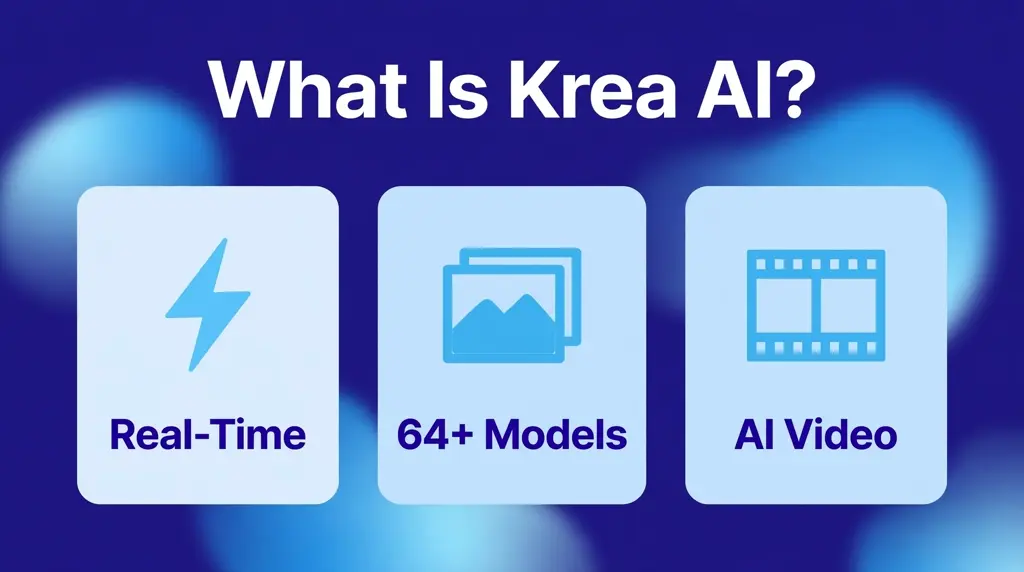
Around that live canvas sits a full production toolkit. Krea gives you access to more than 60 image models, including its own Krea 2 model released in 2026, plus leading video models such as Veo 3, Kling and Runway. You can enhance and upscale images to resolutions as high as 22K, train LoRA models on your own style, and chain everything into automated workflows with the node-based editor.
Because of that range, Krea serves two audiences at once. Casual creators use it to play with ideas quickly, since the real-time feedback makes experimentation almost free. Professionals use it for concept art, product mockups, architectural visualization and short video clips, then push the results through the enhancer for final output. It is less a single-purpose generator and more a creative workstation that happens to run on AI.
How Does Krea AI Work?
The workflow starts with a creative surface. You choose real-time generation, a specific image or video model, the enhancer, or the node editor depending on what you want to make. On the real-time canvas you type a prompt, draw a rough sketch, or upload a reference image. The model renders continuously, so every change you make to the prompt, style settings or composition updates the visual almost instantly.
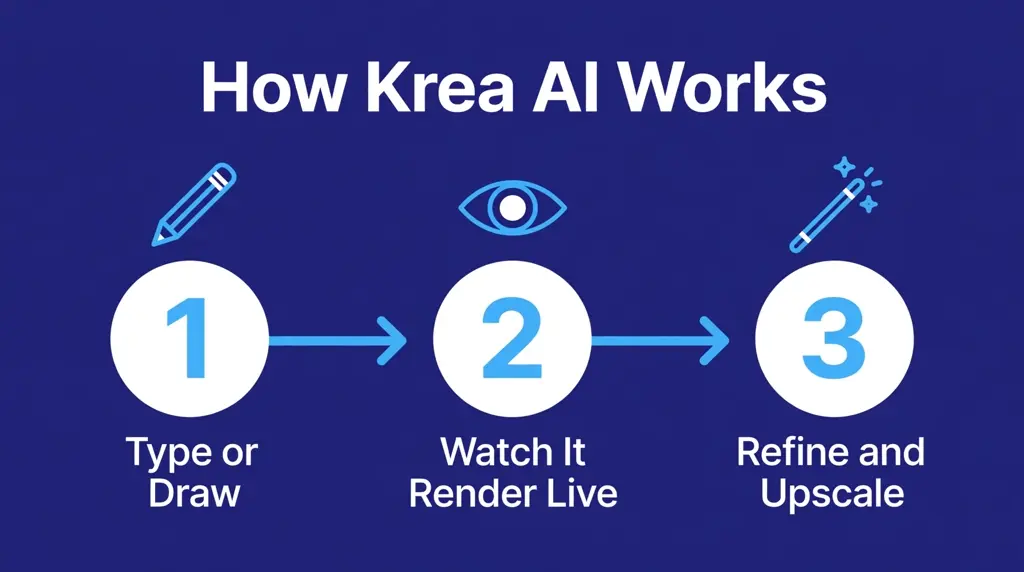
Once a direction looks promising, you switch to higher-control tools. You can regenerate with a stronger model like Flux or Krea 2 for final quality, adjust aspect ratios and style presets, or edit specific parts of the image. The enhancer then sharpens details, restores old photos or upscales renders for print and presentation. Power users take it further by training a LoRA on their own artwork or building a reusable node workflow that turns a successful experiment into a repeatable pipeline.
Krea 2 and the Model Library
Krea 2 is the platform’s own image model, built from scratch and released in 2026. Its open weights are free for non-commercial use and research, which makes it a favorite for tinkerers. Inside the app, though, Krea acts more like a model aggregator: you pick from fast, balanced or high-quality models and pay in compute units per generation. That flexibility is the point. You prototype cheaply on fast models and spend your credits on premium ones only when the output matters.
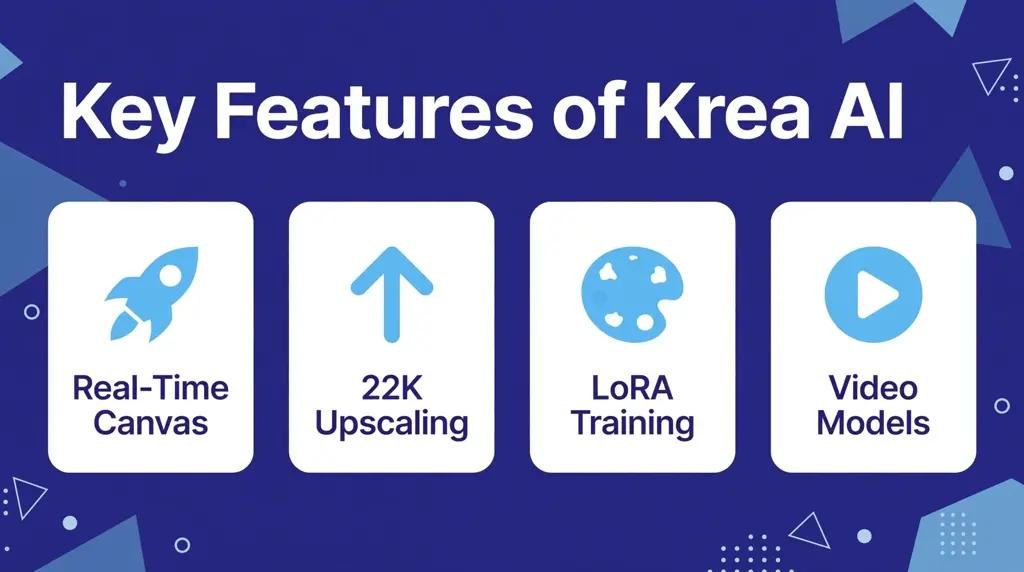
Key Features of Krea AI
- Real-time canvas: The signature feature. Images render live as you type prompts or sketch, turning generation into an interactive drawing session rather than a submit-and-wait process.
- Krea 2 model: Krea’s in-house image model with open weights for non-commercial use, offering fast, high-quality generation tuned for creative work.
- 60+ image models: Access to third-party models including Flux, Imagen and ChatGPT image models, so you can match the right engine to each task without juggling subscriptions.
- AI video generation: Text-to-video and image-to-video with leading models such as Veo 3, Kling, Hailuo, Wan, Runway and Seedance, one of the widest video rosters of any single platform.
- Enhancer and upscaling: AI upscaling up to 22K resolution on higher plans, powered by multiple upscaling engines. It can restore old photos, sharpen portraits and add fine detail to renders.
- LoRA training: Train reusable custom styles or subjects on your own images, then apply them across future generations for consistent branding or character design.
- Krea Nodes: A node-based workflow editor that chains models and steps into automated pipelines, with an App Builder that can deploy a workflow as a working app or API.
- 1,000+ styles: A large style library for instant aesthetic direction, from photorealism and anime to architectural sketch and product photography looks.
- 3D and lipsync: Beyond images and video, Krea includes 3D generation and lipsync tools, rounding out the suite for creators who work across media.
- Krea Agent: An assistant included on paid plans that helps plan and execute multi-step creative tasks inside the platform.
Is Krea AI Free?
Yes, Krea AI has a genuinely useful free plan. You get 100 compute units per day with no credit card required, including access to the real-time models, the Krea 2 image model, limited LoRA training and basic upscaling to 2K. Generations stay private in your own account gallery rather than a public feed. The main limits are the daily credit cap, a single image generation running at a time, and no access to the full video model library.
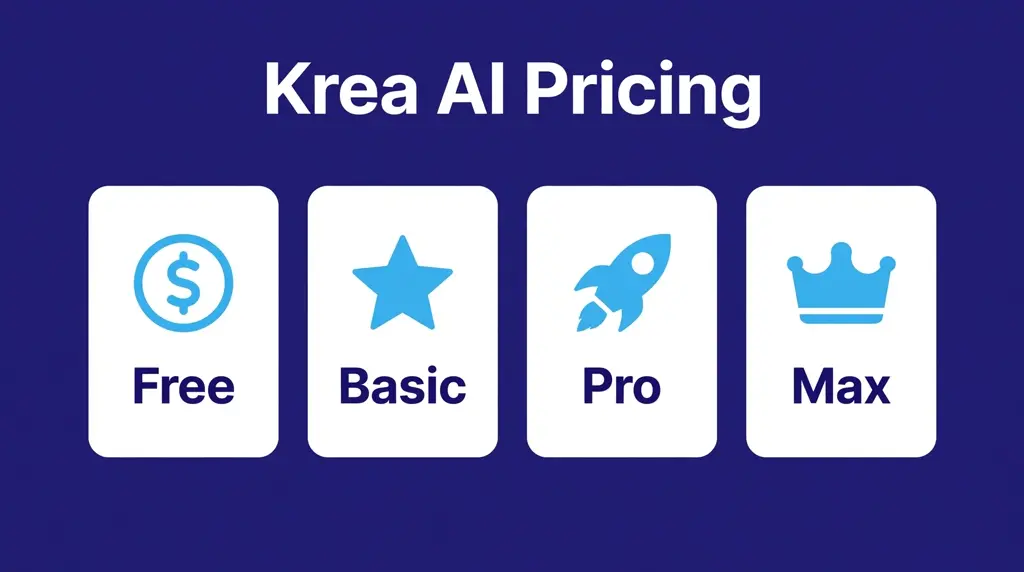
Paid plans unlock more monthly compute, the commercial license, the complete video model catalog and workflow tools. Here is the Krea AI pricing breakdown:
- Free ($0): 100 compute units per day, no credit card required. Real-time models, Krea 2 image generation, limited LoRA training and 2K upscaling. Best for trying the platform and casual experimenting.
- Basic ($9/month, or $5/month billed yearly): 5,000 compute units per month, the commercial license, all image models and selected video models. The entry point for client work and regular creating.
- Pro ($35/month, or $21/month billed yearly): 20,000 compute units per month with access to all video models, plus Krea Nodes, Apps and workflow automation. The sweet spot for serious solo creators.
- Max ($105/month, or $63/month billed yearly): 60,000 compute units per month, expanded concurrency, unlimited relaxed generations and 22K upscaling. Built for studios and heavy daily output.
- Business ($200/month): 80,000 compute units per month with a shared workspace for up to 50 seats, private node apps and priority support. Designed for teams and agencies.
Also see our guides on AI Dungeon and Suno AI for more AI tools in this space.
Which plan should you pick? Start free and learn the real-time canvas, since 100 daily units go surprisingly far for exploration. Move to Basic when you need the commercial license and steadier output, and choose Pro when video generation or node workflows become part of your process. Annual billing cuts roughly 40 percent off monthly prices, so commit yearly only after a month of real use confirms the fit.
How to Use Krea AI
- Sign up at krea.ai. Create a free account and you immediately get 100 compute units a day with no credit card required.
- Open the real-time canvas. This is the best starting point. You get a blank surface where images form live as you work.
- Type a prompt or sketch. Describe the image you want, draw rough shapes with the brush, or upload a reference photo to guide the composition.
- Watch it render live. The canvas updates continuously. Adjust your words, tweak the style preset or change the model and the visual follows in real time.
- Lock in a final generation. When the live preview looks right, generate a full-quality version with a stronger model such as Krea 2 or Flux.
- Enhance and upscale. Send your favorite result through the enhancer to sharpen details, fix faces or upscale it for print, portfolios or client delivery.
- Go further with video and training. Turn a still into a short clip with image-to-video, or train a LoRA on your own art so every future generation matches your style.
A practical tip: treat the real-time canvas as your sketchbook and the standard models as your studio. Do the messy exploration live where it costs almost nothing, then spend compute units on polished generations only for the ideas worth finishing.
Is Krea AI Safe?
Krea AI processes your prompts and images on its cloud servers, and everything you generate is stored in your private account gallery. There is no public feed, so your experiments are not broadcast to other users. That private-by-default setup is a meaningful difference from platforms where every generation is visible to the community.
Like most hosted AI tools, Krea applies content filters to block harmful, hateful and explicit generations, and its terms of service set rules on acceptable use. The platform is a general creative tool rather than a kid-focused product, so parents should supervise younger users the same way they would with any image generator.
Standard precautions still apply. Use a strong unique password, avoid uploading sensitive personal photos you would not want on a cloud server, and review the privacy policy and terms before paying for a plan. Keep local backups of finished work you care about, since credits, galleries and accounts ultimately live on someone else’s infrastructure. Finally, remember that AI-generated images can resemble existing artwork, so verify originality before using outputs in commercial projects.
Krea AI Pros and Cons
Pros
- Real-time interaction: The live canvas makes visual exploration dramatically faster than submit-and-wait generators, especially for concepting and client revisions.
- Model variety in one place: Dozens of image models and one of the widest video model rosters available, all under a single subscription and credit system.
- Strong free tier: 100 daily compute units with no credit card is enough to genuinely learn the platform before paying.
- Powerful upscaling: Up to 22K resolution with multiple enhancement engines, useful for print work and restoring old photos.
- Workflow automation: Nodes, the App Builder and the API turn successful experiments into repeatable production pipelines.
Cons
- Credit math takes learning: Compute units vary by model and settings, so budgeting generations is less intuitive than a simple image count.
- Premium video burns credits fast: Top video models cost hundreds of units per clip, which can drain a plan quickly on video-heavy projects.
- Single-image output style: Artists chasing Midjourney’s distinctive aesthetic may find Krea’s default look more neutral and less immediately striking.
- Free plan has no video models: You can explore images for free, but serious video work requires a paid tier.
- Cloud dependence: Everything runs on Krea’s servers, so you need a stable connection and cannot work fully offline.
Krea AI vs Alternatives
How does Krea stack up against the best-known AI image generators? Midjourney remains the leader for distinctive artistic style but offers no free plan and no real-time canvas. Leonardo AI provides fine-tuned models and strong canvas editing with a free tier, but its model roster is narrower than Krea’s. Krea’s edge is the live, visual-first workflow: it feels like drawing with an AI assistant rather than ordering images from one.
| Feature | Krea AI | Midjourney | Leonardo AI |
|---|---|---|---|
| Primary focus | Real-time image and video creation | Artistic image generation | Image and video with fine-tuned models |
| Signature strength | Live real-time canvas | Distinctive artistic style | Canvas editing and model variety |
| Free tier | 100 compute units per day | No free plan | Free daily tokens |
| Paid price | $9 to $105/month | From $10/month | From $10/month |
| Video generation | Veo 3, Kling, Runway and more | Limited | Yes |
| Upscaling | Up to 22K | Standard upscalers | Universal upscaler |
| Best for | Fast iteration and concepting | Polished artistic output | Game assets and design work |
Best Krea AI Alternatives
Midjourney. The gold standard for AI art aesthetics, famous for painterly, cinematic images with a recognizable style. It runs through Discord and its web app, costs from $10 per month with no free tier, and suits artists who want beautiful output more than interactive control.
Leonardo AI. A versatile image and video generator with fine-tuned models, canvas editing and a free daily token allowance. It is popular with game developers and designers who need consistent characters and assets, though its model library is smaller than Krea’s.
Adobe Firefly. Adobe’s commercially safe generative suite, built into Photoshop, Illustrator and Express. Its models are trained on licensed content, which appeals to brands worried about copyright, but the creative range is narrower than open model aggregators.
Ideogram. A text-to-image specialist known for rendering readable text inside images, a weak spot for most generators. It is a strong pick for posters, logos and memes where typography matters, and it offers a free tier.
Google Gemini. Google’s assistant now includes capable image generation and editing, including the Nano Banana model, at no extra cost. It is the easiest free option for quick edits and casual creating, though it lacks Krea’s professional workflow tools.
To choose between them, match the tool to your workflow. Pick Krea AI for live, interactive creating across images and video. Choose Midjourney for the most striking artistic output, Leonardo for game-ready assets, Firefly for brand-safe commercial work, Ideogram for text-heavy designs, and Gemini for free everyday edits.
Who Should Use Krea AI?
Krea AI suits visual creators who iterate fast and hate waiting on renders. Specifically, it is an excellent fit if you are:
- A graphic designer or art director who needs rapid concept variations for client presentations.
- An architect or interior designer turning 3D renders into photorealistic visualizations on the spot.
- A marketer or content creator producing social visuals, thumbnails and short video clips at volume.
- A video producer who wants access to multiple state-of-the-art video models without managing separate subscriptions.
- A hobbyist or student exploring AI art, since the free daily credits make learning genuinely free.
It is a weaker fit for writers who need text generation, for artists loyal to one specific aesthetic like Midjourney’s, or for anyone who needs fully offline software. If your main goal is a single perfect image rather than exploring many directions quickly, a batch-style generator may suit you better.
Frequently Asked Questions About Krea AI
Is Krea AI really free?
Yes, the free plan is real and useful. You get 100 compute units per day with no credit card required, including the real-time canvas, Krea 2 image generation, limited LoRA training and 2K upscaling. Paid plans start at $9 per month and add more compute, the commercial license and the full video model library.
What is Krea 2?
Krea 2 is Krea’s own image generation model, released in 2026 and built from scratch. Its open weights are free for non-commercial use and research. Inside the Krea app it serves as a fast, high-quality default model, sitting alongside third-party models like Flux that you can switch to for different styles.
Krea AI vs Midjourney: which is better?
It depends on how you like to work. Krea AI is better for interactive creating: the real-time canvas, video models and free tier make it ideal for fast iteration and experimentation. Midjourney is better for finished artistic images with its signature painterly style, but it has no free plan and no live canvas. Many creators use both.
Can I use Krea AI images commercially?
Commercial use requires a paid plan. Basic and above include a commercial license covering the images and videos you generate, which makes them suitable for client work, marketing and products. The free plan is intended for personal exploration, so upgrade before using outputs in anything that earns money.
Is there a Krea AI mobile app?
Krea AI runs entirely in a web browser at krea.ai, so it works on desktop computers, tablets and phones without any download. There is no official native mobile app to install. You simply log in through your browser and create from anywhere with an internet connection.
Final Thoughts
Krea AI earns its reputation as the most interactive AI creative suite you can try today. The real-time canvas genuinely changes how it feels to work with generative AI: closer to sketching with a partner than prompting a machine. Add the deep model library, serious upscaling, LoRA training and node workflows, and you get a tool that scales from casual play to professional production.
The credit system takes a little learning, and heavy video work can get expensive, but the free tier removes all risk from trying it. If you create visuals and want an AI image generator that keeps up with your imagination in real time, start with the free plan and see how fast your ideas take shape.
For more information, visit Krea AI official site and text-to-image models.