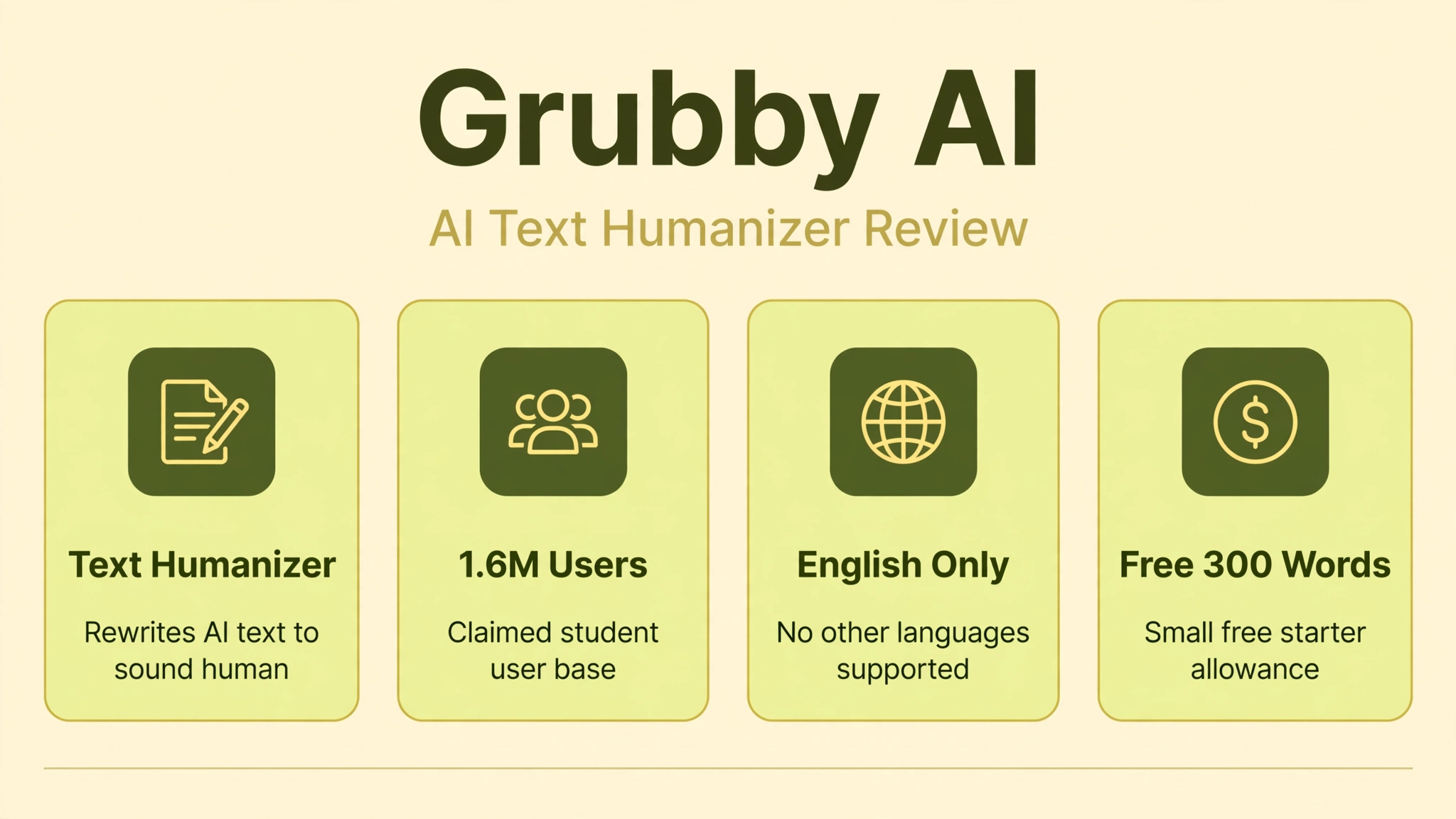
Grubby AI is not a chatbot. It is an AI text humanizer at grubby.ai that rewrites AI-generated writing so it reads as human and slips past AI detectors like GPTZero. Students use it to polish essays drafted with ChatGPT, marketers use it to make AI-assisted copy sound natural, and SEO writers use it to reduce the robotic patterns that can trigger spam filters.
We reviewed Grubby AI against its official documentation, independent hands-on tests, and verified user reviews. The marketing promises 99 percent human scores and undetectable output, but real-world results are more mixed: it works reasonably well on short, simple English text and struggles against the strongest detectors. Billing complaints also appear repeatedly in user feedback.
In this guide, we explain what Grubby AI actually does, how the humanizer works, what it really costs, where it falls short, and the safest alternatives. If you arrived here expecting an AI character chat platform, note that Grubby AI has nothing to do with character chatbots like Janitor AI: Free Character Chatbot? Full Guide; this is purely a writing tool.
Quick Answer
Grubby AI is an AI humanizer, also called an AI detection remover, that rewrites AI-generated text to sound human-written and evade AI detectors. According to its official site, it claims over 1.6 million student users, 99 percent human scores on detectors, ChatGPT watermark removal, and plagiarism-free output. It works in English only, offers a small free word allowance for new users, and sells paid plans starting from roughly $5 to $8 per month. Independent tests suggest modest results on simple text and weak performance against top-tier detectors, so treat the marketing claims with caution.
What Is Grubby AI?
Grubby AI is an online tool in the controversial category known as AI humanizers. You paste in text generated by ChatGPT or a similar model, and Grubby AI rewrites it, swapping out the statistical patterns that AI detectors look for: predictable word choices, uniform sentence lengths, and repetitive transitions. The goal is output that scores as human on detection tools such as GPTZero, ZeroGPT, and Turnitin’s AI writing report.
The company positions the product mainly for students, framing it as protection against false positives. AI detectors are known to misflag human writing, and Grubby AI argues its tool lets students submit work with confidence. It also markets to bloggers, SEO marketers, and advertisers who want AI-assisted content to read naturally and avoid being flagged as spam by search engines or ad platforms.
It is worth stating plainly what this category is for and what it is not. A humanizer is an editing aid: it restyles text. It does not make false content true, and using it to disguise AI-written work as your own can violate school academic integrity policies or a client’s terms of service. We cover those risks in the safety section below, because they matter more than any feature list.
How Does Grubby AI Work?
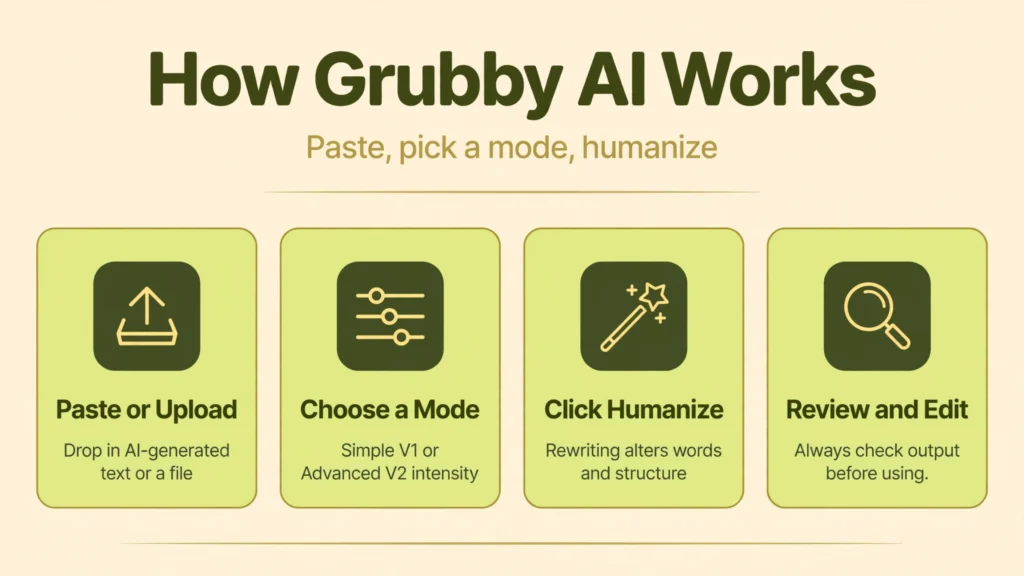
The workflow is deliberately simple. You paste AI-generated text into the input box or upload a document, choose a rewrite mode, and click humanize. The system processes the text through its rewriting models and returns a revised version with altered vocabulary, varied sentence structure, and reworked transitions. You can then copy the result or run it through again for a stronger rewrite.
Grubby AI offers different rewrite modes, reported as Simple V1 and Advanced V2 in third-party comparisons, plus options tuned for academic writing and for specific detectors like GPTZero and ZeroGPT. In practice, reviewers note that the modes produce noticeably different results, with stronger modes rewriting more aggressively but sometimes drifting from the original meaning.
One hard limitation comes straight from the official FAQ: Grubby AI can only humanize text in English. Despite some aggregator sites claiming 30-plus languages, the company itself says non-English support is not offered, and reviewers report that other languages simply get converted toward English. If you write in another language, this tool is not for you.
Key Features of Grubby AI
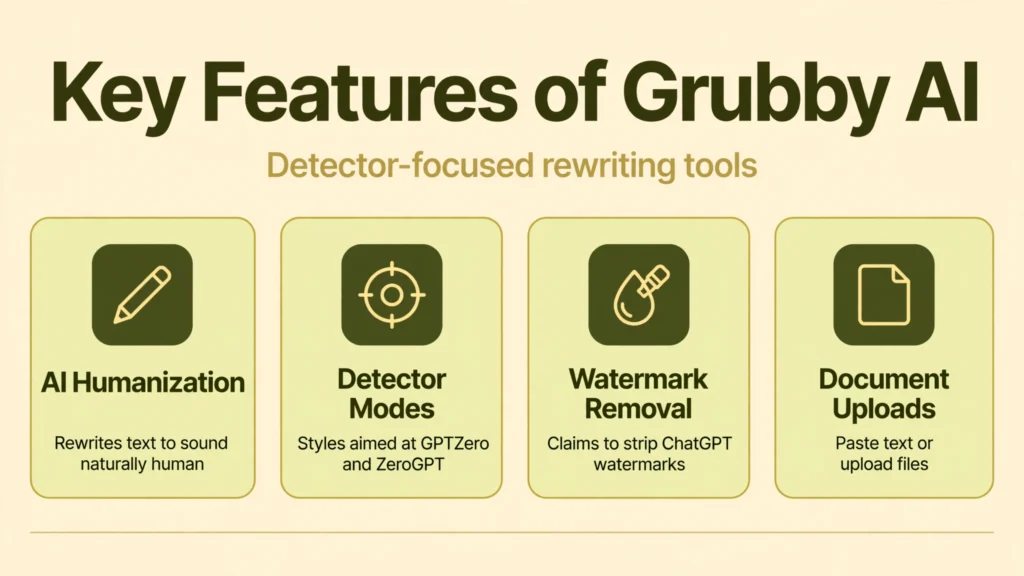
- AI text humanization: Rewrites AI-generated drafts to reduce detectable machine patterns and sound more naturally human.
- Detector-focused modes: Rewrite styles aimed at specific detectors, including GPTZero and ZeroGPT optimized options.
- Multiple rewrite intensities: Simple and advanced modes let you choose between light polishing and aggressive restructuring.
- Watermark pattern removal: Claims to strip the statistical watermarks that models like ChatGPT embed in generated text.
- Plagiarism-conscious output: The company states its rewrites pass plagiarism checkers alongside AI detection.
- Document uploads: Supports pasting text directly or uploading files for humanization.
- Clean, beginner-friendly interface: Minimal learning curve; paste, pick a mode, and rewrite.
- English-only processing: An explicit limitation worth knowing before you pay: only English text is supported.
Is Grubby AI Free?
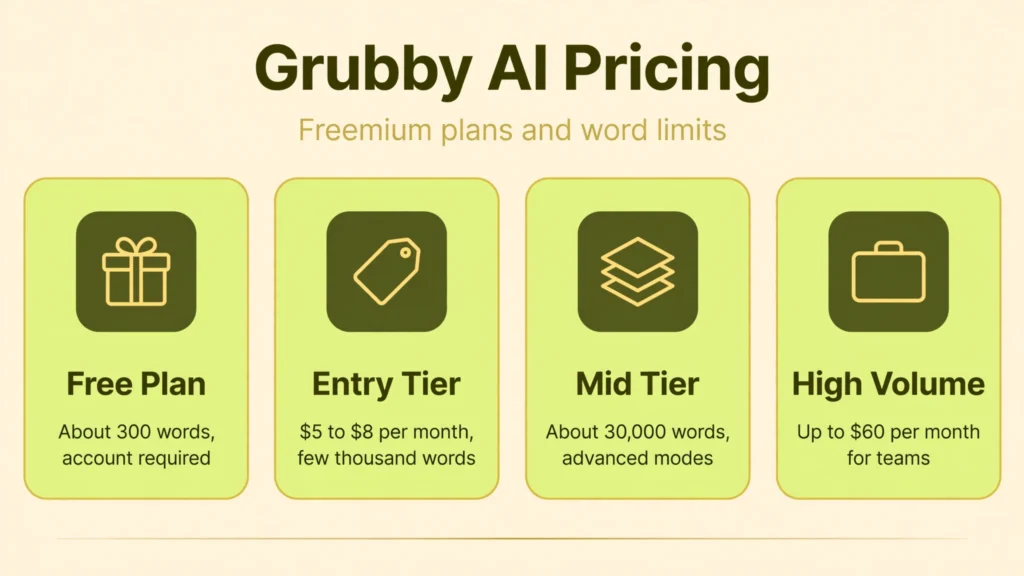
Grubby AI runs on a freemium model, but the free allowance is small. Multiple independent reviewers report roughly 300 free words for new users, enough for one or two short experiments but not for real workloads. One aggregator cites a larger 5,000-word monthly free plan, which suggests the free tier has changed over time, so verify the current allowance on the live site before relying on it.
- Free plan: A small word allowance for new users (commonly reported around 300 words). Account required.
- Entry paid tier: Roughly $5 to $8 per month on annual billing (around $15 month-to-month), with a few thousand words per month and basic rewrite modes.
- Mid tier: Higher monthly price with around 30,000 words per month and access to advanced rewrite modes.
- High-volume tier: Up to roughly $60 per month for heavy or team use with large word allowances.
Pricing in this category shifts frequently, and Grubby AI’s plans have reportedly changed several times. Treat any figures here as ballpark and check the live pricing page before paying. Several users also report that running the same text through two modes can double-charge the word allowance, so watch consumption closely on paid plans.
How to Use Grubby AI
- Create an account. Sign up on the official site to unlock the free word allowance.
- Paste or upload your text. Drop in the AI-generated draft you want to humanize, keeping within the input limits of your plan.
- Choose a rewrite mode. Start with the lighter mode for simple polishing; try the advanced mode if the output still feels robotic.
- Run the humanizer. Click the humanize button and wait for the rewritten version.
- Review the output carefully. Read every sentence. Stronger modes can alter meaning, introduce awkward phrasing, or change technical terms.
- Edit by hand. Fix anything the tool mangled. Genuine self-editing improves both quality and originality far more than another rewrite pass.
- Check against your use case. If you need the text to pass a specific detector, test a sample with the free allowance before committing to a paid plan.
Is Grubby AI Safe?
Safety here has three layers: technical, financial, and ethical. Technically, the site itself is a standard web app with no widely reported malware issues. The bigger technical caveat is effectiveness: independent tests show it does not reliably beat strong detectors, so paying for a guarantee the tool cannot keep is its own risk.
Financially, exercise caution. User reviews repeatedly mention billing headaches, difficulty cancelling subscriptions, and word allowances draining faster than expected. If you subscribe, use a payment method you can manage easily, screenshot the plan terms, and test cancellation well before renewal.
Ethically, this is the serious part. Submitting AI-written work disguised as your own can violate academic integrity policies, with consequences ranging from failed assignments to expulsion. Many institutions now treat undisclosed AI use as misconduct regardless of what a humanizer claims. If you are a student, read your school’s AI policy first. For professional writing, disclosing AI assistance to clients is both safer and more honest than trying to evade their checks.
On data privacy, the usual cautions apply: you are pasting your writing into a third-party web app, so avoid uploading confidential, proprietary, or personally identifying text. The company does not publish a detailed data-retention policy in an obvious place, which is worth noting before you paste anything sensitive.
Grubby AI Pros and Cons
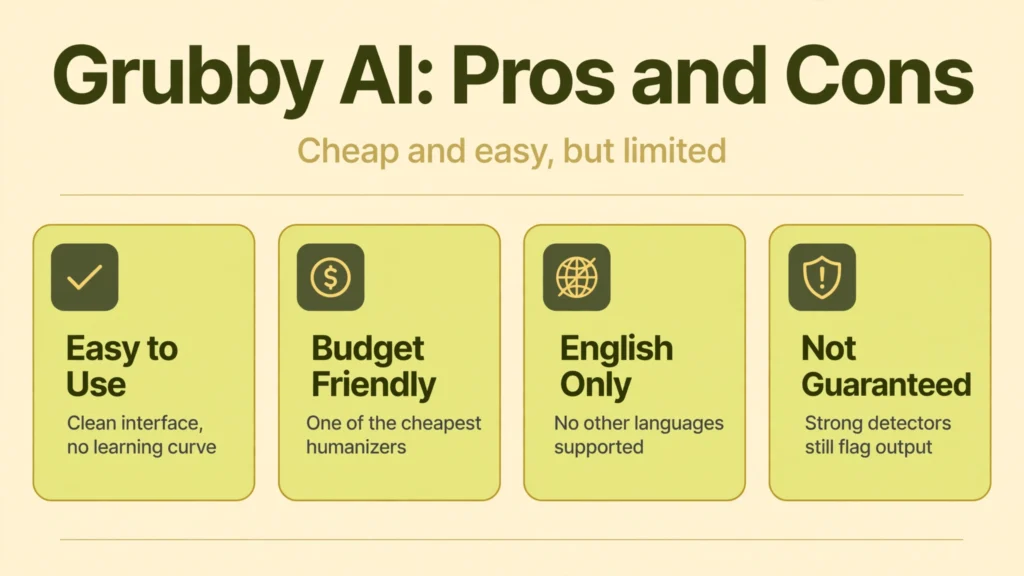
Pros
- Very easy to use, with a clean interface and no learning curve.
- One of the cheapest humanizers on the market, which budget users consistently praise.
- Flexible input via pasting or file upload.
- Can smooth out short, simple English drafts noticeably.
- Free allowance lets you test before paying anything.
Cons
- English only, despite some third-party sites claiming multi-language support.
- Detection bypass is not guaranteed; strong detectors still flag its output in independent tests.
- No built-in AI detector, so you cannot verify results without leaving the site.
- Recurring billing complaints, including hard cancellations and fast-draining word counts.
- Aggressive rewrite modes can distort meaning, requiring careful manual review.
- The core use case sits in an ethical gray zone for students and professionals.
Grubby AI vs Alternatives
How does Grubby AI compare to the other names in the humanizer space? The honest summary is that it competes on price, not on power.
Versus Undetectable AI: Undetectable AI is the premium-priced rival, starting around $30 per month, with more rewrite controls and broader language claims. Grubby AI is far cheaper but offers fewer modes and weaker verified results against strict detectors. Budget buyers pick Grubby; buyers who need the strongest available bypass attempt usually look elsewhere.
Versus QuillBot: QuillBot is a reputable paraphraser rather than a dedicated detection evader, and it is widely accepted as a legitimate writing aid. It will not promise to beat Turnitin, but it also will not put you in an ethical gray zone. For students who simply want smoother prose, QuillBot is the safer, more defensible choice.
Versus manual editing: Reading your AI draft aloud and rewriting it yourself remains the most reliable “humanizer” ever made. It is free, it genuinely improves the writing, and no detector on earth flags thoughtful self-editing. An independent hands-on Grubby AI review reached a similar conclusion: the tool gives text a quick haircut, but real editing is the full makeover.
Best Grubby AI Alternatives
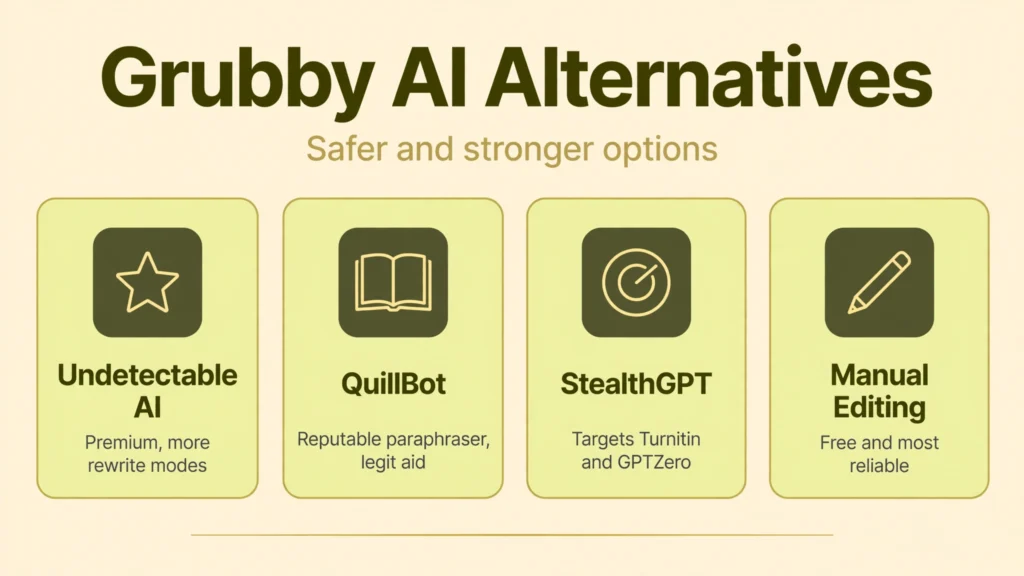
Undetectable AI. The best-known premium humanizer, with more rewrite modes and stronger marketing claims about detector performance. Expensive, but more fully featured than Grubby AI.
QuillBot. A mainstream paraphrasing and grammar tool that is legitimate to use openly. Best for students and professionals who want better writing without deception.
StealthGPT. Another dedicated bypass tool with a focus on beating Turnitin and GPTZero. Similar ethical caveats apply, and pricing sits above Grubby AI.
Manual rewriting plus an AI text generator. Draft with a capable model, then genuinely revise the output yourself. Our AI Text Generator | 10 Best Free and Paid Tools guide covers the best drafting tools, and our AI Story Generator | 7 Best Tools, Features and Pricing roundup helps creative writers specifically.
Who Should Use Grubby AI?
Grubby AI suits a narrow audience: budget-conscious users who need to lightly polish short, simple English drafts and understand the tool’s limits. Freelancers smoothing AI-assisted marketing copy and bloggers softening robotic phrasing are the most defensible use cases, provided clients are fine with AI-assisted workflows.
It is a poor fit for students hoping to secretly pass AI checks, since both the tool’s effectiveness and the academic consequences are unreliable in opposite directions. It is also wrong for anyone writing in languages other than English, anyone needing guaranteed detector results, or anyone uncomfortable with the ethics of disguised AI text. If any of that describes you, the alternatives above serve you better.
Does Grubby AI Actually Beat AI Detectors?
This is the question the whole product hinges on, so let us answer it carefully. Grubby AI’s marketing claims 99 percent human scores on advanced detectors. Independent hands-on tests tell a humbler story: on short, plain English text run through mid-tier detectors, it often reduces detection scores substantially. Against the strongest detectors and on longer or technical text, reviewers report it frequently fails, sometimes leaving text that is still obviously machine-made.
There is a deeper problem with the premise. AI detectors themselves are unreliable: they produce false positives on human writing and false negatives on AI text, which is why institutions keep debating their use. A tool that promises to game an unreliable test is selling certainty it cannot deliver. Our verdict: Grubby AI can make AI text read more naturally, which has legitimate editing value, but buying it as a guaranteed invisibility cloak is a mistake.
FAQs
What is Grubby AI?
Grubby AI is an AI text humanizer at grubby.ai that rewrites AI-generated English text to sound human-written and evade AI detectors like GPTZero. It is a writing tool, not a chatbot or character platform.
Is Grubby AI free?
It offers a small free word allowance for new users, commonly reported around 300 words. Paid plans start from roughly $5 to $8 per month, with higher tiers for larger word volumes. Pricing changes often, so check the live pricing page.
Does Grubby AI really bypass Turnitin and GPTZero?
Not reliably. It can lower detection scores on simple text, but independent tests show it frequently fails against strong detectors. No humanizer can guarantee a bypass, and Grubby AI is no exception.
Is using Grubby AI cheating?
It depends on context. Polishing your own writing is fine, but submitting AI-generated work disguised as your own can violate school academic integrity policies or client agreements. Always check the rules that apply to you before using any humanizer.
What languages does Grubby AI support?
English only, according to the company’s own FAQ. Claims of 30-plus languages on some aggregator sites are inaccurate, and reviewers report non-English text is effectively converted toward English.
Conclusion
Grubby AI is exactly what it advertises: a cheap, simple tool for making AI-generated English text sound more human. Within those modest bounds, it works. The problems start with the bigger promises. It does not reliably beat strong AI detectors, its billing practices draw repeated complaints, and its core use case walks students into academic integrity trouble.
If you need light polishing on a tight budget and you use the output honestly, the free trial is worth a look. For anything higher stakes, genuine self-editing or a reputable paraphrasing tool will serve you better than any bypass promise. And if you came here looking for an AI character chatbot, you are in the wrong place entirely: Grubby AI writes, it does not chat.
Discover More: