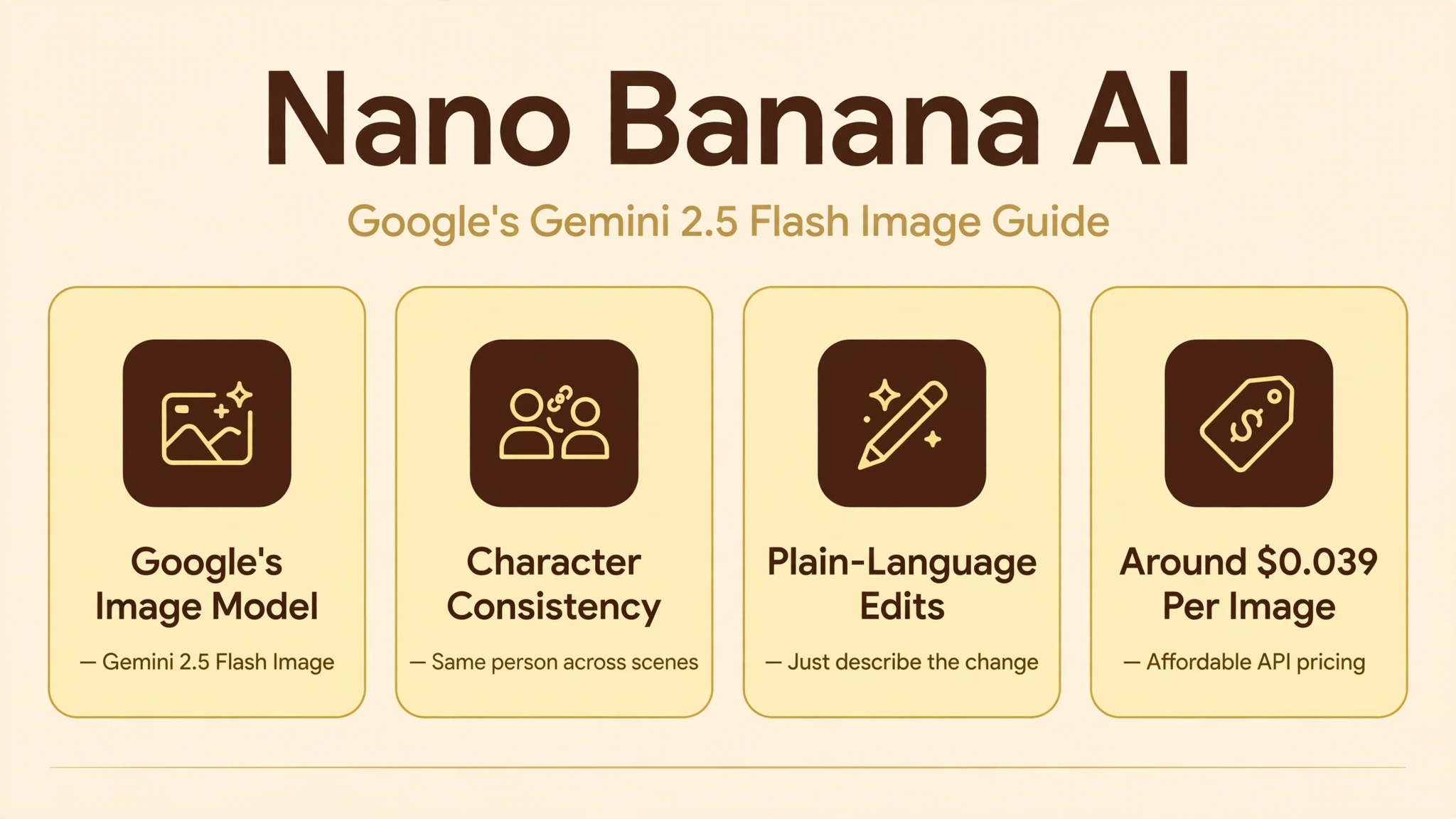
Nano Banana is the nickname for Google’s Gemini 2.5 Flash Image, an AI model that generates and edits images from natural-language prompts. If you have seen eerily consistent AI edits online lately, where the same person keeps their face across wildly different scenes, there is a good chance Nano Banana made them. It is available right inside the Gemini app, as well as through Google AI Studio, the Gemini API, and Vertex AI for developers.
We researched how the model works, what it costs, and where it beats rival image tools. Its headline trick is character consistency: keeping a person, pet, or product looking identical while you change outfits, backgrounds, or styles. It also blends multiple images into one, follows plain-language edit instructions, and carries Google’s SynthID watermark so AI-made images stay identifiable.
In this guide we cover the features, the real pricing for casual users and developers, how to use it step by step, and the closest alternatives.
Quick Answer
Nano Banana is the community nickname for Gemini 2.5 Flash Image, Google DeepMind’s fast AI image generation and editing model. It creates photorealistic images from text, edits existing photos with plain-language instructions, keeps characters consistent across edits and scenes, and merges multiple images into one composite. You can use it free inside the Gemini app with daily limits, while developers pay about $0.039 per image through the API ($30 per million output tokens). Every image carries an invisible SynthID watermark marking it as AI-generated.
What Is Nano Banana AI?
Nano Banana started as an internal codename that escaped into the wild. During testing, Google’s unreleased image model appeared under the playful name “nano-banana” and quickly earned a reputation as one of the world’s best AI image editors. Google later confirmed the joke: the official product name is Gemini 2.5 Flash Image, part of the Gemini model family built by Google DeepMind.
The model is designed for speed. Unlike larger reasoning-optimized models that trade latency for depth, Nano Banana prioritizes throughput and responsiveness, which makes it well suited to interactive editing: you describe a change, and the new image arrives in seconds. It handles both photorealistic generation and precise local edits in a single model.
What made it famous is consistency. Most AI image editors change the whole picture when you ask for a small tweak, subtly altering faces, backgrounds, and details you wanted left alone. Nano Banana was built to fix exactly that complaint, preserving the parts of the image you did not ask to change while applying the edit you did.
You can try it today in the Google AI Studio, which is also where developers get API keys to build with the model.
How Does Nano Banana Work?
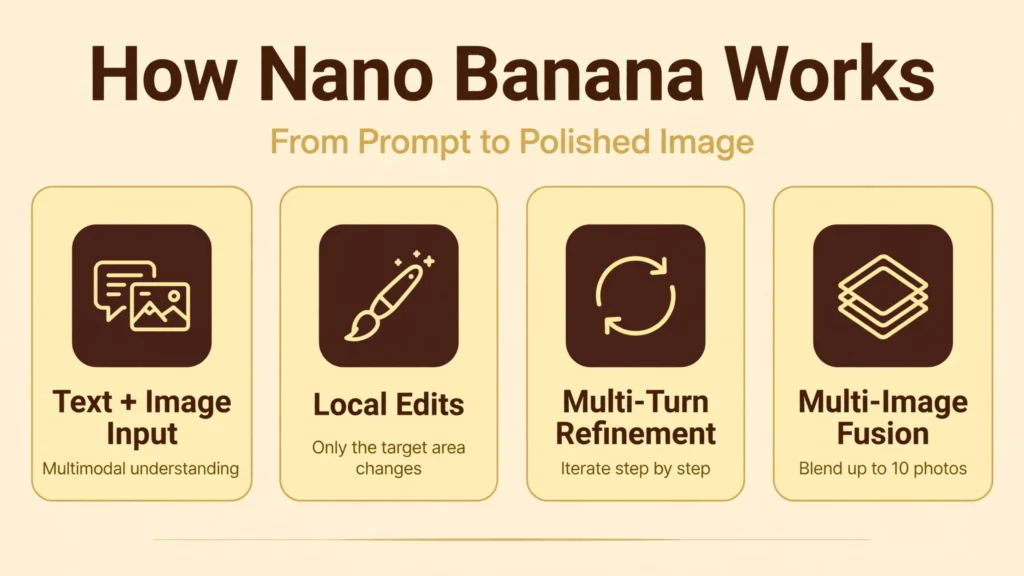
At its core, Nano Banana is a multimodal model: it understands both text and images as input and produces images as output. When you type “change the sky to sunset” alongside a photo, the model parses your instruction with Gemini’s language understanding, identifies the sky region, and regenerates just that part while keeping everything else stable.
Multi-turn editing is where it shines. You can iterate, “now add a dog on the couch,” then “make it golden hour lighting,” and the model retains context from prior commands, refining the same image step by step instead of starting over. This conversational loop feels more like directing a designer than operating software.
For multi-image work, you can feed in up to 10 reference images and tell the model which details to keep from each: a face from one photo, a jacket from another, a background from a third. The model fuses them into a single coherent scene, which is how creators produce consistent characters across campaigns, comics, and product shots.
Under the hood, every output carries Google’s SynthID digital watermark, invisible to the eye but detectable after common edits, plus a visible AI mark in consumer surfaces. This provenance layer is Google’s answer to the deepfake problem.
Key Features of Nano Banana
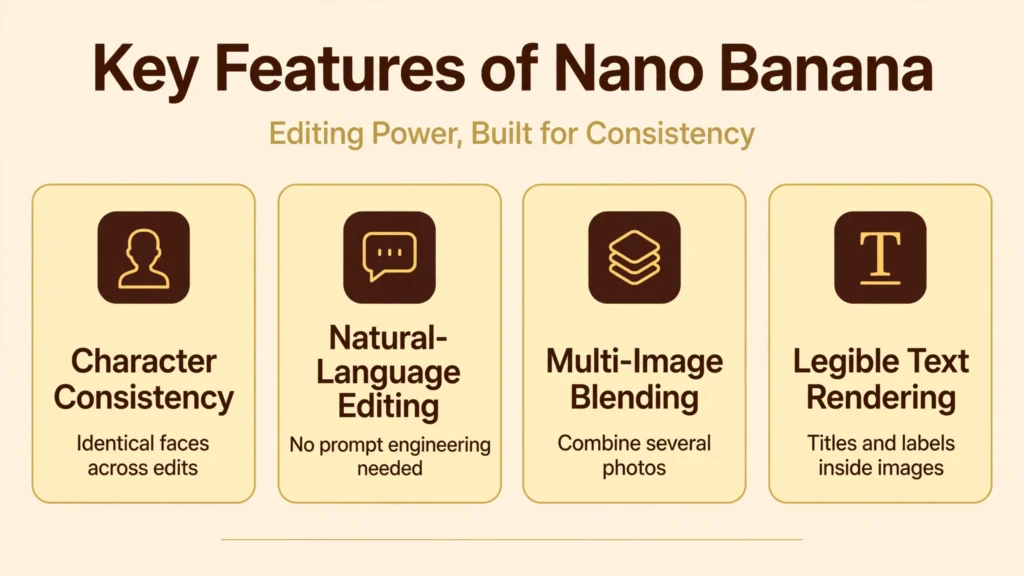
- Character consistency: Keep the same person, pet, or product looking identical across different scenes, outfits, hairstyles, time periods, and settings.
- Natural-language editing: Describe changes the way you would to a person: remove the person on the left, turn this sketch into a photo, change day to night.
- Multi-image blending: Combine several reference photos into one image, or transfer a pattern, texture, or style from one image onto an object in another.
- Multi-turn refinement: Keep editing iteratively with the AI remembering prior steps, so complex ideas build up gradually.
- Text rendering: Generates legible text inside images, useful for simple titles, labels, and short captions.
- Aspect ratio flexibility: Supports auto and fixed ratios from square 1:1 to wide 21:9 and tall 9:16, matching your reference image or your target platform.
- Low latency: Optimized for fast generation, making it practical for interactive and high-volume workflows.
- SynthID watermarking: Invisible watermarking plus visible AI labeling to keep generated images identifiable as synthetic.
Compared with other AI image tools we cover, such as Flow AI | AI Video Generator, Features, Pricing, And More for video and Hailuo AI | AI Video Generator, Features and Pricing, Nano Banana’s edge is precise, consistent still-image editing rather than motion.
Is Nano Banana Free?
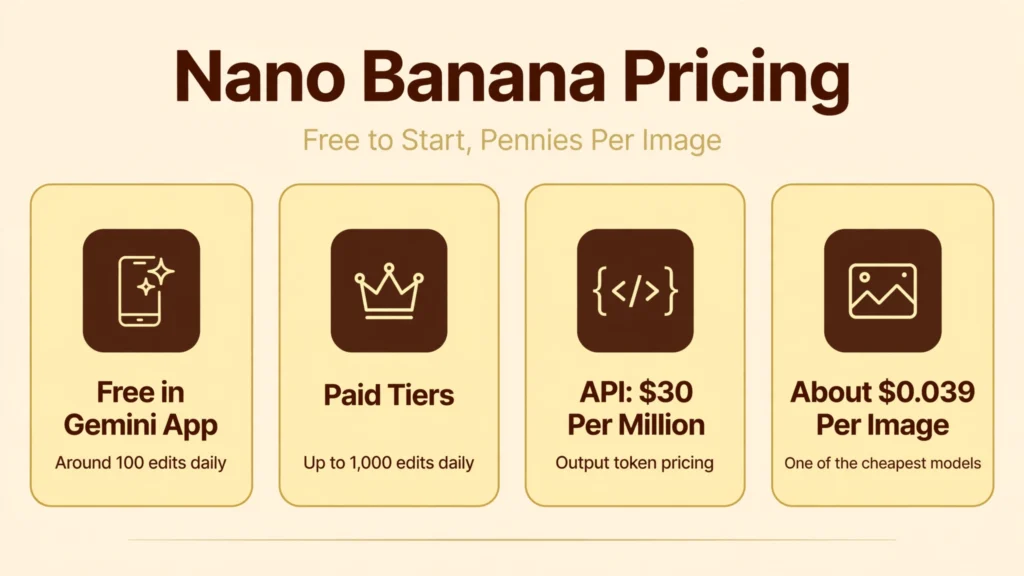
Yes, for casual use. Inside the Gemini app, all users get access to Nano Banana, with free users limited to around 100 edits per day and paid tiers allowing up to about 1,000 edits for heavy creative workflows. That is generous enough for everyday experimenting, social posts, and trying out ideas.
Developers using the API pay per use, and the pricing is transparent: Gemini 2.5 Flash Image costs $30 per one million output tokens, with each image counting as 1,290 output tokens. That works out to approximately $0.039 per image, which makes it one of the most affordable frontier image models for businesses and high-volume apps.
Third-party apps that wrap the model set their own prices. Some charge credits per image regardless of aspect ratio or reference count, so if you use Nano Banana through another service, check its credit math against the roughly four-cents-per-image API baseline to see if you are overpaying.
How to Use Nano Banana
1. Open the Gemini app. On web or mobile, start a chat with Gemini. Image editing with Nano Banana is built into the standard experience, so there is nothing extra to install.
2. Upload a photo or start from text. Attach up to 10 JPG, PNG, or WEBP images (up to 30 MB each), or just describe the image you want from scratch.
3. Describe the change in plain language. Write what you want like you would tell a designer: “change the background to a beach at sunset” or “put this product on a marble countertop.” Keep each edit focused on one change at a time for the cleanest results.
4. Refine in passes. Use the result as your new reference and stack another edit on top. Multi-turn refinement beats trying to describe everything in one giant prompt.
5. Check consistency. Compare each result against your original reference, especially faces and product details, before using it commercially.
6. For developers: Get an API key in Google AI Studio or Vertex AI and call the model through the generateContent endpoint. Third-party gateways also offer OpenAI-compatible endpoints if you want to drop it into existing code.
For a detailed technical overview, this Notebookcheck report on Gemini 2.5 Flash Image covers the launch specs and pricing in depth.
Is Nano Banana Safe?
For everyday creative use, yes. It runs inside Google’s infrastructure, covered by Google’s account security and privacy controls, and the SynthID watermark plus visible AI labeling helps keep generated images identifiable. Google also applies content filters to block disallowed generations.
The usual cautions apply. Do not upload sensitive personal documents or private photos you would not want stored on a cloud service, and review Google’s privacy terms to understand how prompts and uploads are handled. As with any powerful image editor, use it responsibly: creating misleading images of real people or events can have serious consequences, and disclosure is the right default.
For commercial work, check the current terms of service for your access path. API and paid-tier terms generally support professional use, but licensing details can change, so verify before building a business on top of the model. Keep local copies of important work, as with any cloud tool.
Nano Banana Pros and Cons
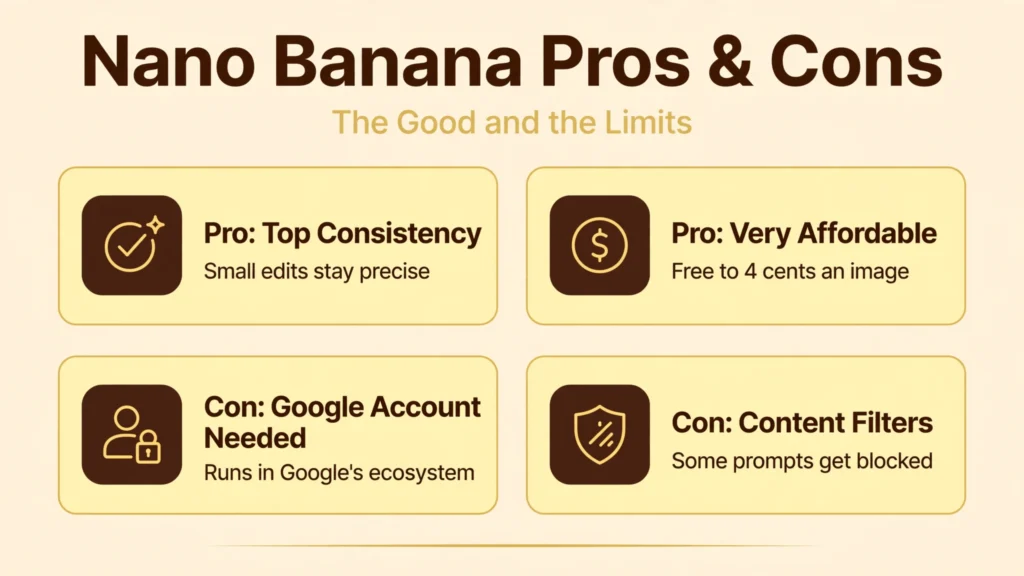
Pros
- Best-in-class edit consistency: Small edits no longer scramble the rest of the image, and characters stay recognizable across scenes.
- Plain-language control: No prompt-engineering degree required; describe the change conversationally.
- Multi-image fusion: Blending up to 10 references into one coherent image unlocks product shots, character sheets, and style transfers.
- Very affordable: Free tier in the Gemini app plus roughly $0.039 per image via API.
- Fast: Low-latency generation suits interactive editing and high-volume pipelines.
- Watermarked by default: SynthID provenance helps with responsible use.
Cons
- Single output size: No resolution picker in some surfaces; very large print work may need upscaling.
- Google account required: Everything runs through Google’s ecosystem and policies.
- Content filters: Some legitimate creative prompts can get blocked, which frustrates artists.
- Not a full editor: For pixel-precise work like Photoshop masking, dedicated software still wins.
- Evolving product: Features, limits, and pricing have shifted before and may shift again.
Nano Banana vs Alternatives
How does Nano Banana compare to the other big names in AI imagery? OpenAI’s GPT-image models (inside ChatGPT) are strong all-rounders with excellent prompt understanding, but they can be slower and pricier at scale. Midjourney remains the artist favorite for beautiful, stylized generations, though it is weaker at precise photo editing and requires Discord. Adobe Firefly is the safe corporate pick with training-data transparency, but its editing flexibility lags behind.
Flux models, popular with open-source enthusiasts, offer impressive quality and local control for technical users willing to manage their own hardware. Ideogram stands out for text-in-image rendering, a traditional weak point of image models that Nano Banana also handles well.
Nano Banana’s clearest edge is the combination of edit consistency, conversational multi-turn refinement, and Google-scale pricing. If your workflow is “take a real photo and change specific things about it repeatedly,” it is currently the tool to beat. For pure artistic generation from scratch, Midjourney and GPT-image remain strong contenders.
Best Nano Banana Alternatives
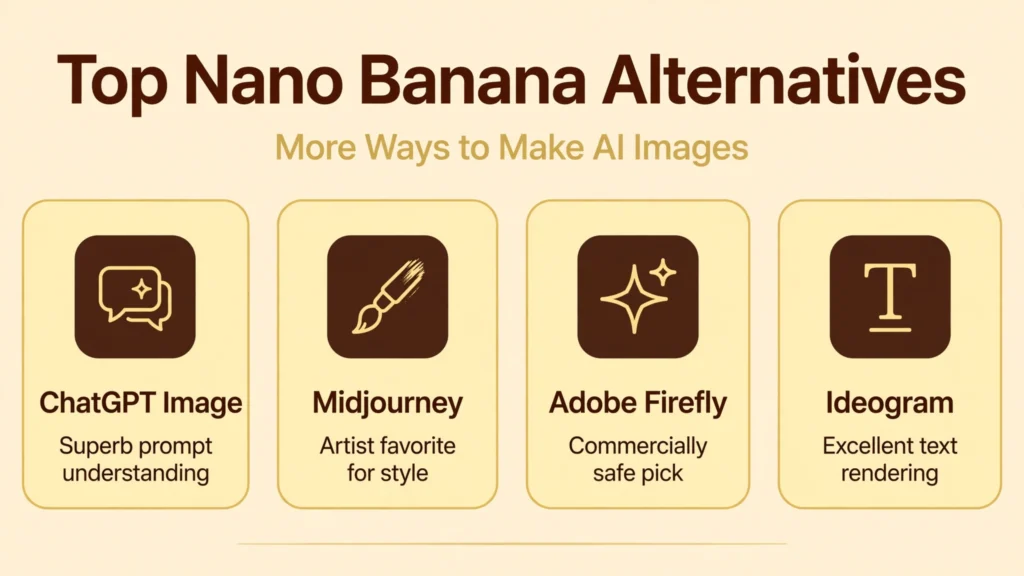
ChatGPT image generation. OpenAI’s image model inside ChatGPT offers superb prompt understanding and creative range, with conversational editing. A strong all-rounder if you already pay for ChatGPT.
Midjourney. The gold standard for striking AI artwork, favored by digital artists. Weaker at precise photo edits, but unmatched for style and beauty.
Adobe Firefly. Commercially safe with transparent training data, built into Creative Cloud. Best for enterprises nervous about licensing.
Flux. High-quality open models you can run yourself or access via APIs, popular for customization and local control.
Ideogram. Excellent at rendering readable text in images, a great pick for posters, memes, and thumbnails with typography.
For more image tools, see our Freepik AI | AI Image Generator, Features, Pricing, And More guide to an all-in-one creative suite with its own generators.
Who Should Use Nano Banana
Nano Banana fits creators who edit more than they generate from scratch. It is an excellent choice if you are a marketer keeping product shots consistent across campaigns, a social creator iterating on photos daily, a small business owner making thumbnails and ads, or a developer needing cheap, fast image editing at API scale.
It is a weaker fit for fine artists chasing maximum stylistic beauty, where Midjourney still leads, and for professionals needing pixel-level control, where Photoshop remains king. If you refuse to use Google services, the ecosystem lock-in is also a dealbreaker.
Tips for Getting the Best Results
Keep each edit focused. One clear instruction per pass, “remove the trash can,” beats a paragraph of stacked changes, because the model preserves more of the original with each targeted edit. Build complex ideas across multiple turns instead.
Name what must not change. Phrases like “keep the same face, lighting, and camera angle” measurably improve consistency when you are restaging a person or product. Use the same reference image across a series rather than re-uploading variants.
Pick the right aspect ratio up front. Auto follows your reference image, but if the final destination is a story, a reel cover, or a banner, set 9:16, 1:1, or 21:9 before you start refining, so composition decisions compound instead of fighting you later.
Finally, zoom in and compare. Check faces, hands, logos, and text at full size against your reference before publishing or printing. AI editors are fast, but a ten-second human review catches the artifacts that erode trust.
FAQs
What is Nano Banana AI?
Nano Banana is the nickname for Gemini 2.5 Flash Image, Google DeepMind’s AI model for generating and editing images with natural-language prompts. It is known for character consistency, multi-image blending, and fast, affordable generation.
Is Nano Banana free to use?
Yes, inside the Gemini app, where free users get around 100 edits per day. Developers using the API pay about $0.039 per image, and paid Google tiers raise the daily limits to roughly 1,000 edits.
How is Nano Banana different from other AI image editors?
Its standout trait is consistency: small edits do not scramble the rest of the image, and the same person or product stays recognizable across scenes and styles. Multi-turn conversational editing and multi-image fusion round out the difference.
Does Nano Banana watermark images?
Yes. Generated images include an invisible SynthID digital watermark that survives common edits, plus visible AI labeling in Google’s consumer surfaces, so synthetic images stay identifiable.
Can developers use Nano Banana in their apps?
Yes, through the Gemini API, Google AI Studio, and Vertex AI, with OpenAI-compatible endpoints available via third-party gateways. API pricing is $30 per million output tokens, roughly four cents per image.
Conclusion
Nano Banana earned its silly name the hard way: by solving the most annoying problem in AI image editing. Character consistency, conversational multi-turn edits, and multi-image blending make it the most practical choice for anyone who starts from real photos and needs precise, repeatable changes, all at a price, free to four cents an image, that is hard to argue with.
It is not the most artistic generator, nor a Photoshop replacement, but for marketers, creators, and developers it hits the sweet spot of speed, control, and cost. Try it free in the Gemini app, and judge the consistency claim with your own photos before committing to any workflow.
Discover More: