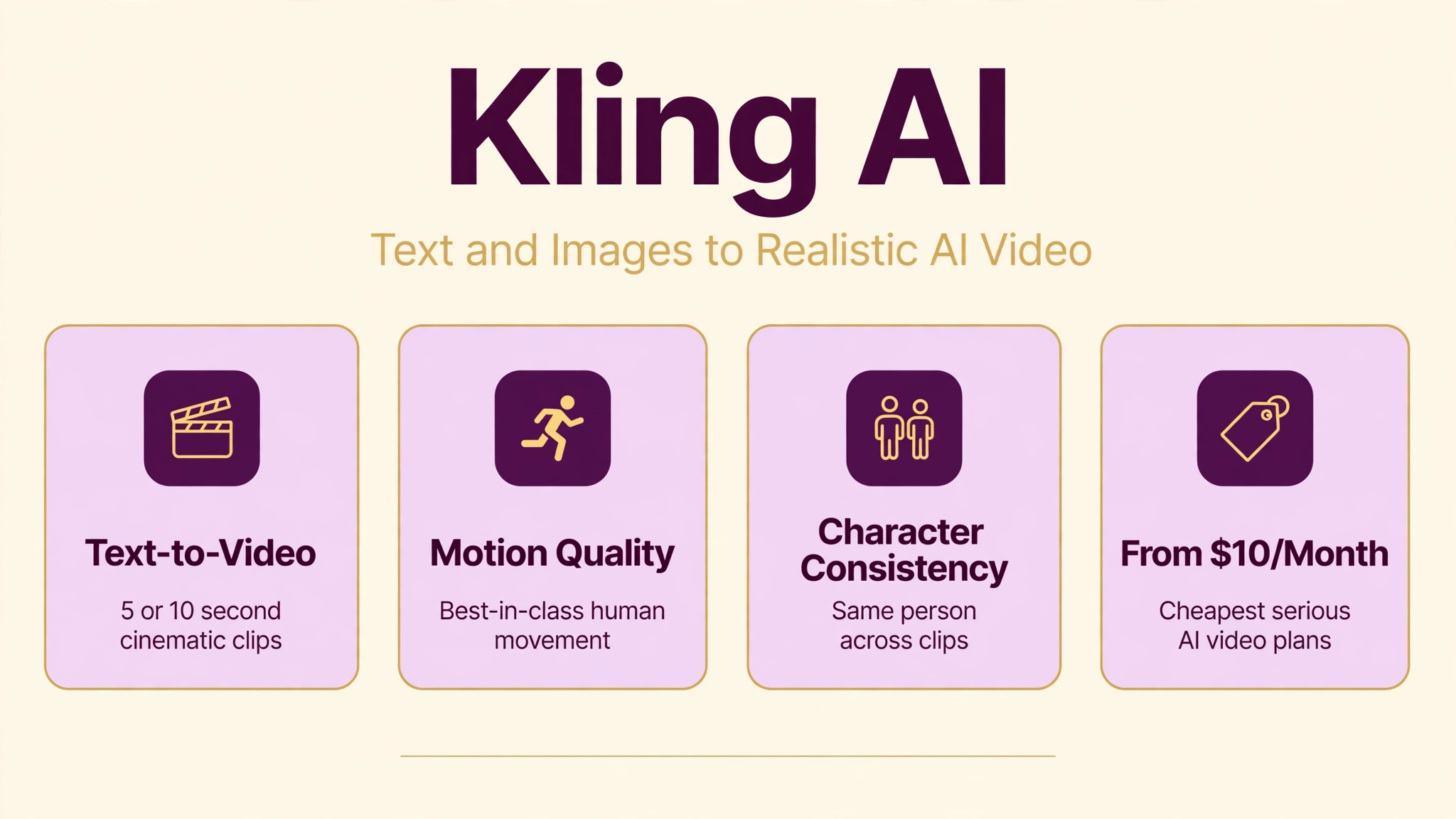
Type a sentence, get a short film. That is the promise of Kling AI, the AI video generation platform from Chinese tech giant Kuaishou that turns text prompts and still images into realistic video clips up to 10 seconds long. While American rivals grab the headlines, Kling has quietly become the favorite of creators who need convincing human motion, from dance videos to action sequences, at some of the lowest prices in the industry.
We researched Kling’s 2026 model lineup, credit-based pricing, and independent benchmarks to see where it genuinely beats Sora, Runway, and Pika. The headline findings: its Kling 2.x models lead the field on motion quality and character consistency across clips, while the free tier and a $10 entry plan make it one of the cheapest ways to experiment with AI video.
In this guide we explain what Kling AI is, how text-to-video and image-to-video work, what each pricing tier really buys you, whether it is safe, and how it stacks up against the best alternatives, so you can decide if it fits your creative workflow.
Quick Answer
Kling AI is an AI video generation platform developed by Kuaishou, the Chinese short-video giant. Hosted at klingai.com, it converts text prompts and images into video clips of 5 to 10 seconds, with its Kling 2.x models praised for realistic motion and character consistency across multiple clips. Key features include text-to-video, image-to-video, video extension, lip sync, and virtual try-on for e-commerce. There is a free plan with limited generations, and paid tiers run $10, $37, $92, and $180 per month, with credits from 660 to 26,000 monthly and commercial use on paid plans.
What Is Kling AI?
Kling AI is the AI video studio of Kuaishou, one of China’s largest short-video platforms and a direct rival to TikTok’s parent ecosystem. Launched as Kuaishou’s answer to OpenAI’s Sora, Kling quickly earned a reputation among creators for one specific superpower: motion. Where early AI video tools produced wobbly, rubber-skinned movement, Kling’s clips showed people dancing, running, and fighting with a physical believability that rivals struggled to match.
The platform has evolved through several model generations. Kling 1.6 established the basics, Kling 2.0 brought major quality improvements plus character consistency, and Kling 2.1 refined rendering speed and detail. The current flagship models include Video O1, a multimodal unified model, and Video 2.6 with audio-visual integration. Tiered quality modes let you choose Standard at 720p, High Quality at 1080p, or Master at 1080p with advanced effects, depending on your budget and needs.
Today Kling is a full creative platform, not just a prompt box. Beyond core generation it offers lip sync for dialogue scenes, video extension to lengthen clips, multi-image inputs, an Avatar feature for character-based videos with voiceover, and virtual try-on tools aimed at e-commerce sellers. Output is delivered as MP4 files in 16:9, 9:16, or 1:1 aspect ratios, ready for YouTube, TikTok, or Instagram.
How Does Kling AI Work?
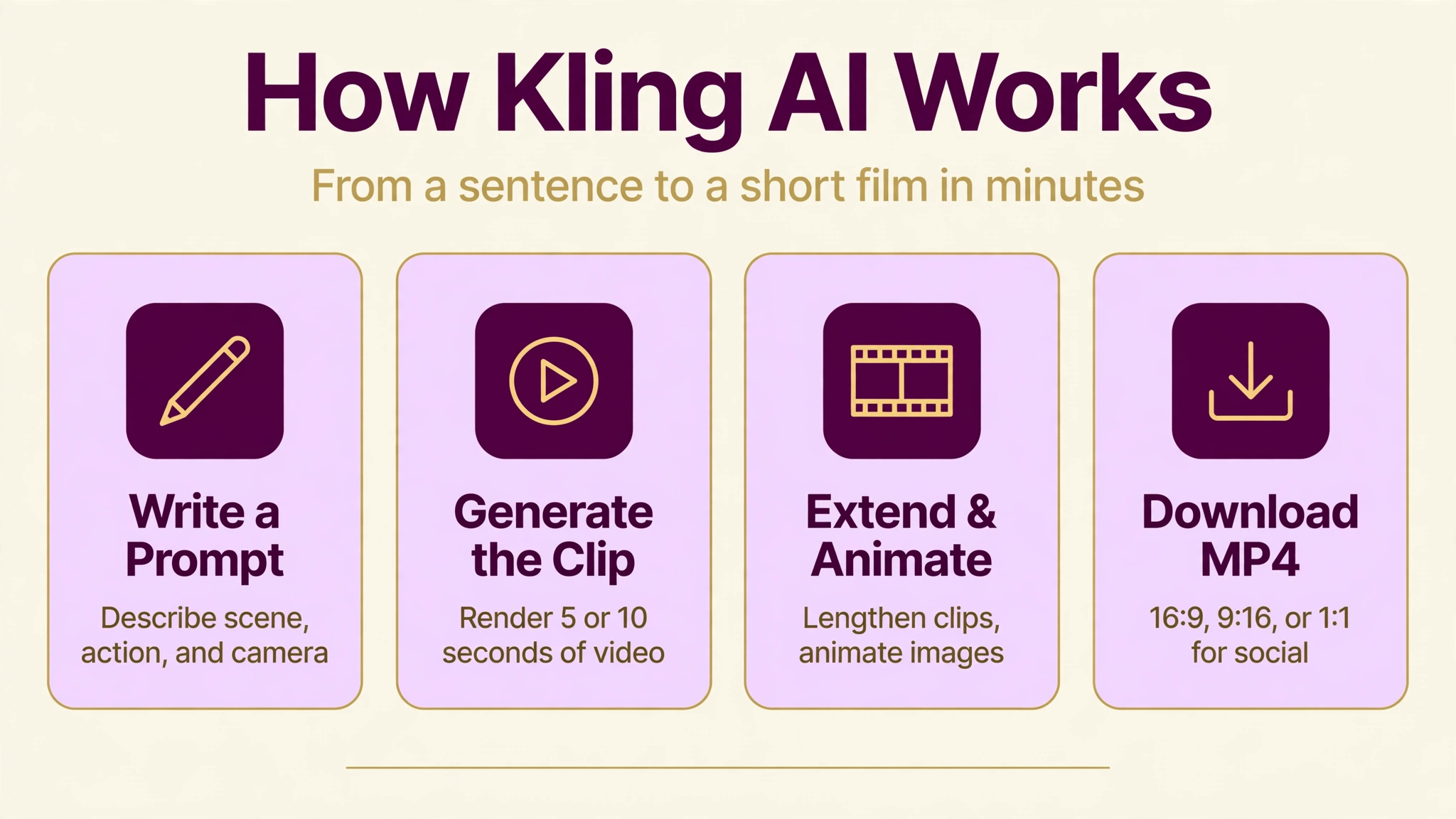
The core loop is simple. You sign in at klingai.com, open the video generation page, and type a description of the scene you want: the subject, the action, the setting, the lighting, and the camera movement. Kling’s model interprets the prompt and renders a 5 or 10 second clip. A built-in prompt enhancer can polish rough descriptions automatically, and negative prompts let you exclude elements you do not want, such as extra limbs or distorted faces.
Image-to-video works from a reference picture instead of pure text. Upload a photo or an AI-generated still, describe the motion you want, and Kling animates it while preserving the look of your starting frame. This is the preferred workflow for creators who need precise control over composition or character appearance, since the first frame is locked in before motion begins.
For longer content, the video extension feature continues a clip with new motion while maintaining visual continuity, and the 2.0 models’ character consistency means you can generate the same person across multiple clips without identity drift, a genuine breakthrough for short films and serialized content. The Avatar 2.0 feature goes further, producing character-based videos with voiceover up to 5 minutes long.
Every generation spends credits based on length, resolution, and quality mode. A 5-second Standard clip costs around 10 credits, while a 10-second Professional clip costs about 70. Paid plans add daily free credits on top of the monthly allowance, plus fast-track generation that jumps the render queue during busy periods.
Key Features of Kling AI
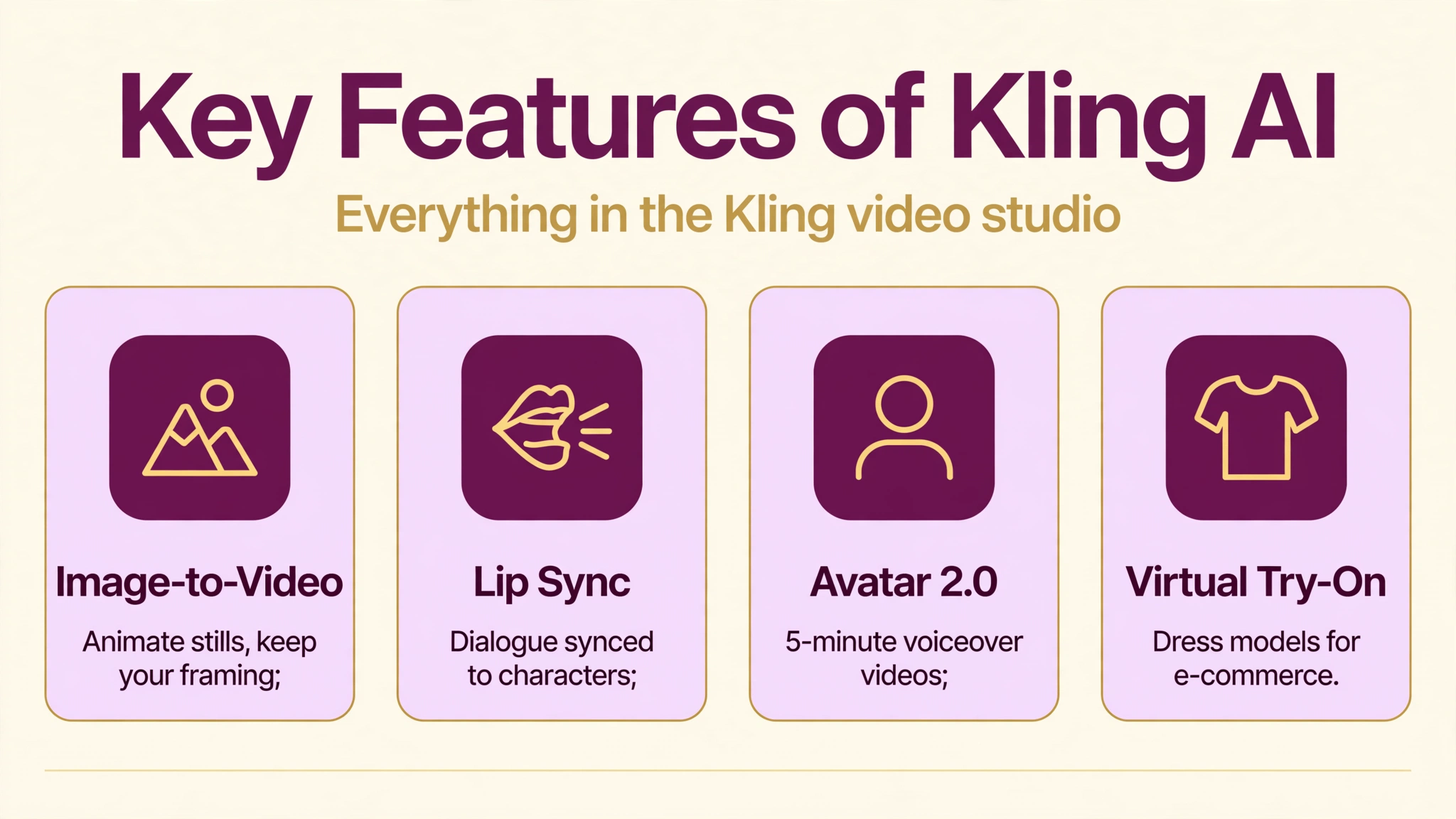
- Text-to-video generation: Turn written prompts into 5 or 10 second cinematic clips with strong prompt adherence and realistic physics.
- Image-to-video conversion: Animate still images with controlled motion while preserving the composition and look of your starting frame.
- Best-in-class motion quality: Widely benchmarked as the leader for human movement, dance, sports, and action, with far fewer distortion artifacts than rivals.
- Character consistency: Generate the same character across multiple clips without identity drift, unlocking serialized stories and short films.
- Video extension: Lengthen existing clips with continuous motion and consistent visuals.
- Lip sync: Sync dialogue to characters’ mouth movements for talking-head and narrative scenes.
- Multi-image to video: Combine several reference images to guide complex scenes with multiple subjects.
- Avatar 2.0: Create character-based videos with voiceover up to 5 minutes long.
- Virtual try-on: E-commerce tools that dress models in products for marketing visuals.
- Flexible formats: 16:9, 9:16, and 1:1 aspect ratios with MP4 output, plus upscaling to 1080p on paid tiers.
- Prompt enhancer and negative prompts: Automatic prompt polishing plus exclusion controls for cleaner, more controlled results.
- API access: Top tiers include API access for integrating generation into custom pipelines.
Is Kling AI Free?
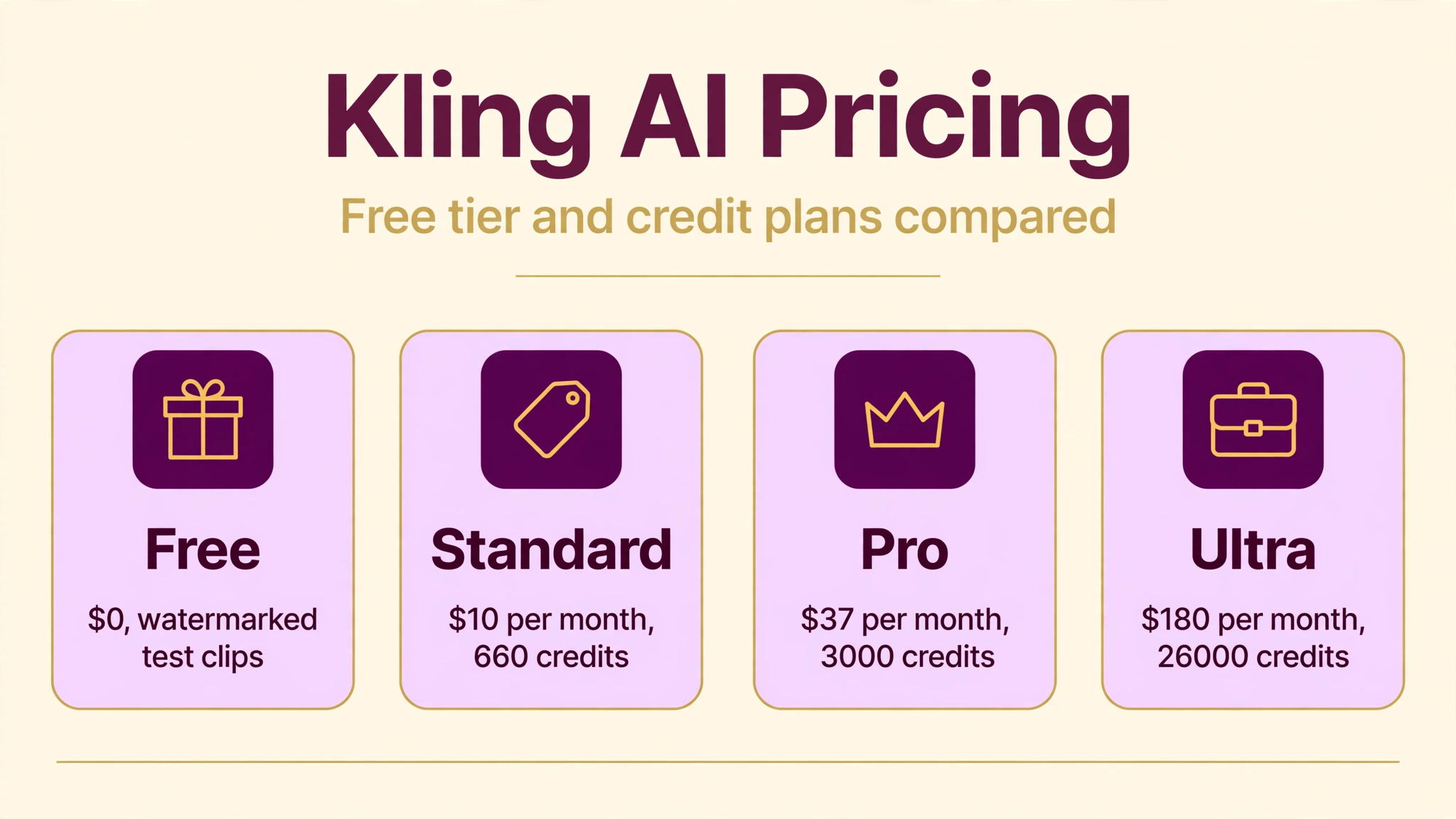
Kling AI runs on a freemium credit system. The free tier lets you test the platform with limited generations, though free outputs carry a watermark. For context on a close rival’s pricing, see our Flow AI | AI Video Generator, Features, Pricing, And More guide. Here are Kling’s paid tiers based on the official membership page:
- Free ($0): Limited access with 1 video per generation and no monthly credit allowance. Good for trying the interface, not for real projects.
- Standard ($10 per month): 660 credits per month, 1080p video, upscaling, watermark removal, video extension, fast-track generation, and commercial use of generated content. The sensible starting point.
- Pro ($37 per month): 3,000 credits per month at a lower per-credit cost, priority access to new features, and everything in Standard.
- Premier ($92 per month): 8,000 credits per month, high generation priority, and API access for custom workflows.
- Ultra ($180 per month): 26,000 credits per month at the lowest per-credit rate, highest priority, built for studios and high-volume creators.
To translate credits into clips: a 5-second Standard video costs about 10 credits, so the $10 tier yields roughly 66 basic clips per month, while a 10-second Professional clip at 70 credits means about 9 premium clips on the same tier. Annual billing discounts all plans further. Pick the tier that matches your real monthly output, since credits are the true currency here.
How to Use Kling AI
- Step 1: Create your account. Go to klingai.com, click Create Now, and sign in. You start on the free tier immediately.
- Step 2: Open video generation. Head to the Video Generation page and choose text-to-video or image-to-video mode.
- Step 3: Write a detailed prompt. Describe the subject, action, setting, lighting, and camera movement. Add a negative prompt for things to avoid, like distorted hands or extra people.
- Step 4: Set duration, ratio, and quality. Pick 5 or 10 seconds, choose 16:9 for YouTube, 9:16 for TikTok and Reels, or 1:1 for feeds, then select Standard or a higher quality mode.
- Step 5: Generate and review. Click Generate, wait for the render, then preview the result. Regenerate for variations or keep the take you like.
- Step 6: Extend or download. Use video extension to lengthen promising clips, then download the MP4 for editing in your preferred software.
- Step 7: Scale up if needed. If you burn through free generations, the $10 Standard tier with 660 monthly credits is the logical first upgrade.
Is Kling AI Safe?
Kling AI is a legitimate product from Kuaishou, a major publicly traded tech company, which gives it a stronger trust foundation than many small AI video startups. Accounts use standard sign-in security, and paid plans operate through normal billing channels with receipts and subscription management.
The usual AI-video cautions apply. Do not upload private photos or sensitive material you would not want stored on a cloud service, and review the privacy terms to understand how prompts and uploads are handled. Like all powerful video generators, Kling can produce convincing footage of fake events, so use it responsibly and disclose AI-generated content where appropriate. Content filters block disallowed material, though determined misuse remains a concern across the whole category.
One practical note: as a Chinese company’s product, some English-speaking users find parts of the interface and support less polished than American rivals. For commercial work, confirm the licensing terms of your specific plan, since commercial use rights are tied to paid tiers.
Kling AI Pros and Cons
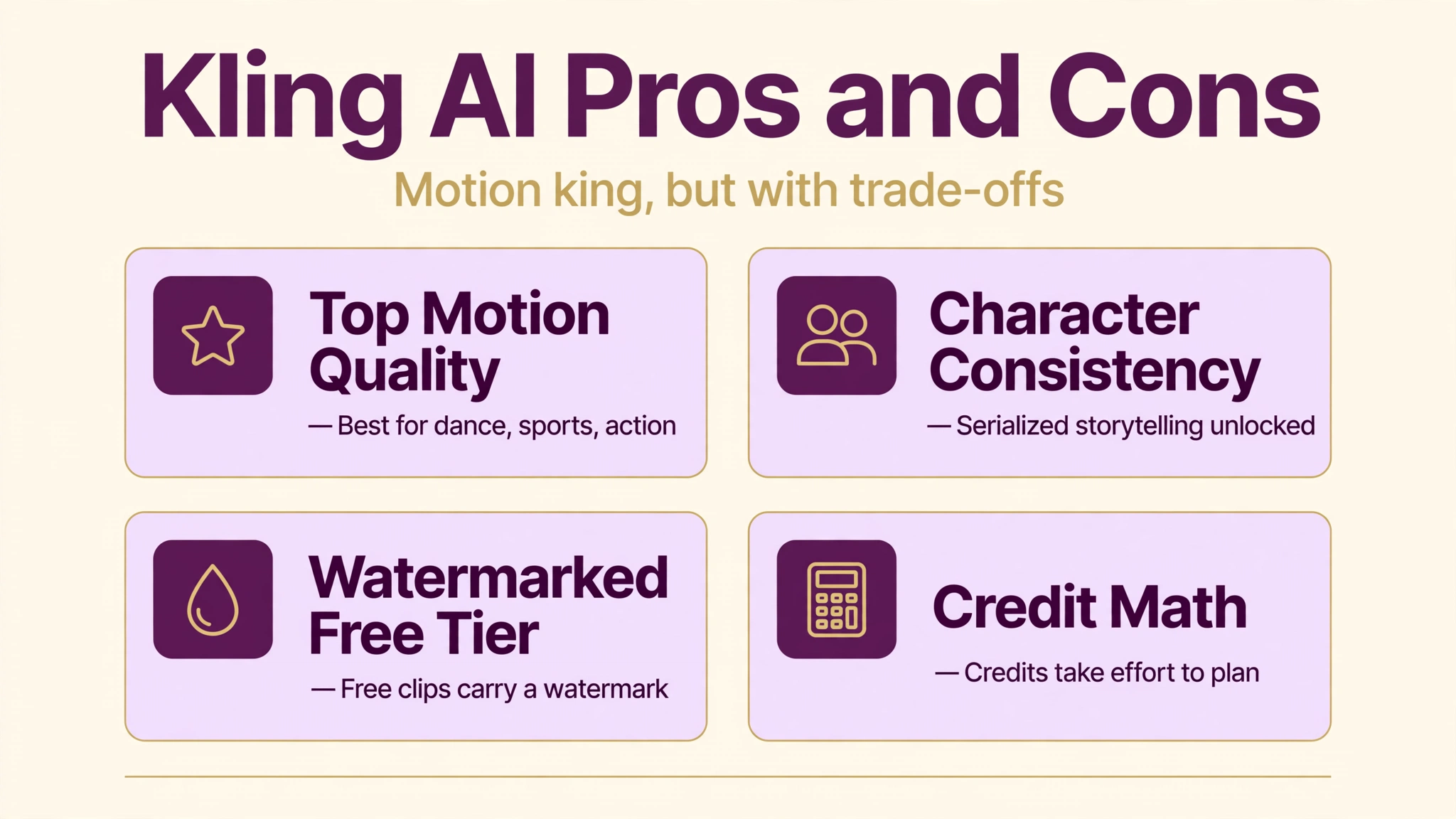
Pros
- Best motion generation in its class, especially for dance, sports, and action.
- Character consistency across clips enables serialized storytelling.
- Among the cheapest paid options per clip in AI video.
- Generous free tier for testing before committing.
- Handles Chinese-language prompts well.
- Full feature set: lip sync, extension, avatar videos, virtual try-on, API.
Cons
- Static scenes and faces can look slightly less realistic than Veo-class rivals.
- Older models lack native audio generation, unlike some competitors.
- Free tier outputs carry a watermark.
- Credit math takes effort to translate into real monthly output.
- Parts of the UI and support feel less polished for English-only users.
- Maximum 10-second clips mean longer videos require chaining.
Kling AI vs Alternatives
Kling AI vs Sora (via ChatGPT): OpenAI’s Sora matches Kling on cinematic ambition and adds synchronized audio, but it lives inside the ChatGPT subscription ecosystem with its own limits. Kling wins on motion realism and price per clip, while Sora wins on audio integration and prompt understanding. A detailed pricing breakdown is available in this Kling AI membership review.
Kling AI vs Runway: Runway offers a mature creative suite with editing timelines, motion brush, and inpainting, plus up to 4K output, but shorter maximum clip lengths and higher per-clip costs. Choose Runway for professional editing workflows and stylized animation; choose Kling for realistic motion at lower cost. For another strong video option, read our Hailuo AI | AI Video Generator, Features and Pricing guide.
Kling AI vs Pika: Pika targets playful social video with a generous free tier and fast iteration, but its quality ceiling sits below Kling’s best. Pika is the fun, casual pick; Kling is the pick when motion quality actually matters.
Kling AI vs Luma Dream Machine: Luma earns praise for smooth, natural motion and strong prompt adherence at competitive prices, making it Kling’s closest rival for all-round quality. Many creators test both free tiers and keep whichever handles their specific subjects better. For live, real-time visual creation instead, see Krea AI | AI Image Generator, Features, Pricing, And More.
Best Kling AI Alternatives
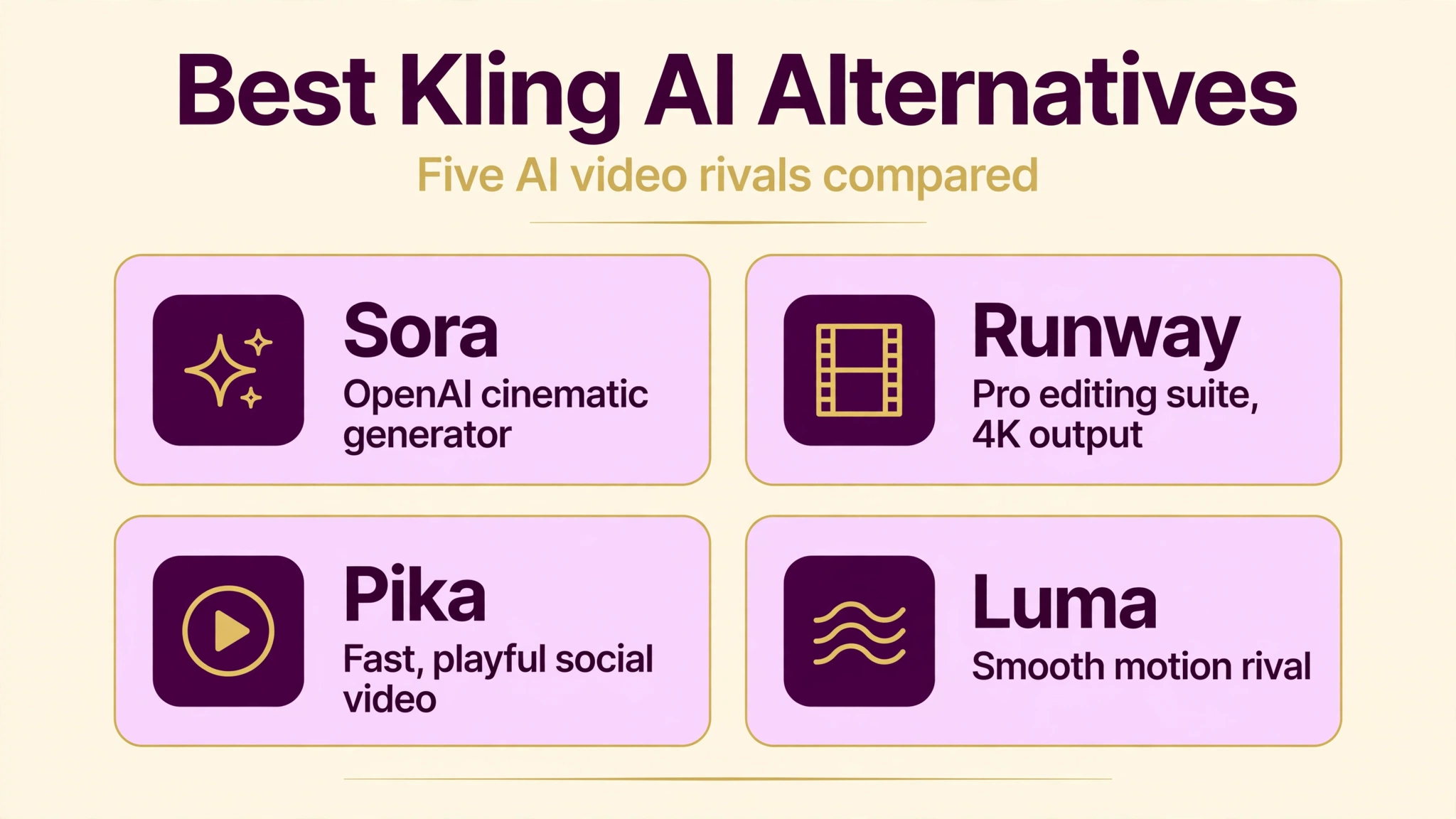
Sora. OpenAI’s video generator produces cinematic clips with synchronized audio and strong storytelling tools. Best for ChatGPT subscribers who want video inside a familiar ecosystem.
Runway Gen-4. A professional-grade suite with timeline editing, style transfer, and VFX-style controls. Best for filmmakers and agencies that need control beyond raw generation.
Pika. A fast, playful generator aimed at social creators with fun effects and an easy interface. Best for quick experiments and casual content.
Luma Dream Machine. Known for smooth realistic motion and solid image-to-video at competitive prices. Best as a direct Kling rival for natural movement.
Hailuo AI (MiniMax). Another strong value pick with realistic physics, anime strengths, and competitive pricing. Best for creators comparing cost per quality clip.
Who Should Use Kling AI?
Kling AI suits creators whose content lives and dies on movement. Music video producers, dance and fitness creators, sports highlight editors, and action-oriented storytellers get the most from its motion quality. Indie filmmakers benefit from character consistency for serialized shorts, and e-commerce sellers can use virtual try-on and product clips without a studio.
Budget-conscious creators also win, since the $10 entry tier undercuts most rivals per clip. It is a weaker fit if you need native dialogue audio baked into generations, if you want maximum photorealism in static portrait shots, or if you prefer an all-American software stack with English-first support. Marketers needing full ad pipelines may also want Runway’s editing suite alongside or instead.
Tips for Better Kling AI Videos
Prompt craft matters more than plan tier. Describe motion explicitly: instead of “a woman dancing,” write “a woman in a red dress performing a spinning dance move on a stage, camera slowly pushing in, warm spotlight.” Name the camera move, the lighting, and the action in that order, and keep one clear subject per clip.
Use image-to-video whenever the starting composition matters. Generating a still first, whether with Kling or an image tool, then animating it, gives far more control than hoping text-to-video nails your framing. For dialogue or presenter-style content, generate the visual first and add voiceover in editing software, since older Kling models do not bake in native audio.
Manage credits like a budget. Draft in Standard mode at 720p to test ideas cheaply, then re-render only your keepers in High Quality or Master. And when building multi-clip stories, generate all clips of a character in one session with consistent descriptive phrases, since character consistency works best when the model sees stable reference language.
FAQs
Is Kling AI really free?
Yes, Kling AI has a free tier with limited generations and no monthly credit allowance, and free outputs carry a watermark. It is fine for testing the platform. Regular use requires a paid plan, starting at $10 per month for 660 credits.
How long can Kling AI videos be?
Standard text-to-video and image-to-video clips run 5 or 10 seconds. The video extension feature lengthens clips, and Avatar 2.0 produces character-based videos with voiceover up to 5 minutes long.
Who owns Kling AI?
Kling AI is developed by Kuaishou, the Chinese short-video giant and a major rival to TikTok’s ecosystem. It is one of the few top-tier AI video models built outside the United States.
Can I use Kling AI videos commercially?
Commercial use rights are included on paid tiers. Review the licensing terms of your specific plan before selling or licensing generated videos, since terms can change.
Does Kling AI generate audio?
The classic Kling video models focus on visuals, while newer flagship models such as Video 2.6 add audio-visual integration. For guaranteed dialogue and sound design, most creators still add audio in editing software.
Conclusion
Kling AI has earned its reputation as the motion king of AI video. Its Kling 2.x models produce the most convincing human movement available, character consistency unlocks real serialized storytelling, and the pricing, starting at $10 per month, undercuts nearly every serious rival. For dance, action, sports, and narrative shorts, it is genuinely hard to beat.
It is not flawless: static photorealism trails the very best, audio integration is still catching up, and the credit system demands some math. But as a complete package of quality, features, and value, Kling AI is one of the smartest choices in AI video right now. Start on the free tier, test it against your actual subjects, and upgrade when the watermark starts cramping your style.
Discover More: