Swapping a face in a photo used to mean hours of careful Photoshop work. FaceSwap AI does it in seconds: it is a web-based tool that swaps one person’s face onto another person in photos, videos, and GIFs. You upload a target photo or video, add the face you want to swap in, and the AI detects facial features, matches skin tone and lighting, and blends the new face in. Everything runs in your browser with nothing to install.
We tested the workflow to see how convincing the results really are. Unlike old editing apps that made you cut, paste, and feather layers by hand, this tool automates the whole blend, which is why casual users get shockingly realistic results on the first try.
New users get 120 free credits, enough for roughly 30 photo swaps, and paid credit packs start at $9.99. In this guide we cover how it works, the pricing, responsible use, and the best alternatives.
Quick Answer
FaceSwap AI is a web-based artificial intelligence tool that swaps one person’s face onto another person in photos, videos and GIFs. You upload a target photo or video, add the face you want to swap in, and the AI detects facial features, matches skin tone and lighting, and blends the new face in within seconds. It runs entirely in your browser with nothing to install. New users get 120 free credits, enough for roughly 30 photo swaps, and paid credit packs start at $9.99.
What Is FaceSwap AI?
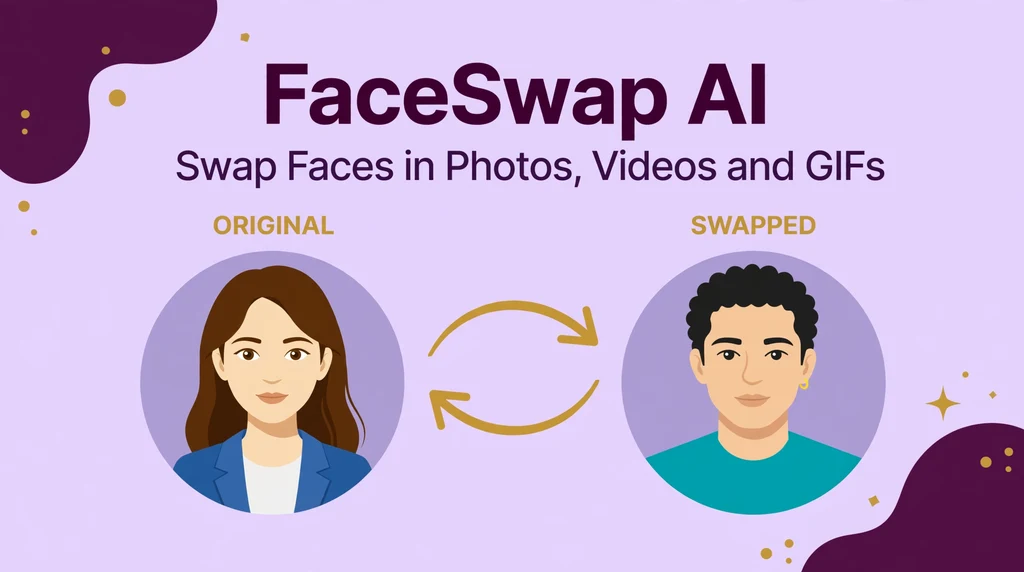
FaceSwap AI is an online face swap platform at faceswap.tech that uses deep learning to replace faces in digital media. In plain terms, it lets you take the face from one picture and place it onto the body or head in another picture, and the result looks like the photo was taken that way. Unlike old photo editing apps that required you to cut, paste and feather layers by hand, this tool handles the hard parts automatically.
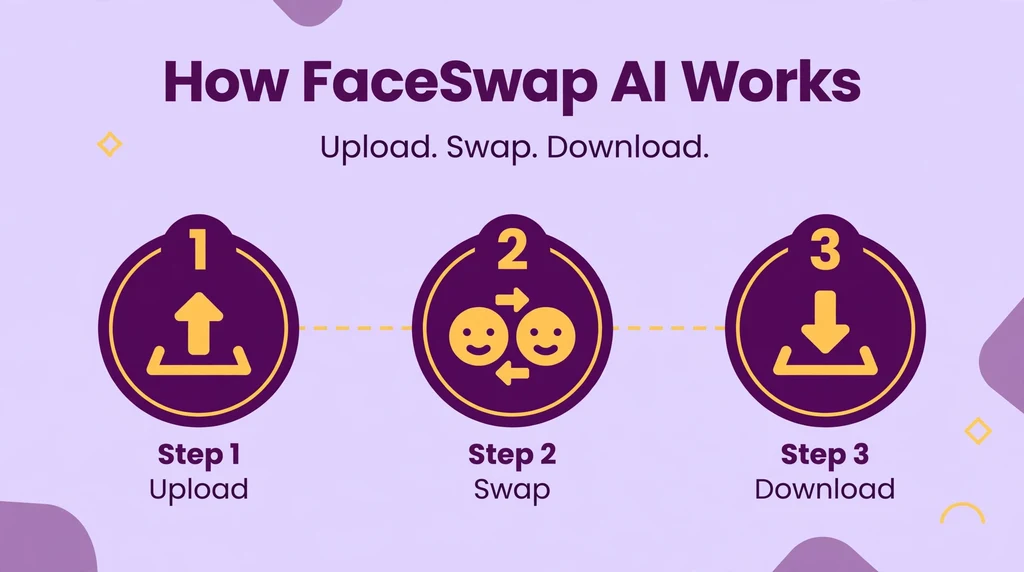
What makes it stand out is its range. Many face swap apps only handle still photos, but FaceSwap AI supports photos, videos and animated GIFs. That means you can put your face on a movie character in a short clip, swap faces with a friend in a group photo, or turn a GIF reaction into a personalized meme. The interface is a simple three step flow that even first time users can figure out in minutes.
The technology behind it comes from the same family of AI used in deepfakes: neural networks that learn how human faces are structured and how they move. Because the AI has seen countless faces, it can reconstruct angles, expressions and lighting it never actually observed. The output usually lands in the uncanny sweet spot where results look convincing at a glance on a phone screen.
Casual users mostly reach for it for fun. Content creators use it for thumbnails, viral clips and marketing visuals. Some photographers and designers use it to test concepts before a real shoot. The tool positions itself as entertainment software, and the serious users treat it the same way they would any other creative effect.
How Does FaceSwap AI Work?
The process looks simple from the outside: upload two images, press a button, download the result. Underneath, the AI runs through several stages in a few seconds. Understanding those stages helps you pick better input photos and set realistic expectations for the output.
Face Detection and Landmark Mapping
First the AI scans both images and finds every face in them. It maps facial landmarks, the precise positions of eyes, eyebrows, nose, mouth and jawline, so it knows the exact shape and pose of each face. This map is what allows the swap to follow head turns and expressions instead of pasting a flat sticker over the target image.
Skin Tone and Lighting Blending
Next the system compares skin tone, lighting direction and shadows between the source face and the target photo. It adjusts color balance and contrast so the swapped face sits naturally in the scene. This blending stage is where the real magic happens. Get it wrong and the face looks pasted on. FaceSwap AI handles it automatically, and most users never need to touch a setting.
Video and GIF Frame Processing
For videos and GIFs, the AI repeats the detection and blending for every frame and tracks the face as it moves. That consistency across frames is what separates a smooth video swap from a jittery one. The platform charges roughly 2 credits per second of video face swap, which reflects the extra computing power each frame demands.
The final stage is enhancement. A face restore pass sharpens details and smooths the transition around edges. When the processing finishes, you can preview the result before downloading. Paid plans unlock higher resolution output and faster processing queues for heavy jobs like long videos.
Key Features of FaceSwap AI
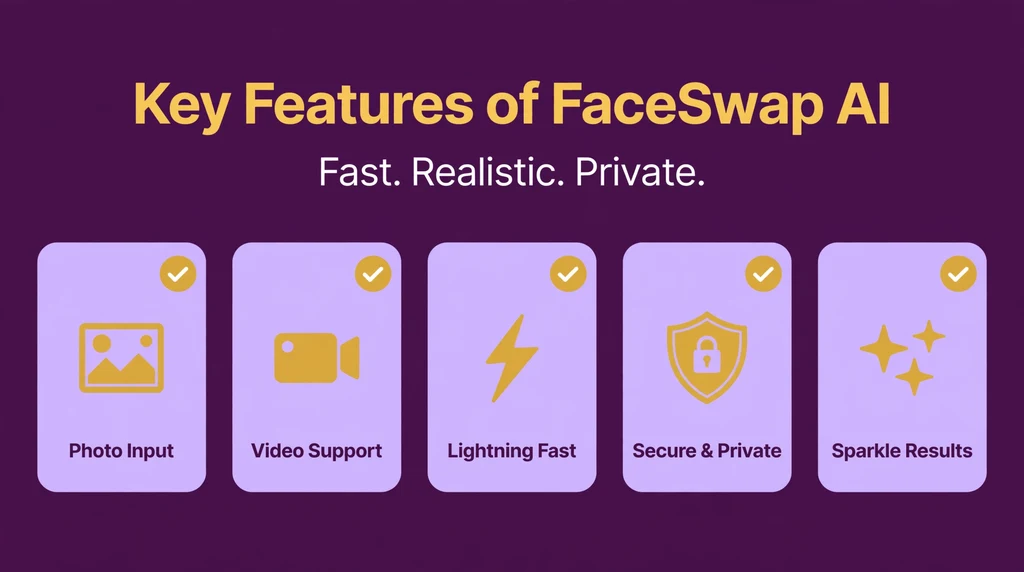
- Photo face swap: Swap faces between two still images with automatic detection, alignment and blending.
- Video face swap: Replace faces across full video clips with frame by frame tracking for smooth motion.
- GIF face swap: Animate the effect by swapping faces in GIFs for memes, reactions and social posts.
- Multi-face swapping: Swap several faces at once in group photos instead of editing one at a time.
- Face enhance: A restoration pass that sharpens the swapped face and smooths edges for cleaner results.
- Real time preview: Watch how the swap looks before you commit credits or download the final file.
- Fun presets and filters: Built in styles and effects that let you customize the look without editing skills.
- No software installation: The whole tool runs in a web browser on desktop, tablet or phone.
- Privacy focused processing: Uploaded files are encrypted and auto deleted, and history stays on your device.
- High definition output: Paid plans unlock HD quality, dedicated computing power and unlimited parallel tasks.
Is FaceSwap AI Free?
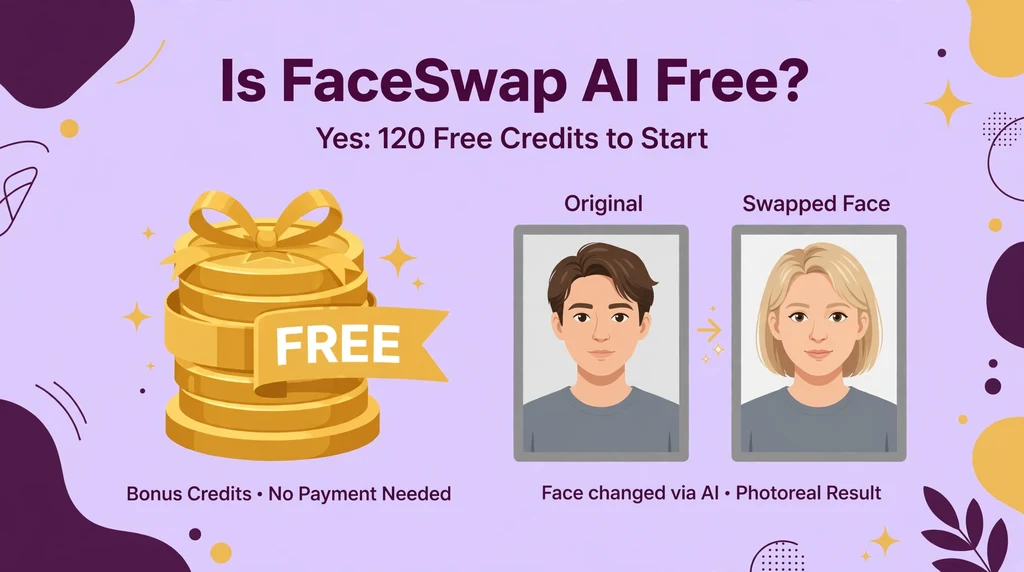
Yes, FaceSwap AI has a free tier that is genuinely usable. Every new account receives 120 free credits with no payment details required. That allowance covers about 30 photo swaps, one minute of video or 3 GIFs, which is plenty for trying the tool and making a few fun projects.
Also see our guides on JuicyChat AI, Flipped AI for more AI tools in this space.
Once the free credits run out, you buy one time credit packs instead of a subscription. Here is the current breakdown:
- Free (120 credits): 30 photos, 1 minute of video, 3 GIFs. Public computing power and single task processing.
- 1,200 credits ($9.99): About 300 photos, 10 minutes of video or 30+ GIFs. Credits valid for life.
- 7,200 credits ($29.99): About 1,800 photos, 1 hour of video or 180 GIFs. Dedicated computing power.
- 18,000 credits ($59.99): About 4,500 photos, 2.5 hours of video or 450 GIFs. Unlimited parallel tasks.
- Enterprise (custom quote): Tailored pricing and onboarding for businesses with high volume needs.
Paid packs include high definition output, dedicated computing power and unlimited parallel tasks. Your upload history is stored locally and you can delete it at any time. Because the credits never expire, occasional users do not lose money on a subscription they barely use. Heavy users who process lots of video will burn through packs faster, since video costs about 2 credits per second.
Which option should you pick? Start with the free 120 credits and see how the results look with your own photos. If you only make the occasional meme or thumbnail, the $9.99 pack will last you a long time. Creators who post face swap videos regularly should look at the larger packs, since dedicated computing power also means shorter waiting times during busy hours.
How to Use FaceSwap AI
- Sign up at faceswap.tech. Create a free account to claim your 120 starter credits. No credit card is needed for the free tier.
- Pick your media type. Choose whether you want to swap faces in a photo, a video or a GIF. Each type uses credits differently, so check the rates first.
- Upload the original media. Add the photo, video or GIF where you want the new face to appear. Use a clear, well lit file where the target face is visible.
- Upload the face photo. Add a clear front facing photo of the face you want to swap in. Frontal, high resolution shots with even lighting give the most realistic results.
- Start the swap. Hit the start button and let the AI detect faces, align landmarks and blend the new face into the target media.
- Preview and adjust. Check the result before downloading. Try fun presets, filters or swap intensity settings if the platform offers them for your project.
- Download your creation. Save the finished photo, video or GIF to your device and share it wherever you like, respecting consent and local laws.
Is FaceSwap AI Safe?
From a technical standpoint, FaceSwap AI takes reasonable privacy precautions. The platform states that uploaded files and face swap creations are encrypted and visible only to you. Media files are auto deleted from servers on a regular basis, your upload history is stored locally, and you can wipe it whenever you want. Standard advice still applies: use a strong unique password and avoid uploading anything you would not want seen.
The bigger safety question is not about the platform but about the technology itself. Face swap tools are deepfake tools, and deepfakes can be misused in serious ways: non consensual imagery, fake news, impersonation scams and harassment. Just because the software makes something possible does not make it acceptable. A swap that is funny between consenting friends becomes harmful the moment it involves someone who did not agree.
Consent is the line that matters. Only swap faces of people who have agreed to it, especially for anything you plan to publish. Swapping a celebrity face into a video can also raise legal issues around image rights, and laws about synthetic media differ from country to country. The platform itself notes that users must comply with local laws, so treat that warning seriously rather than as boilerplate.
Parents should also be aware that this is a general audience creative tool, not a kids app, and supervision makes sense if younger users are experimenting with it. Used responsibly with consenting people and clear creative intent, FaceSwap AI is a fun editing toy. Used to deceive or embarrass someone, it becomes a weapon, and no feature list changes that.
FaceSwap AI Pros and Cons
Pros
- Truly free to start: 120 free credits with no credit card let you test everything before spending a cent.
- Photos, videos and GIFs: Multi media support in one tool instead of juggling separate apps.
- Realistic results: Automatic face detection, tone matching and blending produce convincing swaps.
- Credits never expire: One time packs suit casual users better than a subscription they might forget.
- No installation: Runs in any modern browser on desktop, tablet or phone.
- Privacy minded: Encrypted uploads, auto deletion and locally stored history.
Cons
- Quality depends on inputs: Blurry or badly lit photos produce noticeably worse swaps.
- Video costs add up: At roughly 2 credits per second, long videos burn through credit packs fast.
- Free tier limits: Public computing power and single task processing mean slower queues at peak times.
- Deepfake misuse risk: The same features that make it fun can be abused without consent, so users must self police.
- No native mobile app: Everything runs through the browser, which suits some users but not app lovers.
FaceSwap AI vs Alternatives
How does FaceSwap AI compare with its best known rivals? DeepSwap is a close competitor with a similar credit based model and strong video face swapping, but it leans on subscriptions. Reface is the popular mobile app for quick phone based swaps, yet it focuses more on fun filters than on downloadable creative projects. FaceSwap AI sits between them: broader media support than Reface, and a pay as you go credit model that DeepSwap does not offer. If you want browser based swaps with credits that never expire, it is the most flexible of the three.
| Feature | FaceSwap AI | DeepSwap | Reface |
|---|---|---|---|
| Photo swap | Yes | Yes | Yes |
| Video swap | Yes | Yes | Limited |
| GIF swap | Yes | No | Yes |
| Multi-face swap | Yes | Limited | No |
| Free tier | 120 free credits | Limited free trial | Free with ads and watermark |
| Paid model | One time credit packs from $9.99 | Subscription from about $9.99/month | Subscription or one time unlock |
| Credits expire | Never | Monthly reset | Not applicable |
| Platform | Web browser | Web browser | Mobile app |
| Best for | Creators wanting flexible credits | Regular video swappers | Casual phone users |
Best FaceSwap AI Alternatives
DeepSwap. A polished web based face swapper with strong video results and a large template library. It works well for creators who swap faces every week, though its subscription model costs more over time than FaceSwap AI style one time credits.
Reface. The mobile app that brought face swaps to the mainstream, known for quick celebrity and movie scene swaps on your phone. Great for casual fun, but exports carry watermarks unless you pay, and video options are limited compared to desktop tools.
FaceMagic. Another phone friendly swap app with a focus on short video templates and trending effects. It is easy to use and good for social media clips, but it lacks the multi face editing and high resolution exports that browser tools provide.
Icons8 FaceSwapper. A simple web tool aimed at quick photo swaps with a clean interface and decent realism. It is a solid pick if you only need still images, though it does not handle video or GIFs the way FaceSwap AI does.
Swapface (open source). For technical users, open source face swap projects let you run everything on your own hardware with full control and no credits. Setup is far more involved than signing up for a hosted tool, but privacy and customization are unmatched.
To choose between them, match the tool to your habits. For example, pick FaceSwap AI for flexible browser based swaps with credits that never expire. Choose DeepSwap for heavy weekly video work, or Reface and FaceMagic for quick phone fun. Icons8 FaceSwapper suits photo only needs, while open source tools fit privacy focused tinkerers.
Who Should Use FaceSwap AI?
FaceSwap AI suits anyone who wants convincing face swaps without learning video editing software. Specifically, it is an excellent fit if you are:
- A content creator making thumbnails, viral clips or memes that need quick face swap effects.
- A marketer or small business owner personalizing ads and social content without a production budget.
- A photographer or designer testing creative concepts before committing to a real shoot.
- A casual user who wants fun swaps with friends and family for parties or group chats.
- An educator or presenter adding humor and engagement to lessons or slides.
It is a weaker fit for anyone who needs frame perfect professional VFX, since browser tools cannot match dedicated editing suites. It is also the wrong choice for pranks or content involving people who have not consented. If your main need is quick phone based fun with zero setup, a mobile app like Reface will feel faster.
Frequently Asked Questions About FaceSwap AI
Is FaceSwap AI really free?
FaceSwap AI is free to start but not free forever. Every new account gets 120 credits with no payment required, covering roughly 30 photo swaps, one minute of video or 3 GIFs. Once those run out, you buy one time credit packs starting at $9.99. The credits never expire, so you only pay for what you actually use.
Can FaceSwap AI swap faces in videos?
Yes. Unlike some tools that only handle still photos, FaceSwap AI processes full video clips and animated GIFs. The AI tracks the face across every frame for smooth motion. Video costs about 2 credits per second, and longer clips take more processing time, so keep videos short if you are on the free tier.
What photos work best for face swapping?
Clear, well lit, front facing photos give the best results. Both the source face and the target image should be high resolution with the face fully visible. Heavy shadows, sunglasses or extreme angles make the AI guess at missing details, which lowers realism. When in doubt, pick brighter and sharper inputs.
Do my uploaded photos stay private?
According to the platform, uploaded files and swap results are encrypted and visible only to you. Media is auto deleted from servers regularly, and your upload history is stored locally on your device where you can delete it anytime. Still, avoid uploading sensitive personal photos to any online tool as a basic precaution.
Is it legal to use FaceSwap AI?
The tool itself is legal, but how you use it may not be. Laws on synthetic media, image rights and deepfakes vary by country, and swapping a real person’s face without consent can violate privacy or defamation laws. Always get permission from the people involved and check your local rules before publishing anything.
Final Thoughts
FaceSwap AI earns its popularity by making a complex technology feel effortless. The browser based workflow, realistic blending and support for photos, videos and GIFs cover everything a casual creator needs. The credit model is fair: a real free tier to start, one time packs that never expire, and no subscription trap for occasional users.
The honest caveat is the same one that follows every deepfake tool. Realistic results are a double edged sword, and the responsibility sits with you. Use it with consenting people for creative or funny projects, and it is one of the best free starting points in the face swap space. If you need it, the paid packs scale sensibly for heavier creative work.
For more information, visit FaceSwap official site, deepfakes.