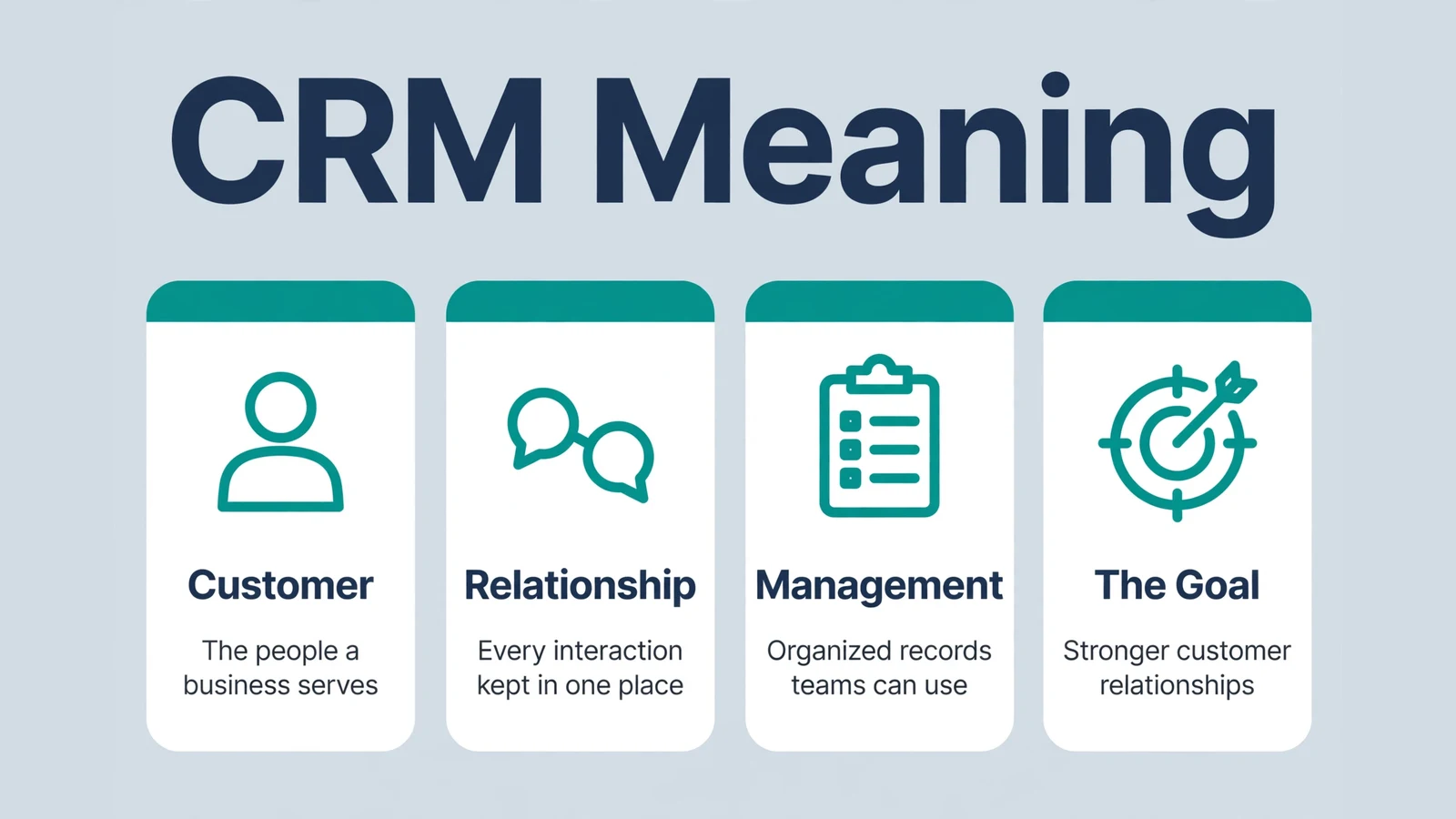
Three small letters turn up in almost every business software discussion: CRM. So what does CRM mean? CRM stands for Customer Relationship Management. It is the name for both a way of working and the software that supports that way of working.
In simple terms, a CRM helps a company keep every customer interaction in one shared place. Nothing important lives in one person’s inbox or notebook. Instead, the whole team works from the same customer record.
Guides from Salesforce and Investopedia describe CRM as the system that gives every department one view of the customer. This article explains the full form, the core functions, the main types, and a short history of the idea. It also clears up the most common mix-ups around the term.
What Does CRM Stand For?
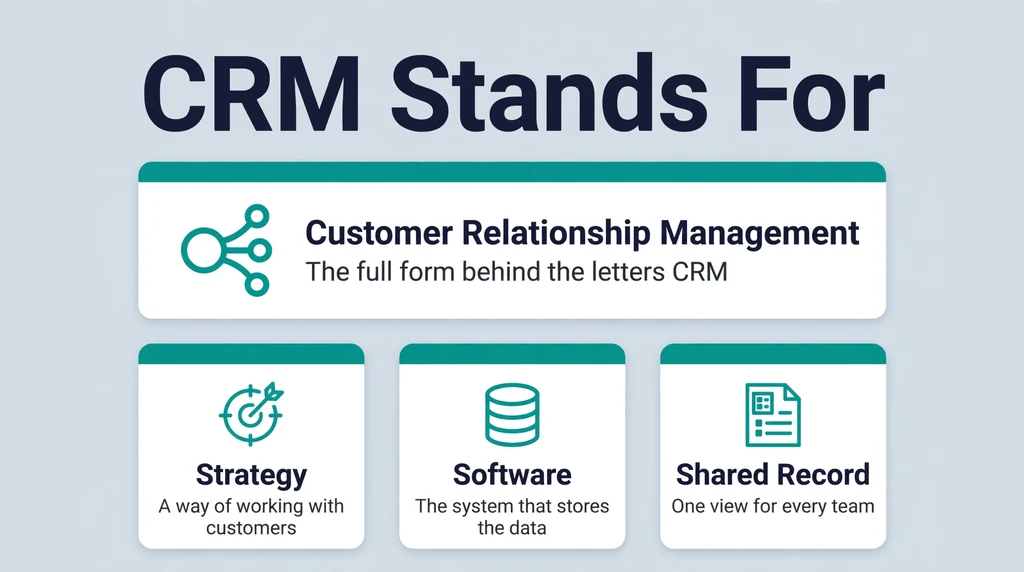
CRM is an abbreviation, and each letter carries part of the meaning.
Customer points to the people and companies that buy from a business, plus the people who might buy in the future. Relationship covers every dealing between those customers and the business over time. Management is the organized work of recording, understanding, and improving those dealings.
Put together, Customer Relationship Management means handling customer relationships in a deliberate, organized way. The phrase sounds broad because the job itself is broad. It starts before the first sale and continues long after it.
You will meet the abbreviation in many places. It appears in job advertisements, software menus, sales meetings, and business textbooks. Sometimes it names a department’s whole approach to customers. Sometimes it names one specific program on a worker’s screen. The surrounding words usually tell you which sense is meant, and the two senses are never far apart, because the software exists to serve the approach.
The letters also appear inside job titles. A “CRM manager” runs the system and the habits around it, while a “CRM analyst” studies the data it holds. Roles like these show how completely the abbreviation has settled into office language.
CRM as a Strategy
At the strategy level, CRM is a set of habits and rules. A company decides how it will record customer details, how quickly it will reply, and how teams will share what they learn. Investopedia describes this layer as the principles and practices an organization follows when it interacts with customers.
A small firm can practice CRM with simple tools and clear habits. The mindset comes first, in other words. The software usually follows later, when the number of customers outgrows sticky notes and memory.
Strategy also covers promises a company makes to itself about customers. Examples include answering every enquiry within one working day, recording the outcome of each call, and reviewing unhappy customers each week. None of these rules needs special software. All of them become far easier to keep once a shared system holds the facts.
CRM as Software
At the software level, a CRM is a system that stores customer data in one database. Salesforce defines it as technology for managing all of a company’s relationships and interactions with customers and potential customers.
Most people who search for CRM meaning today mean this software layer. When a job post says “experience with our CRM,” it points to a named product that the team opens every day. The next sections look at how that product works.
The software layer also explains why the word CRM so often appears next to product names. Vendors sell the system, so their pages naturally stress features and screens. Keep the strategy sense in mind while reading them, though. Two companies can buy the same product and get very different results, simply because their habits differ.
Core Meaning of CRM
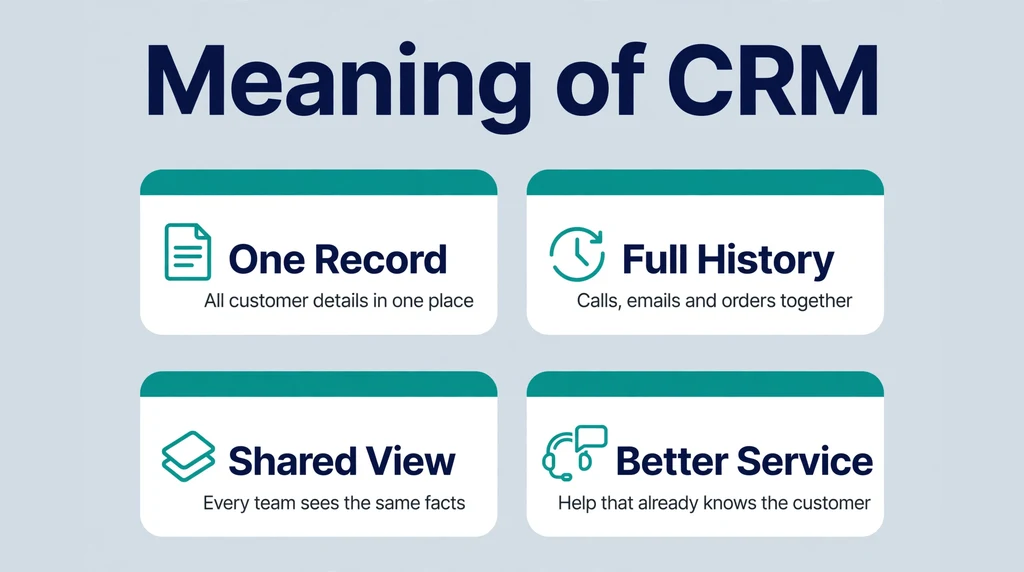
The core meaning of CRM is one shared memory for the whole business.
Without a CRM, customer knowledge scatters. A salesperson keeps notes in a spreadsheet. A support agent keeps answers inside an email thread. Meanwhile, a marketer keeps a separate list for campaigns. Each person knows one slice of the story, and nobody sees the full picture.
A CRM joins the slices together. Every call, email, order, and complaint lands on the same customer record. Anyone on the team can open that record and understand where the relationship stands.
Investopedia notes that CRM works at every point of the customer lifecycle. That journey runs from discovery and learning, through the purchase itself, to service after the sale. The record grows at each stage, so the next conversation starts informed instead of cold.
Notice, too, that the middle word is relationship, not database. The data matters because of what it protects: trust built through repeated, consistent contact. Customers notice when a company remembers their last order, their open problem, and their preferred channel. That memory is the real product of CRM.
Picture a returning customer who calls about a late delivery. Without a CRM, the agent starts from zero and asks for an order number, a name, and the whole story. With a CRM, the agent opens the record, sees the order, the delay note from the warehouse, and the discount promised last week. The call starts at the customer’s actual problem. Multiply that difference by thousands of calls, and the core meaning of CRM becomes very practical.
How a CRM System Works
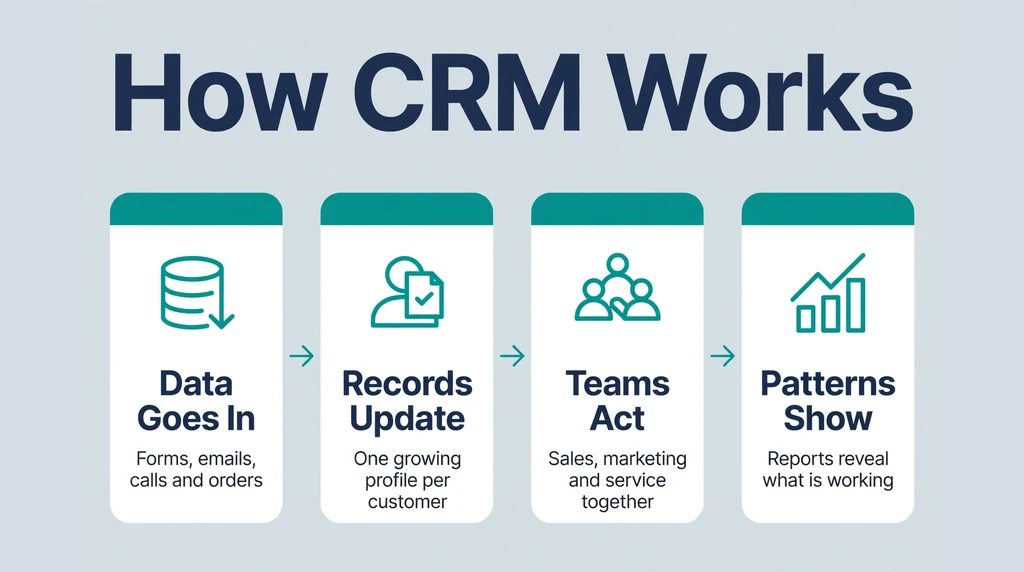
A CRM system works in a simple loop: collect, organize, and use.
Where the Data Comes From
Data enters the CRM from many everyday places. Website forms add new leads with names and email addresses. Phone calls and meetings get logged by the people who held them. Emails sync in from inboxes, and online orders add purchase details on their own.
Support chats and service requests flow in as well. Over time, the system builds a timeline for every customer without anyone filing paper by hand. Some data arrives automatically through integrations, while staff type the rest during their normal work.
What a Customer Record Holds
Each record acts like a growing profile. It holds basic contact details, such as names, phone numbers, and addresses. Salesforce notes that CRMs also track activity, including website visits, phone calls, and emails.
Beyond the basics, a record holds open deals, past orders, invoices sent, and support tickets. Notes from meetings sit beside those facts. Together, they show both who the customer is and what has happened so far. Nothing depends on one employee remembering it.
How Teams Use the Record
Teams open the record before they act. A salesperson checks the last conversation before calling. A marketer filters records to build a campaign list for one segment of customers.
Before replying, a support agent reads the open tickets, so the customer never repeats the story. Managers, meanwhile, read summaries across many records to spot trends and risks. The single record serves the individual customer, and the full database serves the wider business strategy.
One Lead, Start to Finish
A short example ties the loop together. A visitor fills in a website form, and the CRM creates a lead record with her details. A salesperson calls, logs the conversation, and converts the lead into a deal on the pipeline. Marketing sees the deal and stops sending her beginner offers. She buys, and the order appears on her record. Months later, her support question reaches an agent who can see the whole path. Every step reused the same record, and nobody had to ask her to start over.
What Does a CRM Do? Core Functions
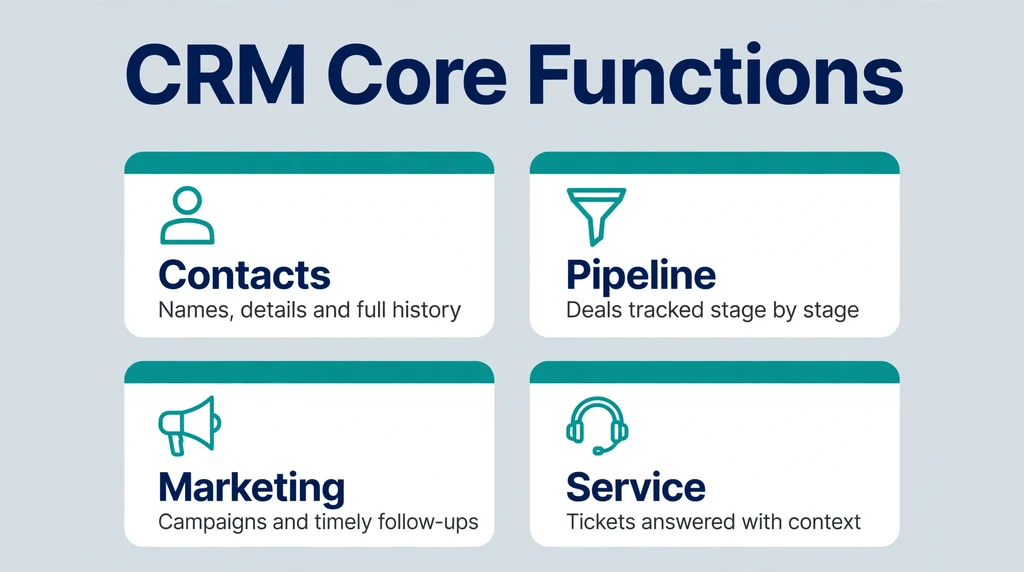
Vendors package features differently, yet most CRM systems share the same core functions.
Contact Management
Contact management is the foundation. The system stores people and companies in a searchable database, with details and history attached to each entry. Teams can find any customer in seconds instead of digging through inboxes and paper files. Good contact management also merges duplicates, so one customer never appears as three separate people. Records can carry custom fields too, such as industry, region, or preferred language, which later makes filtering and reporting far more useful.
Sales Pipeline and Deal Tracking
A pipeline shows every open deal as it moves through stages, from first contact to signed contract. Managers see the value sitting at each stage and spot deals that have stalled. Salespeople, in turn, see exactly which follow-up comes next and when it is due. This shared view makes forecasts calmer and handovers between reps far less painful. Many systems show the pipeline as a board of cards, one card per deal, so a whole month of selling fits on a single screen.
Marketing Automation
Marketing tools inside a CRM send campaigns and follow-ups based on customer data. Teams can group contacts by behaviour or interest, then send each group a relevant message. The system records who opened, clicked, or replied, and those results land back on the customer record. Over time, this loop helps marketers stop guessing and start sending what each audience actually responds to. It also protects the relationship, because people who already bought stop receiving adverts for the very thing they own.
Customer Service and Support
Service tools log every support request as a ticket. Each ticket carries the customer’s history, so agents answer with full context instead of asking basic questions again. Shared inboxes and queues keep requests from getting lost when one agent is away or busy. Managers can also see response times and recurring problems, which often point to fixes in the product itself. Many service modules add help centers and canned replies, so common questions receive fast, consistent answers at any hour.
Reporting and Analytics
Dashboards turn stored data into plain summaries. A manager can review sales by month, response times by team, or campaign results by segment. These reports help leaders decide where to spend time and money next. Because the reports draw on the same records the teams use daily, they tend to reflect reality better than hand-built spreadsheets. Good reporting also works at the individual level, showing one rep their own conversion rate or one agent their open ticket load.
Workflow Automation
Workflow rules handle routine steps automatically. A new lead can trigger a welcome email plus a task for a salesperson. A closed deal can create an onboarding task for the service team. Automation removes repetitive typing, so people spend their hours on conversations instead of data entry. It also keeps small promises, like a follow-up email, from depending on someone’s memory. Teams usually start with two or three simple rules, then add more as habits settle.
The Main Types of CRM
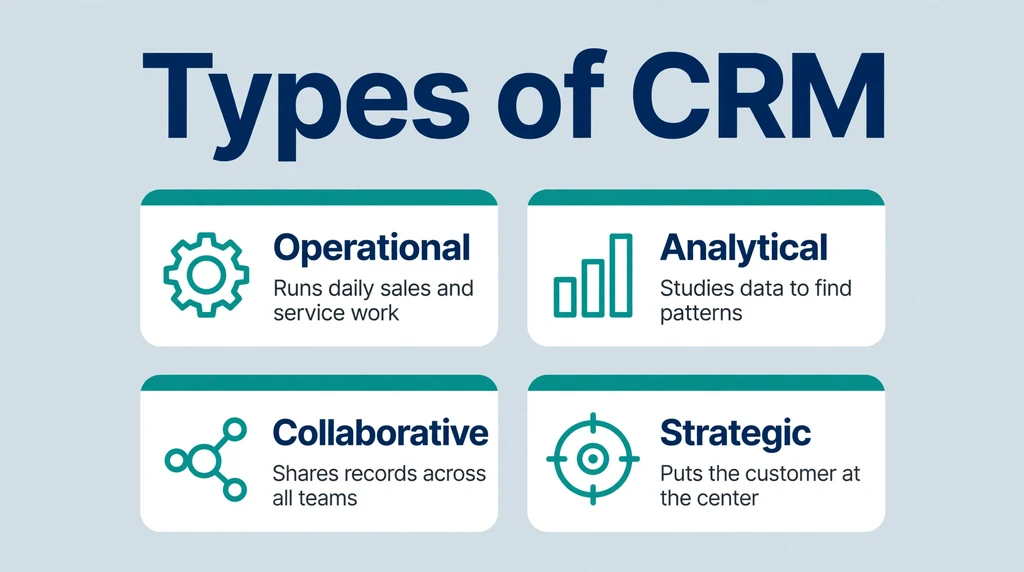
Guides usually divide CRM into three main types. Each type answers a different question about customer work, and most real products blend all three.
Operational CRM
Operational CRM runs the daily work. It automates and streamlines the front-office processes of sales, marketing, and customer service. Reminders, email sequences, pipelines, and ticket queues all belong here. When people picture CRM software, they usually picture this type, because it is the layer staff touch every hour of the day. Its success is easy to judge: either daily work gets faster and calmer, or it does not.
Analytical CRM
Analytical CRM studies the data. It looks for patterns in customer behaviour and preferences, groups customers into segments, and helps forecast sales. A business might learn which segment buys most often, or which customers are quietly drifting away. Those findings then guide offers, prices, and service priorities. This type turns the stored record from a filing cabinet into a source of decisions. It depends heavily on clean data, because patterns drawn from messy records mislead everyone who reads them.
Collaborative CRM
Collaborative CRM focuses on sharing. Its job is to give every department the same customer information, so sales, marketing, and support never work from different facts. A note added by support appears for sales at once, and a promise made by sales is visible to support. This type matters most when several teams serve the same customer and handovers happen often. It also covers the channels themselves, linking email, phone, chat, and social messages into one continuous thread per customer.
A Note on Strategic CRM
Some frameworks, including Salesforce’s own guide, add a fourth type called strategic CRM. Strategic CRM is less a feature set and more a company-wide stance: the customer sits at the center of the whole business strategy. In practice, most modern platforms blend all of these types into one product, so buyers rarely purchase a single type on its own.
How the Types Work Together
In a healthy setup, the three classic types feed each other. Operational tools capture the daily facts: calls made, emails sent, tickets closed. Analytical tools study those facts and reveal which customers need attention. Collaborative tools then make sure every team sees both the facts and the findings at the moment of contact. When one leg is missing, the others wobble. Analysis without fresh operational data goes stale, and sharing without analysis spreads noise instead of insight.
A Brief History of CRM
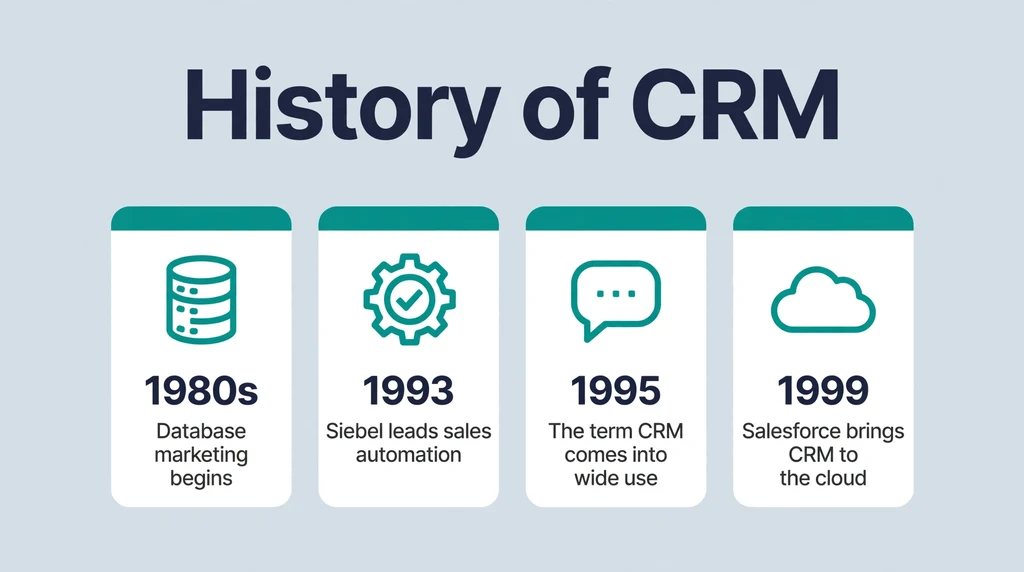
CRM software feels modern, but the problem it solves is old: how to remember customers at scale.
From Paper Files to Database Marketing
For decades, salespeople tracked customers on paper, in card files and the famous Rolodex. Those tools worked for dozens of contacts, not thousands. Mainframe computers later moved records into early databases, but the data stayed hard to use and harder to share. Each department kept its own list, and the lists rarely matched, a problem that sounds familiar even now.
The real shift came in the early 1980s with database marketing. Robert and Kate Kestnbaum were pioneers of this approach, which applied statistics to customer data. Instead of mailing everyone the same brochure, companies began to choose audiences based on records and likely behaviour. That idea, data guiding contact, sits at the root of CRM.
Contact Managers and Sales Force Automation
In the late 1980s, contact management software reached personal computers. ACT! is the best known early example, often described as a digital Rolodex. It stored contact details and interaction notes in one program that a single salesperson could run. Rivals such as GoldMine soon offered similar tools, and the contact list quietly became a shared business asset rather than a private notebook.
During the 1990s, the focus widened from contacts to the whole sales process. Siebel Systems, founded in 1993 by Tom Siebel, led this sales force automation wave and became its best known provider. Around 1995, the broader term customer relationship management came into wide use for systems that joined sales, marketing, and service data in one place.
The Cloud Turn
In 1999, two launches showed the future. Siebel released an early mobile CRM, the Siebel Sales Handheld. The same year, Salesforce launched CRM delivered over the internet as a service, so companies could skip installing and maintaining their own servers.
Cloud delivery lowered the cost of entry. Small businesses could now rent the same kind of system that large firms once ran in-house. Since then, CRM has absorbed social media signals, mobile apps, and, most recently, AI assistants that summarize calls and draft replies for human review. Each wave kept the same center, though: one shared record that any authorized team member can open.
CRM Examples: Well-Known Platforms
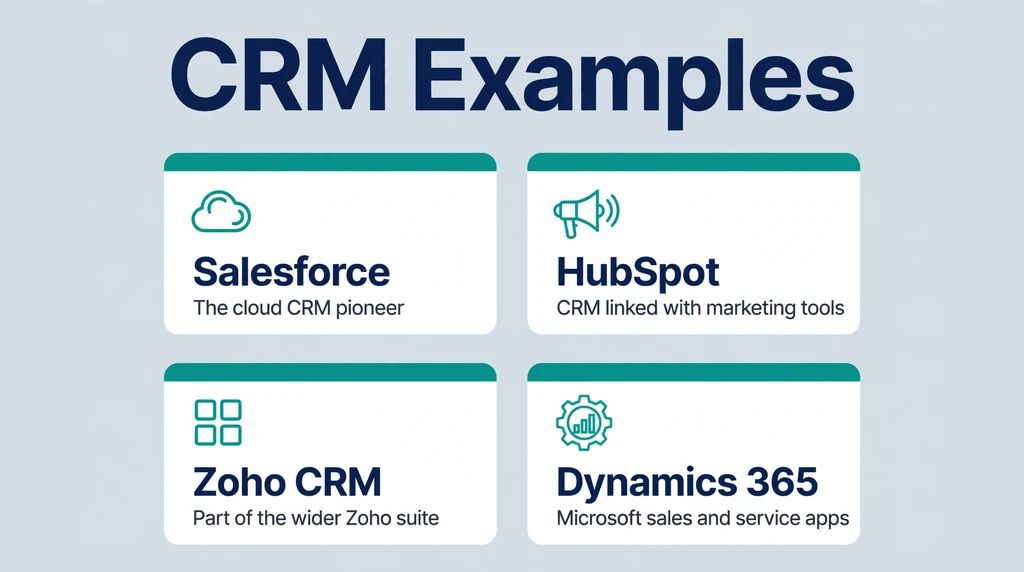
Abstract definitions land better with concrete names. These are neutral examples of widely used CRM platforms, listed to show the range of the category rather than to rank the products.
Salesforce is the best known CRM vendor and the company that popularized cloud CRM after its 1999 launch. Its platform covers sales, service, and marketing for companies of many sizes.
HubSpot offers a CRM that many small and mid-sized teams know for its free entry tier and its close links to marketing tools. Its records connect contacts, companies, and deals in one shared timeline.
Zoho CRM is part of the wider Zoho suite of business apps. It is a common pick for smaller firms that want sales automation inside a broader software bundle.
Microsoft Dynamics 365 is Microsoft’s business platform, where CRM apps for sales and service sit beside finance and operations tools. Investopedia lists Salesforce, Microsoft, SAP, Oracle, and Adobe among the largest players in the CRM market, which shows how firmly CRM sits inside big enterprise software.
Beyond the big names, hundreds of smaller products serve niches, from simple pipeline tools for freelancers to open-source systems that companies host themselves. Industry-specific CRMs also exist for real estate, healthcare, education, and finance. The names change, but the category meaning stays the same: one record per customer, shared by the team.
How to Read These Examples
Reading vendor pages with this article’s definitions in mind helps. When a platform calls itself a CRM, check which core functions it truly covers and which type it leans toward. A sales-heavy tool and a service-heavy tool can share the CRM label while fitting very different teams. The label tells you the family; the function list tells you the fit.
Who Uses CRM?
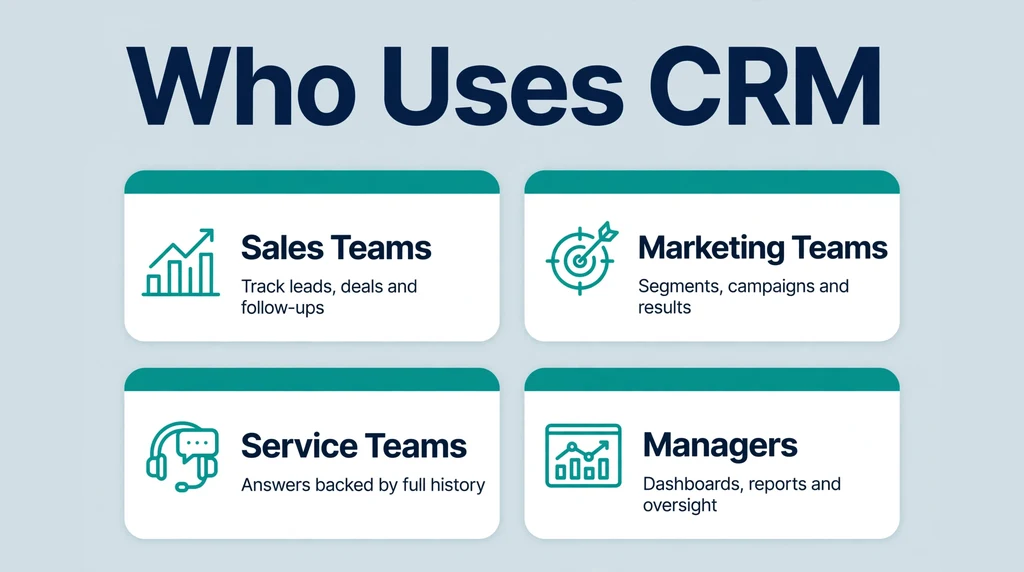
Any organization that deals with customers repeatedly can use a CRM. The heaviest users sit in three teams.
Sales and Marketing Teams
Salespeople use the CRM as their daily workbench. They log calls, track deals, and plan follow-ups there. If a colleague is sick, another rep can open the record and continue the conversation without missing a beat.
Marketing teams use the same data differently. They build segments, send campaigns, and measure which messages produce leads. Because results return to the record, marketing learns what sales sees, and sales learns what marketing sent. That two-way view is hard to build with separate tools.
Customer Service Teams
Service teams rely on history. When a customer writes in, the agent opens the record and sees past orders, earlier problems, and open tickets. That context shortens calls and prevents the most frustrating sentence in support: “Please explain your problem again.” Customers feel the difference at once, because the company sounds like one team instead of several strangers.
Small Businesses and Large Companies
Large companies use CRM to coordinate thousands of staff across regions and time zones. Small businesses use it for a simpler reason: memory. A five-person firm cannot afford to lose customer knowledge when one person leaves or takes a holiday.
Freelancers, nonprofits, schools, and clinics also adapt CRM tools to track clients, donors, students, or patients. The labels on the records change, while the underlying pattern stays identical.
Managers and Owners
Owners and managers use the CRM from a higher seat. They read dashboards rather than individual records, checking pipeline value, response times, and team workload. For them, the CRM answers a governance question: is the business treating customers consistently, or does quality depend on which employee picks up the phone? That oversight role explains why CRM reports feature in so many weekly management meetings.
CRM in a Sentence
Because CRM is an abbreviation, writers usually expand it on first use and shorten it later. These examples show the word in natural business English.
- “Our team logs every call in the CRM, so anyone can pick up the conversation.”
- “She opened the customer’s CRM record before the meeting.”
- “The company invested in customer relationship management (CRM) to reduce churn.”
- “A good CRM reminds you to follow up before a deal goes cold.”
- “Their new CRM connects the sales pipeline with the support desk.”
Notice the grammar. CRM works as a countable noun for the software (“a CRM,” “their CRM”) and as a mass concept for the strategy. Writers often add a noun after it, as in “CRM software,” “CRM system,” or “CRM platform,” when the meaning needs to be extra clear for a general reader.
In formal reports, the full form usually appears once, in brackets after the first mention, and the short form carries the rest of the document. In speech, people simply say the three letters, “see-ar-em,” in most English-speaking workplaces. Headlines and job titles also favour the short form, because space is tight and the audience is expected to know the term. In casual chat, a few writers drop the capitals and write crm, but standard business writing keeps all three letters capitalized.
Benefits of Using a CRM
Companies adopt CRM for practical gains rather than theory. The most commonly reported benefits cluster around memory, speed, and teamwork.
One source of truth. Customer facts live in one place, so teams stop arguing about which spreadsheet is current. Updates appear for everyone at once, and reports stop contradicting each other.
Fewer dropped follow-ups. Reminders and pipelines make the next step visible. Deals stall less often because nobody forgets a promised call or quote, and managers can see a stall forming before it costs a sale.
Faster, warmer service. Agents answer with the customer’s history in front of them. Customers feel recognized, and recognition is a quiet driver of loyalty and repeat orders.
Clearer decisions. Reports show which products sell, which campaigns work, and where service slows down. Leaders plan from evidence instead of hunches, and small problems surface while they are still cheap to fix.
Knowledge that stays. When an employee leaves, their customer knowledge stays in the system. New staff inherit full records rather than empty desks, so relationships survive staff changes.
Consistent contact across channels. A customer who emails on Monday and calls on Friday meets the same story both times. That consistency, repeated over months, is what turns a vendor into a familiar, trusted supplier.
None of these gains is automatic, however. Teams that skip training or let records decay see far less value, which leads directly to the misconceptions below.
Common Misconceptions About CRM
CRM is only software. The software is the visible half. Without agreed habits for recording and sharing information, an expensive system becomes an empty database. The strategy layer decides whether the tool layer pays off.
CRM is only for sales teams. Sales adopted CRM first, which shaped the stereotype. Marketing and service teams now depend on the same record, and many buying decisions start with service or marketing needs instead.
CRM is only for big companies. Cloud pricing changed the maths. Solo consultants and tiny shops now run the same core features that once needed a server room, often starting with free or low-cost tiers and adding seats as they grow.
A CRM builds relationships by itself. It does not. Software stores the facts of a relationship; people still build the trust. A CRM can remind you to call, but it cannot make the call kind, honest, or useful.
CRM means watching customers. A CRM holds data that customers share through normal business contact, such as orders and support requests. Responsible firms collect it with consent, protect it carefully, and use it to serve the customer better, not to spy on private life.
The data enters itself. In reality, records stay useful only when people log calls and update stages honestly. Most failed CRM projects trace back to empty or stale records, not to missing features. The tool rewards the teams that feed it.
CRM vs Related Terms
CRM sits beside several similar terms, and the borders matter when teams compare or buy software.
CRM vs ERP
An ERP (enterprise resource planning) system runs the inside of the business: inventory, accounting, payroll, and production. A CRM faces outward, toward customers. Many large firms run both, with the ERP handling orders and stock while the CRM handles the people who place those orders.
CRM vs CDP
A CDP (customer data platform) collects customer data from many sources and unifies it into profiles, mainly for marketing analysis. A CRM also stores profiles, but it is built for daily work by sales and service staff, not only for data unification. In short, a CDP feeds data, while a CRM puts data to work in conversations.
CRM vs a Spreadsheet
Spreadsheets store contacts well at a tiny scale. They fail quietly as teams grow: two people edit at once, versions fork, and no reminder ever fires. A CRM is what a contact spreadsheet becomes when it needs sharing, history, and automation built in.
CRM vs Marketing Automation
Marketing automation tools send campaigns, score leads, and nurture contacts at scale. A CRM holds the master customer record that those campaigns draw on. Many products now bundle both, which blurs the line in shops and demos. The clean distinction is purpose: automation communicates, while the CRM remembers. A healthy setup needs the memory first, because campaigns built on forgotten promises annoy customers quickly.
Frequently Asked Questions
What is the full form of CRM?
CRM stands for Customer Relationship Management. The letters describe the job: knowing your customers (Customer), tracking every dealing with them over time (Relationship), and organizing that work instead of leaving it to memory (Management). Both the business strategy and the software that supports it carry the same name.
What is a CRM system in simple words?
A CRM system is a shared address book with a memory. It stores each customer’s details plus every call, email, order, and support request in one record. Anyone on the team can open that record and see the full story before acting, so customers get faster and more consistent help. Unlike a plain address book, it also reminds staff about follow-ups and shows managers simple reports.
Is CRM a software or a strategy?
It is both, and the two layers support each other. As a strategy, CRM is the set of practices a company follows when it deals with customers. As software, it is the tool that stores the data and automates the routine work. Most modern usage, especially in job posts and product names, refers to the software.
What are the main types of CRM?
The three classic types are operational, analytical, and collaborative. Operational CRM runs daily sales, marketing, and service work. Analytical CRM studies customer data for patterns and forecasts. Collaborative CRM shares one customer view across departments. Some frameworks add strategic CRM, which puts the customer at the center of the whole business plan.
Who should use a CRM?
Any team that talks to customers repeatedly can benefit. Sales teams track deals, marketing teams run campaigns, and service teams answer with full history. Small businesses use a CRM as a shared memory, while large companies use it to coordinate many teams. Freelancers and nonprofits adapt the same tools for clients and donors.
What is the difference between CRM and ERP?
A CRM faces outward and manages relationships with customers. An ERP faces inward and manages operations such as inventory, accounting, and payroll. The two often connect: the CRM records what a customer agreed to buy, and the ERP handles the stock, invoice, and delivery behind that promise.
Does a small business really need a CRM?
Many small businesses start with email and spreadsheets, and that works while one person holds every relationship. A CRM becomes worthwhile when customers outgrow one memory: follow-ups slip, notes scatter, or a second team member joins. Starting early keeps the records clean from the first day of growth.
What is the difference between a CRM and a contact list?
A contact list stores names and details, and nothing more. A CRM adds the living history around each name: conversations, deals, orders, and open problems. It also adds teamwork features, such as shared notes, reminders, and reports. In short, a contact list answers “who is this,” while a CRM also answers “where do we stand with them.”
Final Thoughts
CRM meaning comes down to a simple promise: no customer should be a stranger twice. The full form, Customer Relationship Management, names both the habits and the software that keep every interaction in one shared record. Whether you meet the term in a job post, a textbook, or a software demo, you now know what sits behind the three letters. You also know the questions to ask next: whose record is it, which teams share it, and how does it stay current? For a deeper, reference-style overview of the concept and its role in business, Investopedia’s guide to customer relationship management is a solid next read. Whatever the size of your team, the idea stays the same: remember the customer, and the relationship has a chance to grow.