What if your code editor could think alongside you? That is the daily reality of Blackbox AI, an AI coding assistant from a San Francisco company that lives inside your IDE and turns natural language into working code across 20+ programming languages. Instead of switching to a chatbot, you describe what you want right where you write code.
We researched Blackbox AI’s 2026 platform, from its free tier to its multi-agent Pro Plus plans, and compared it against GitHub Copilot and Cursor to find where it genuinely wins. The headline: it routes your requests through 400+ AI models including Claude, GPT, and Gemini via its Chairman system, and its $10 entry price undercuts most serious rivals while offering unique extras like image-to-code and a voice agent.
In this guide we explain what Blackbox AI is, how it works inside 35+ IDEs, what each plan really includes, whether AI-generated code is safe to ship, and how it compares to the best alternatives, so you can decide if it belongs in your development workflow.
Quick Answer
Blackbox AI is an AI coding assistant and multi-agent development platform built by a San Francisco company. Available at blackbox.ai, it offers a VS Code extension, CLI, web app, mobile apps, and API, with support for 35+ IDEs including JetBrains, Vim, and Neovim. It provides code completion, code generation from natural language, AI chat with codebase context, image-to-code, and multi-agent execution that runs complex tasks through specialist agents. There is a genuinely useful free tier, and paid plans start at Pro for $10 per month, rising to Pro Plus at $20 and Pro Max at $40 per month.
What Is Blackbox AI?
Blackbox AI is an AI pair programmer that embeds itself directly into your development environment. The company behind it is based in San Francisco and positions the product as “All Agents in One,” because every coding request can be run through multiple AI models in parallel, with the best result returned to you. Supported models include Claude, GPT, Gemini, Grok, and more than 400 others, orchestrated through a system the company calls Chairman LLM.
Unlike a general chatbot that happens to know some code, Blackbox is built for the full development loop. It offers real-time code completion as you type, generates functions and files from plain-English comments, explains and debugs existing code, and can even extract code from visual media such as screenshots and design mockups. A Figma-to-code feature turns designs into working front-end code, which is rare at this price point.
The platform spans far beyond a single extension. There is a VS Code extension, a dedicated Blackbox IDE, a terminal and CLI mode, a web application, mobile apps, and an API for custom integrations. Higher tiers add autonomous agents that execute multi-step tasks, an App Builder that turns prompts into deployable web apps, and a Remote Agent for data analysis, making it closer to a development platform than a simple autocomplete tool.
How Does Blackbox AI Work?
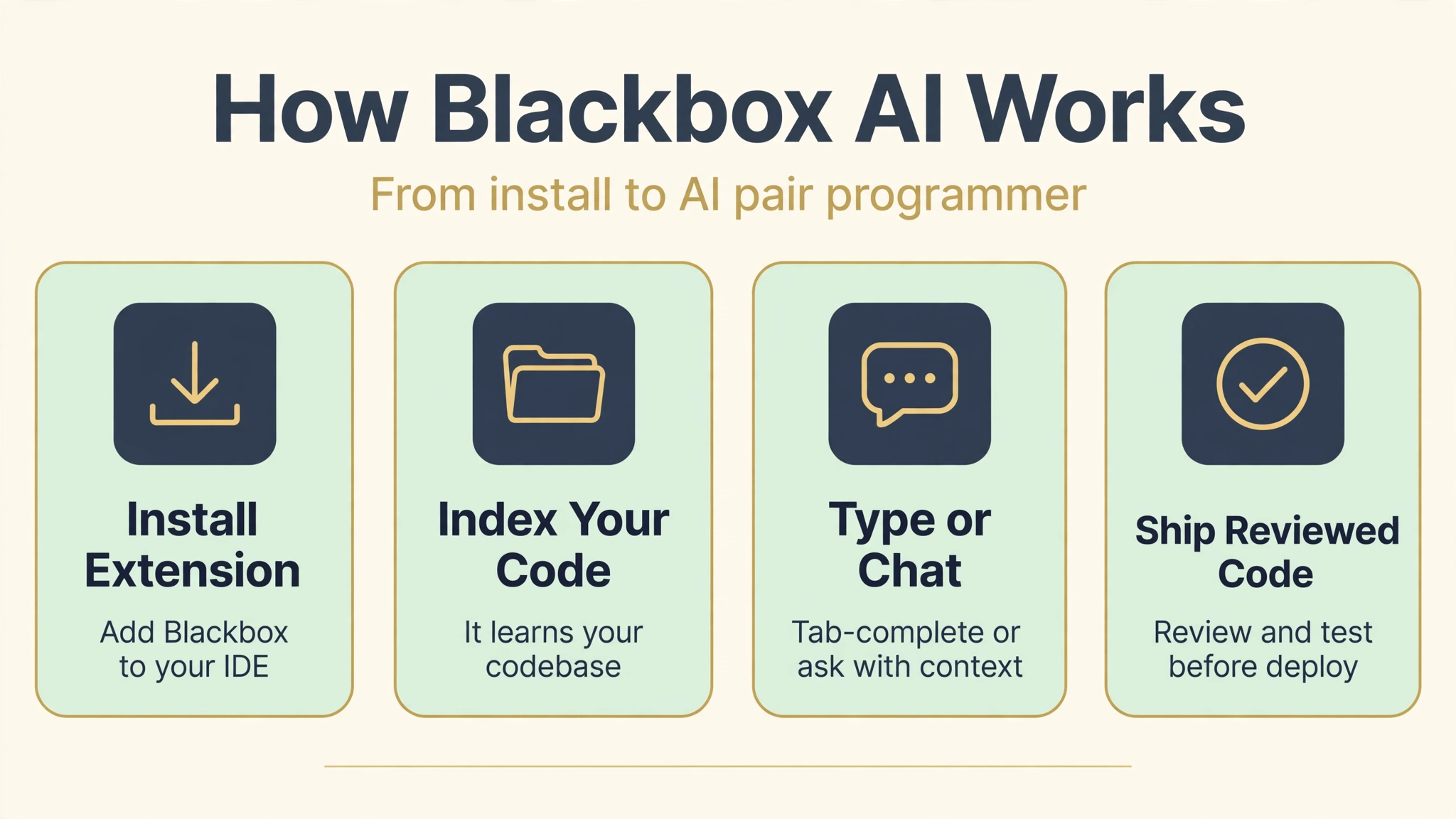
After installing the extension in your IDE, Blackbox indexes your workspace so it understands your files, dependencies, and coding patterns. As you type, it offers inline completions in over 20 languages, similar to GitHub Copilot but with your choice of underlying models. Type a comment like “fetch user data and cache it for five minutes” and it generates the implementation below your cursor.
The chat interface works like a knowledgeable colleague with access to your repo. Ask it to explain a tangled function, find a bug, or refactor a module, and it answers with your actual code as context, applying multi-file edits when needed. Web search integration means it can pull in current documentation and library versions rather than relying solely on training data, which matters for fast-moving frameworks.
On Pro Plus and above, multi-agent execution breaks complex tasks into specialist steps: one agent plans the architecture, others write the front end, back end, and tests in parallel, and the system assembles the result. The App Builder takes this further, letting you describe a web application in natural language, iterate with the AI, and deploy it. A voice agent and screen share agent add hands-free coding and collaborative debugging for pair-programming sessions.
For teams, Slack integration brings coding agents into team channels, and CI/CD pipeline mode runs agents non-interactively for automated workflows. Everything is metered through model credits on paid plans, so heavier multi-agent runs consume your monthly allocation faster than simple completions.
Key Features of Blackbox AI
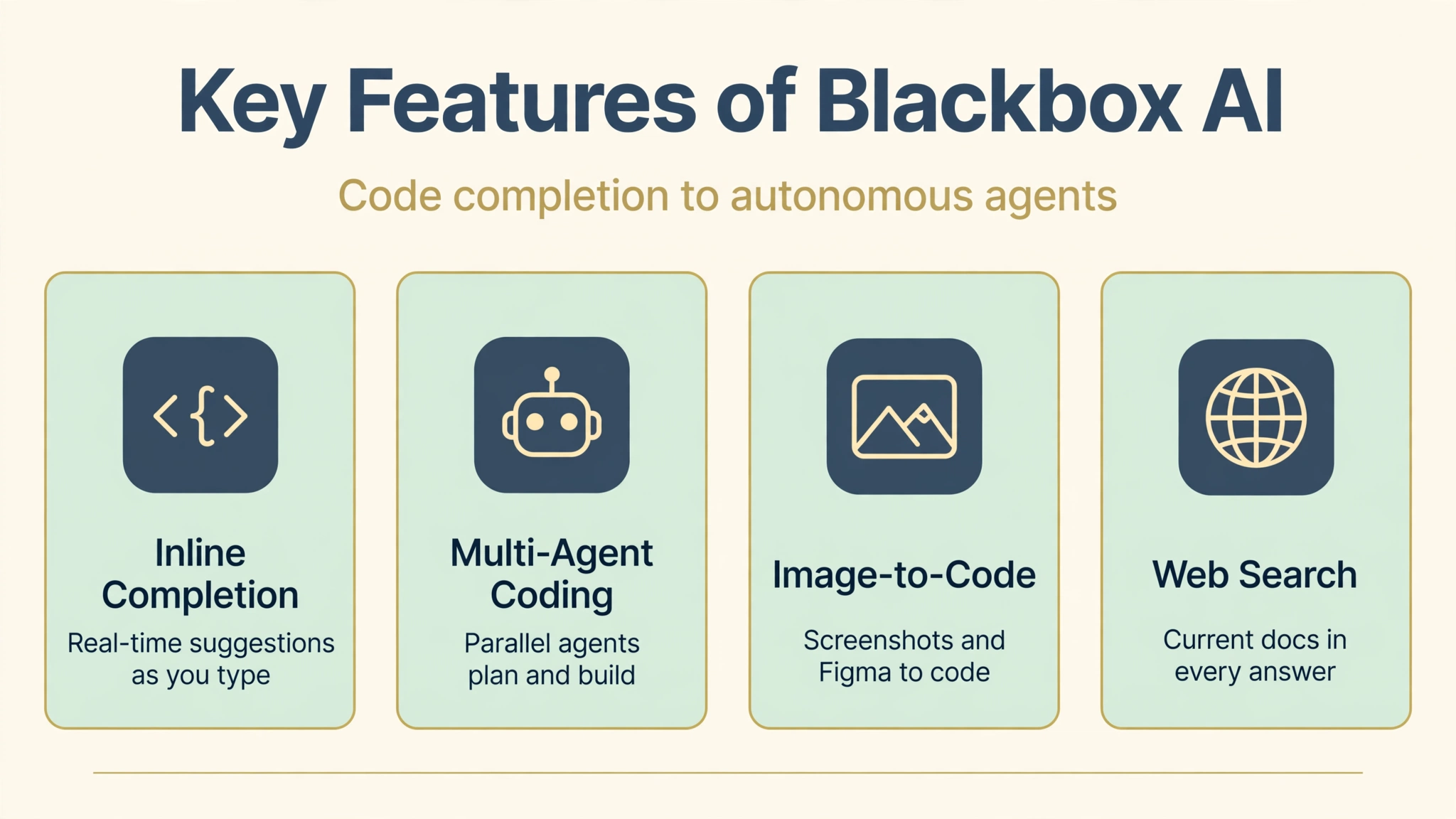
- Inline code completion: Real-time suggestions across 20+ programming languages as you type, trained on your workspace context.
- Natural language to code: Describe what you want in a comment and get working functions, classes, and boilerplate generated instantly.
- AI chat with codebase context: Ask questions, debug, and refactor with the AI reading your actual files, not guessing blindly.
- 400+ AI models via Chairman LLM: Requests route through Claude, GPT, Gemini, Grok, and hundreds more, with the best result selected automatically.
- Multi-agent execution: Complex tasks split into parallel specialist agents for architecture, front end, back end, and testing.
- App Builder: Describe a web app in plain language and get a deployable prototype you can iterate on.
- Image-to-code and Figma-to-code: Turn screenshots, mockups, and Figma designs into working front-end code.
- Voice Agent and Screen Share Agent: Hands-free coding and collaborative debugging through voice and shared screens.
- 35+ IDE and platform integrations: VS Code, JetBrains IDEs, Vim, Neovim, Jupyter, GitHub Codespaces, terminal, web, and mobile.
- Web search integration: Pulls current docs and library versions into answers, unlike offline-only assistants.
- Remote Agent for data analysis: Run analysis tasks on remote compute without tying up your machine.
- Legacy code migration: Claims strong conversion accuracy for migrations such as VB6 to C#, useful for modernizing old systems.
Is Blackbox AI Free?
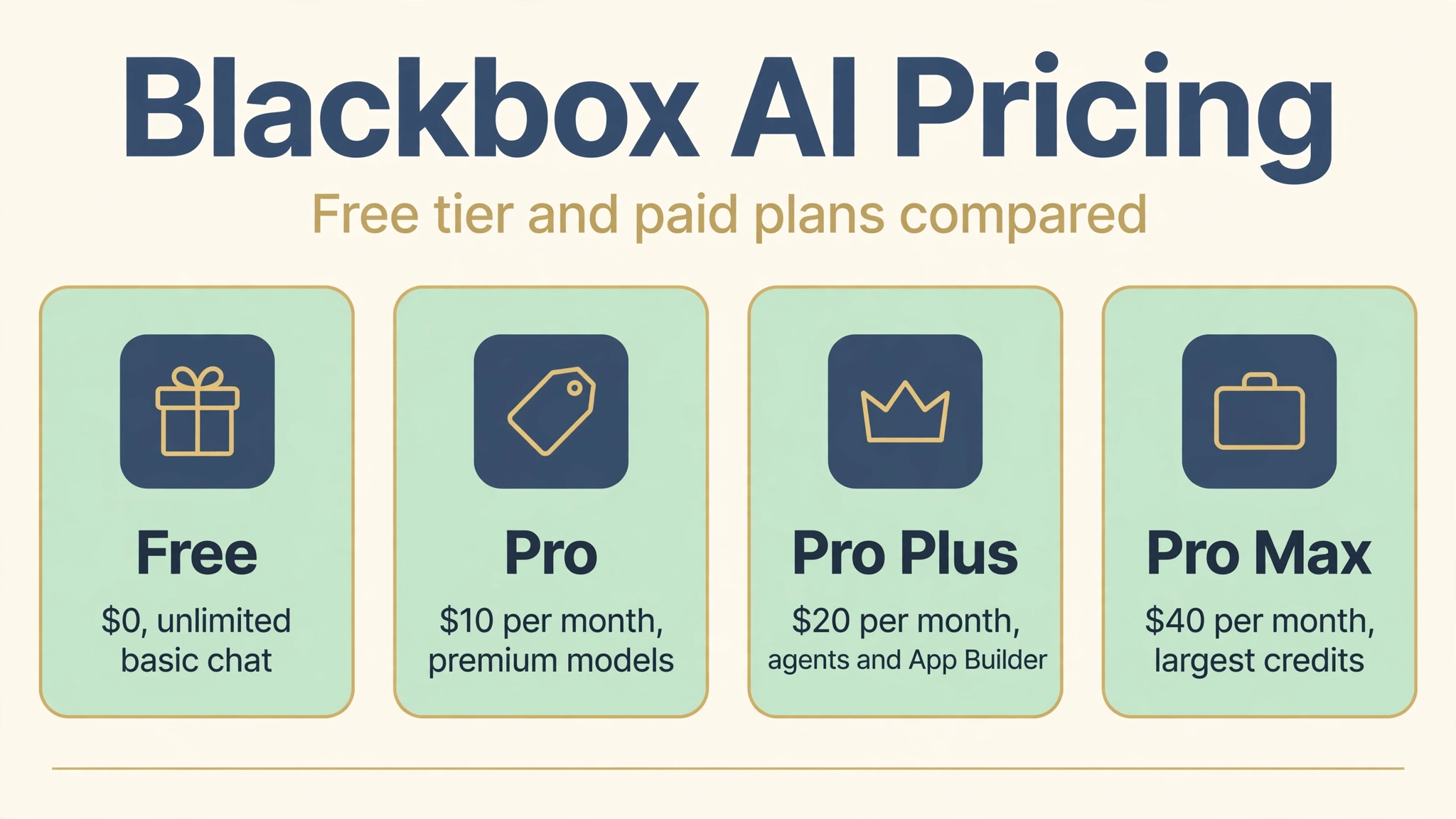
Yes, and the free tier is genuinely useful, which sets Blackbox apart from rivals like GitHub Copilot that offer no free tier at all. Here is the 2026 lineup:
- Free ($0): Unlimited basic chat, standard code completion, core AI models, and the VS Code extension, with no credit card required. No premium models and no image-to-code, but plenty for students and casual use.
- Pro ($10 per month): Premium model credits for Claude, GPT, and Gemini-class models, access to all chat models, voice and screen-share agents, image-to-code, all IDE integrations, and mobile app access. Aggressive pricing that undercuts Copilot while offering far more models.
- Pro Plus ($20 per month, most popular): Everything in Pro with a larger credit pool, multi-agent execution, App Builder, coding agents across 35+ IDEs and terminal, Remote Agent for data analysis, priority access during peak times, Slack integration, and end-to-end chat encryption.
- Pro Max ($40 per month): Everything in Pro Plus with a much larger credit pool, unlimited agent requests, team collaboration features, centralized billing, advanced security controls, SAML SSO, and priority support.
- Enterprise (custom): Training opt-out by default, on-premise deployment options, dedicated SLAs, and volume discounts.
Annual billing typically discounts paid plans by around 20 percent. One honest warning: premium model credits are consumed per task, and multi-agent workflows burn through them noticeably faster than simple completions, so heavy users should size their tier against real usage. For a comparison of AI writing helpers for non-code work, see our AI Story Generator | 7 Best Tools, Features and Pricing guide.
How to Use Blackbox AI
- Step 1: Sign up free. Create an account at blackbox.ai with no credit card required and install the extension for your IDE, starting with VS Code if you are unsure.
- Step 2: Open your project. Launch your repository in the IDE so Blackbox can index your files and learn your codebase structure.
- Step 3: Try inline completion. Start typing code or write a descriptive comment and press Tab to accept suggestions. Watch how it adapts to your style within minutes.
- Step 4: Use chat for harder tasks. Open the chat panel to explain legacy code, debug errors with full file context, or request multi-file refactors.
- Step 5: Experiment with visual input. Paste a screenshot or connect a Figma design to try image-to-code on a real UI task.
- Step 6: Upgrade when you need premium models. When free-tier limits slow you down, Pro at $10 per month unlocks Claude and GPT-class models plus the voice and screen-share agents.
- Step 7: Explore agents on Pro Plus. Describe a full feature or small app and let multi-agent execution plan and build it while you review the result.
Is Blackbox AI Safe?
Blackbox AI is a legitimate commercial product with enterprise customers, and its security story is reasonable for a cloud AI tool. Paid plans offer end-to-end chat encryption and training opt-out, Pro Max and Enterprise add SAML SSO and advanced security controls, and Enterprise even offers on-premise deployment for organizations with strict data policies.
The bigger safety question is the code itself. Like every AI coding assistant, Blackbox can generate code that looks correct but contains subtle bugs or security flaws, especially in authentication, cryptography, and input handling. Always review generated code before deploying it, run your test suite, and consider automated security scanning for production codebases. Never paste secrets, API keys, or customer data into prompts, since they travel to cloud models.
For learning and prototyping, the risk profile is low and the productivity gains are real. For security-sensitive or regulated work, pair Blackbox with code review discipline and prefer the higher tiers with training opt-out and stronger controls. If you also use AI helpers for meetings and notes, you may like Parakeet AI | AI Transcription Tool, Features, Pricing, And More.
Blackbox AI Pros and Cons
Pros
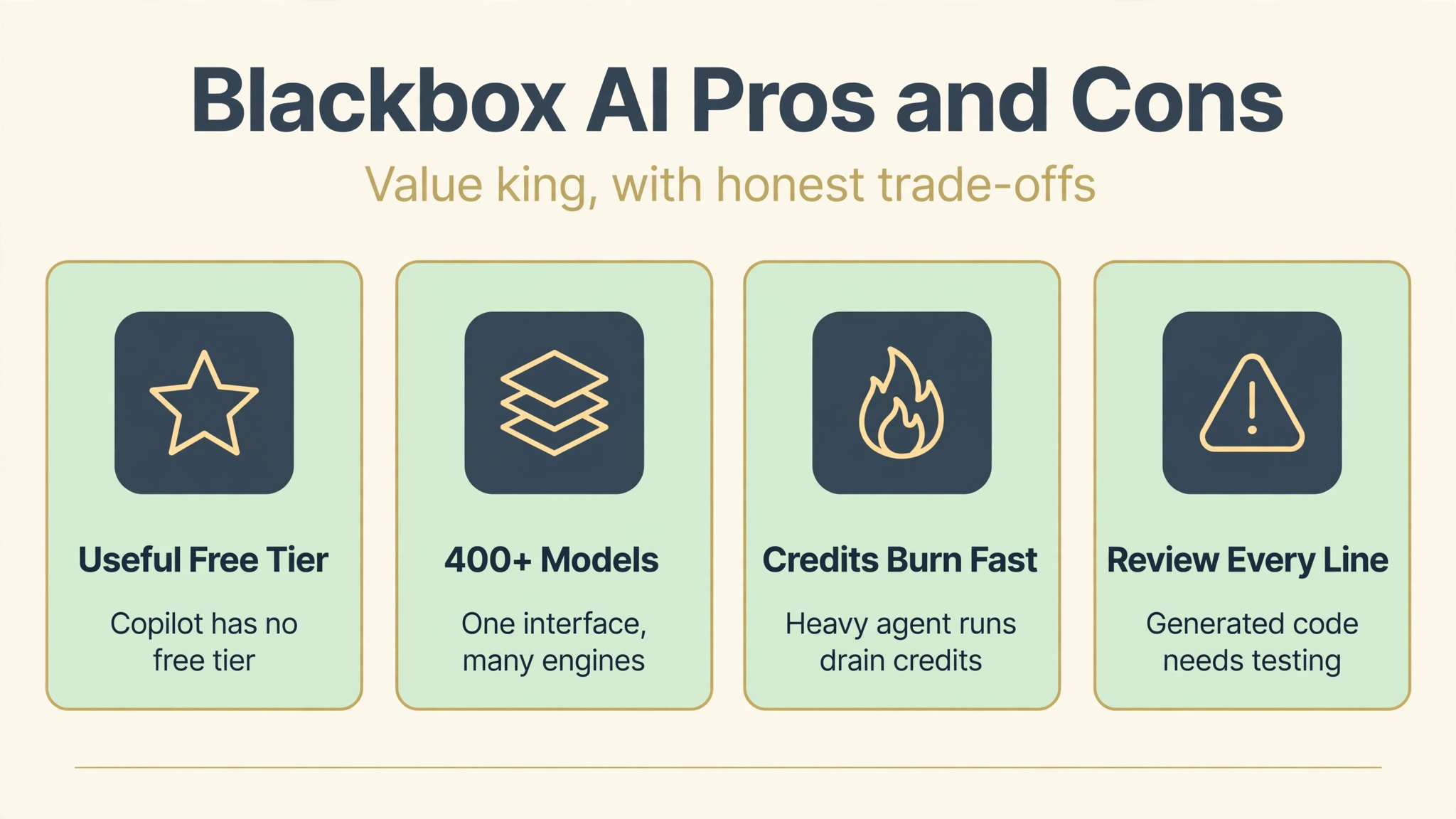
- Genuinely useful free tier, unlike GitHub Copilot which has none.
- 400+ models through one interface instead of separate subscriptions.
- Broadest platform support: 35+ IDEs plus web, terminal, and mobile.
- Unique features like image-to-code, Figma-to-code, and web search integration.
- Multi-agent execution and App Builder on Pro Plus punch above the $20 price.
- Aggressive pricing: Pro at $10 per month undercuts most rivals.
Cons
- Generated code must always be reviewed and tested before shipping.
- Premium credits can run out fast on heavy multi-agent use.
- Requires an internet connection; no meaningful offline mode.
- Some users report support responsiveness issues.
- Suggestions occasionally lack deep project context on huge codebases.
- Risk of over-reliance dulling your own debugging skills over time.
Blackbox AI vs Alternatives
Blackbox AI vs GitHub Copilot: Copilot costs $10 per month per individual and scores slightly higher on raw completion quality in some benchmarks, with deep GitHub integration. Blackbox matches the price while adding a free tier, 400+ models instead of a fixed set, and unique features like web search and Figma-to-code. Copilot wins on ecosystem polish; Blackbox wins on value and flexibility. An independent feature breakdown is available in this Blackbox AI review.
Blackbox AI vs Cursor: Cursor is a full AI-first code editor built on VS Code with excellent agent workflows, but it locks you into its editor and its free tier is heavily limited. Blackbox works inside the IDEs you already use, from JetBrains to Vim, with a genuinely usable free plan. Choose Cursor if you want to live in one AI-native editor; choose Blackbox if you want AI across your existing tools.
Blackbox AI vs ChatGPT: ChatGPT is the stronger general-purpose assistant for explanations, planning, and non-code writing, and many developers keep it open alongside their editor. But for coding specifically, Blackbox wins because it sees your files, edits multiple files at once, and completes code inline. Most developers end up using both. For AI writing tools outside of code, see Plaud AI | AI Note Taker, Features, Pricing, And More.
Best Blackbox AI Alternatives
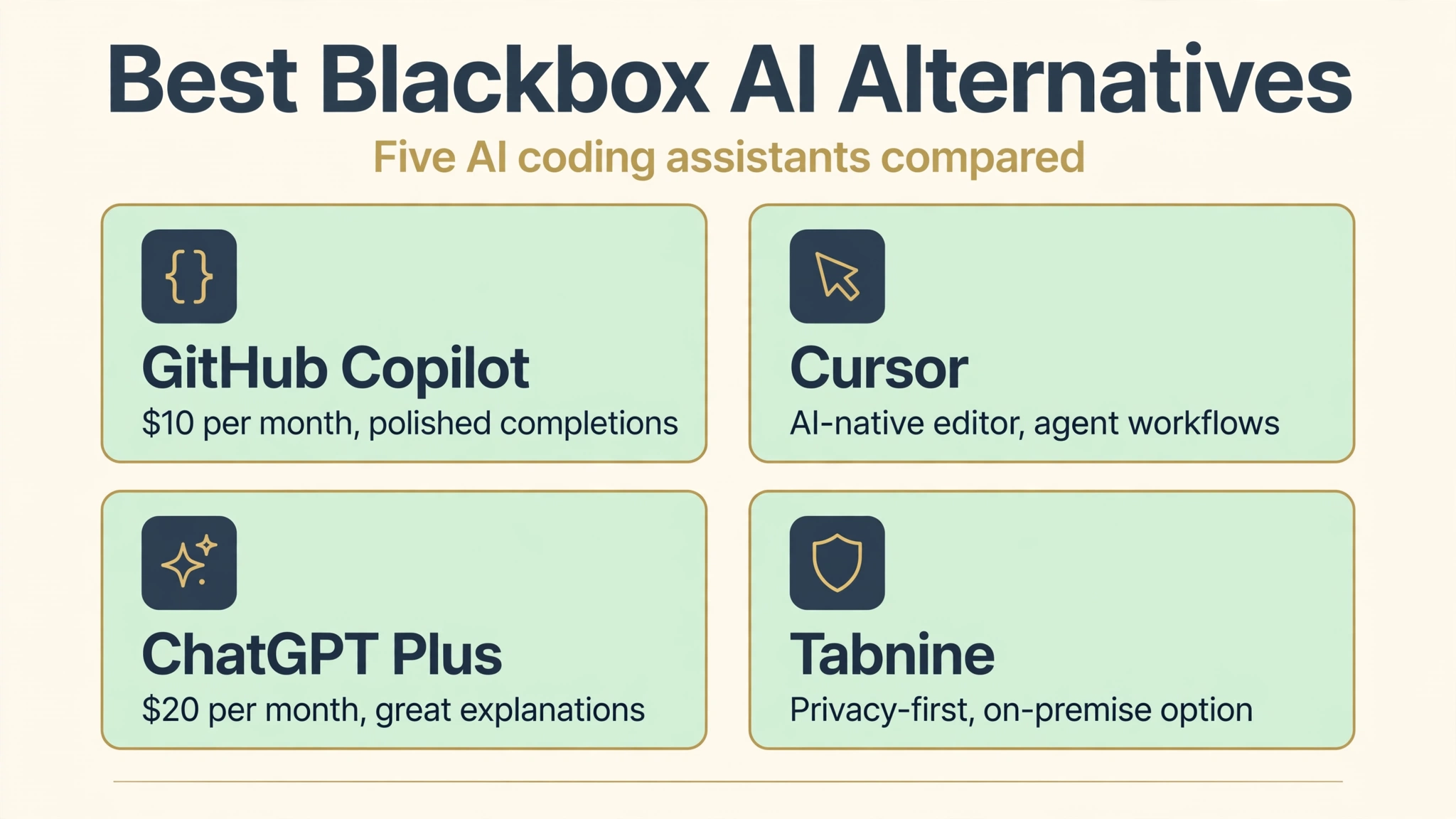
GitHub Copilot. The original AI pair programmer with excellent inline completions and deep GitHub integration. Best for developers embedded in the GitHub ecosystem who value polish over model choice.
Cursor. An AI-native code editor with agent-based coding, codebase chat, and multi-file edits built in from the ground up. Best for developers willing to switch editors for a fully integrated AI workflow.
ChatGPT Plus. OpenAI’s $20 per month plan remains superb for explaining concepts, designing architectures, and debugging with pasted code. Best as a general reasoning companion alongside an IDE assistant.
Codeium (Windsurf). A free-leaning AI coding assistant with generous free completions and agentic features. Best for developers who want strong free-tier coding help.
Tabnine. A privacy-focused code completion tool with on-premise and offline options for enterprises. Best for organizations where code cannot leave the building.
Who Should Use Blackbox AI?
Blackbox AI fits independent developers who want serious AI assistance without committing to a paid subscription on day one, thanks to the genuinely useful free tier. Students learning to code benefit from explanations and examples in context, while freelancers and small teams get multi-model power and agent features at prices that undercut the big names.
It is also a strong pick for polyglot developers working across many languages and IDEs, since few assistants match its platform breadth. It is a weaker fit for enterprises with strict data residency rules unless you step up to Enterprise with on-premise deployment, and for developers who want a single curated model experience rather than a marketplace of 400+. If you write off the keyboard entirely, a pure chat tool may serve you better than an IDE assistant.
Blackbox AI IDE Integrations Worth Knowing
Platform breadth is Blackbox’s quiet superpower, so it deserves a closer look. The VS Code extension is the flagship and gets new features first, with inline completions, chat, and agent modes all present. JetBrains users get solid coverage across IntelliJ, PyCharm, and WebStorm, which matters because Cursor cannot follow you there. Vim and Neovim support keeps terminal-native developers in their flow, and Jupyter integration serves data scientists where they actually work.
Beyond editors, the CLI brings Blackbox to scripts and servers, GitHub Codespaces support covers cloud development, and the mobile apps let you review agent output or chat about code away from your desk. The practical advice: install it in the editor you already love rather than switching tools for the AI. The value of Blackbox is that it meets you where you are, and that advantage disappears if you contort your workflow around it.
FAQs
Is Blackbox AI really free?
Yes. The free tier includes unlimited basic chat, standard code completion, core AI models, and the VS Code extension with no credit card required. Premium models, image-to-code, and agent features require a paid plan starting at $10 per month.
Which IDEs does Blackbox AI support?
Blackbox supports 35+ IDEs and platforms, including VS Code, all major JetBrains IDEs, Vim, Neovim, Jupyter Notebooks, GitHub Codespaces, plus a web app, terminal CLI, and mobile apps. Coverage is broader than most rivals.
Is Blackbox AI better than GitHub Copilot?
It depends on your priorities. Copilot scores slightly higher on raw completion quality and GitHub integration. Blackbox wins on value with its free tier and $10 entry price, on model choice with 400+ models, and on unique features like web search and Figma-to-code.
Can Blackbox AI build a complete app?
On Pro Plus and above, the App Builder and multi-agent execution can generate working web applications from natural language descriptions. Treat the output as a strong prototype or MVP starting point, and review, test, and harden the code before production use.
Is AI-generated code safe to deploy?
Only after review. AI coding assistants can introduce subtle bugs and security flaws, especially in authentication and data handling. Always review generated code, run tests, and use security scanning tools before deploying to production.
Conclusion
Blackbox AI stands out in a crowded field by combining the three things developers actually want: a free tier that is useful on day one, access to 400+ models instead of a single house model, and support for the IDEs they already use. Features like image-to-code, multi-agent execution, and the App Builder give even the $10 and $20 tiers a premium feel that rivals struggle to match at those prices.
It is not magic, and it does not replace engineering judgment. Credits can drain fast on ambitious agent runs, and every line it writes deserves review before it ships. But as a daily coding companion, Blackbox AI offers one of the best value equations in AI-assisted development right now. Start free, and let your usage decide whether Pro earns its keep.
Discover More: