
Have you ever sent a message and noticed “Sent as SMS” instead of your usual chat status?
It can look confusing, especially when you expected an internet message.
The good news is that “Sent as SMS” usually has a simple meaning. Your phone sent the message through your mobile carrier’s SMS network instead of an internet-based service such as iMessage or RCS.
Pronunciation: /sent-az-es-em-es/
Other Snapchat and messaging terms explained here include Time Sensitive and Green Dot.
This status does not automatically mean that something went wrong.
It can appear when the recipient has no internet connection, when a messaging service is unavailable, or when your phone switches to SMS as a fallback option. The exact behavior can also vary by phone, carrier, and messaging app.
In this guide, you’ll learn what “Sent as SMS” means, why it appears, what SMS stands for, how it works, and what the status can tell you about your message.
We’ll also clear up common misunderstandings about delivery, read receipts, and blocked contacts.
Definition & Meaning
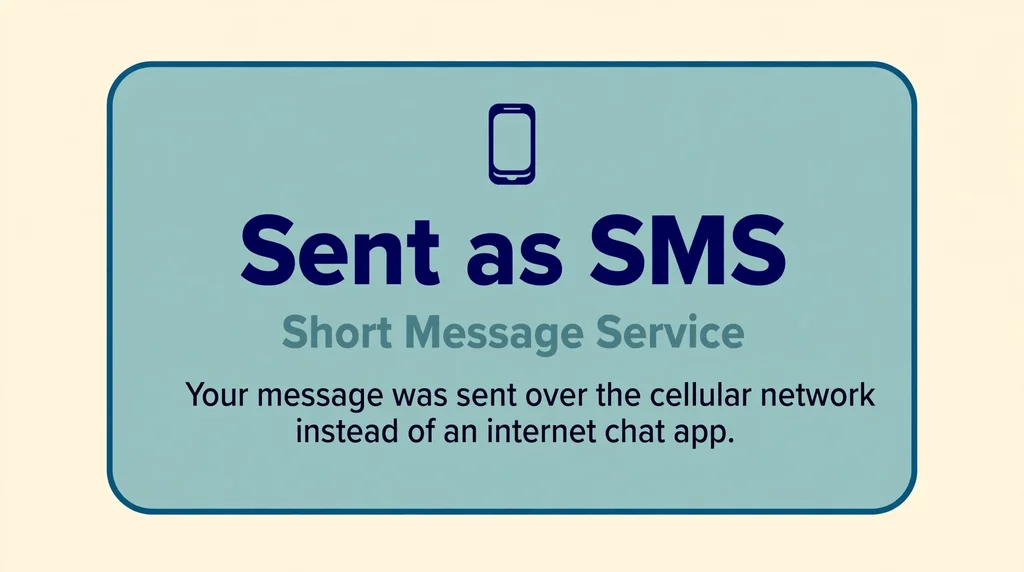
“Sent as SMS” means your text message was sent using SMS (Short Message Service) through your cellular network rather than an internet messaging service.
In simple terms, your phone used a traditional text message instead of a data-based chat method.
For example, on some devices, a message may normally use iMessage, RCS, or another internet-based messaging system.
If that service cannot be used, the phone may send the message as a standard SMS.
The phrase “Sent as SMS” describes how the message was sent. It does not, by itself, confirm that the other person has read the message.
It also does not automatically mean you were blocked.
Full Form and Meaning
SMS stands for Short Message Service.
It is a standard mobile communication service used to send text messages through cellular networks.
- S = Short
- M = Message
- S = Service
So, “Sent as SMS” means the message was sent through the Short Message Service provided by the mobile network.
Unlike internet-based messaging, traditional SMS does not require a Wi-Fi or mobile-data connection for the message itself. Your phone communicates with the carrier’s cellular network to send it.
The exact wording and behavior can differ between iPhone, Android phones, messaging apps, and mobile carriers,
but the basic meaning remains the same: your message was sent as a regular SMS rather than an internet-based chat message.
Defining the Sent as SMS Notification
At its core, SMS stands for Short Message Service.
It is the original, standard protocol for sending text messages over cellular networks.
When you see the phrase sent as SMS, it means your device has defaulted to this older, universal method of communication instead of using a proprietary data-based system like iMessage.
Think of it as a fallback plan.
If your phone cannot reach the internet or if the recipient does not have a compatible device, your phone uses the cellular voice network to push the text through.
It is the digital equivalent of sending a postcard via the post office when your private courier service is unavailable.
For example, if you are an iPhone user and you send a message to someone with an Android phone, the message will almost always be sent as SMS.
This is because Apple and Android use different messaging platforms.
Your phone detects this mismatch and automatically switches to the universal SMS standard to ensure the message gets to the recipient.
It is a seamless process designed to keep you connected regardless of the hardware you or your friends own.
Understanding this distinction helps you realize that seeing this status is usually a technical necessity rather than a personal slight.
The History and Evolution of Texting
The history of the text message is a fascinating journey that began in the early 1990s.
The very first text was sent in 1992, containing the simple words Merry Christmas. At that time, mobile phones were primarily designed for voice calls.
Engineers realized there was spare capacity in the signaling channels used by cellular networks. They decided to use this space to send short bursts of text.
Over the decades, this technology became the backbone of global mobile communication.
In the early 2000s, T9 predictive texting became a household term. People learned to type quickly on number pads, often paying per message.
As smartphones arrived, the industry shifted toward data-based messaging.
Apple introduced iMessage in 2011, which allowed users to send texts over Wi-Fi or cellular data for free. This provided a richer experience, including features like typing indicators and read receipts.
However, the SMS standard never went away.
It remained the reliable backbone that works even when data connections are spotty. Today, we have moved into the era of Rich Communication Services, or RCS, which brings modern features to the SMS format.
Despite these advancements, the term sent as SMS remains a staple of our daily digital lives.
It serves as a reminder of the foundational technology that allowed mobile communication to explode into the global phenomenon it is today.
You can read more about the technical standards of mobile communication at the International Telecommunication Union website to understand how these global networks coordinate.
Usage Across Different Platforms
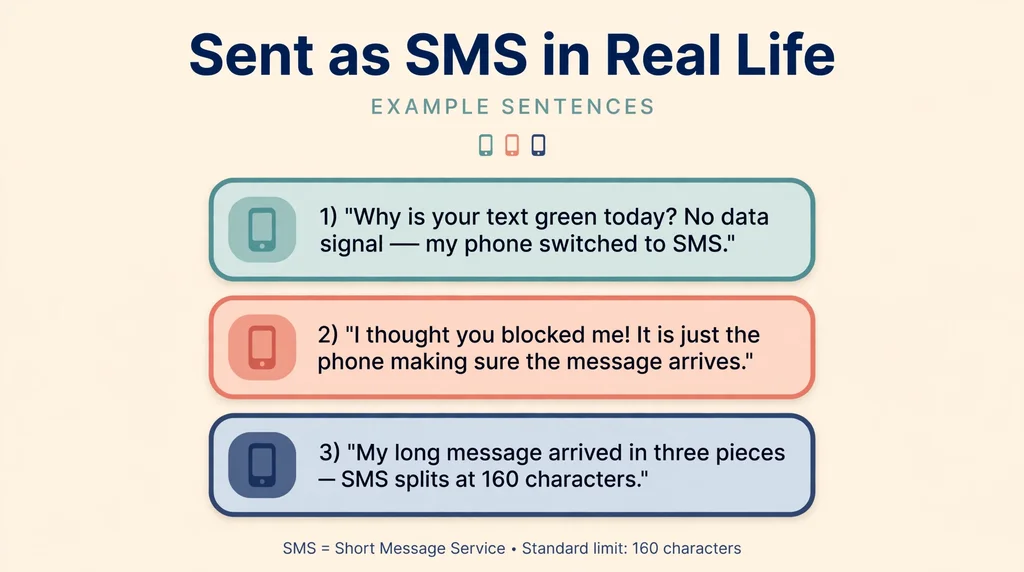
The way we experience messaging depends heavily on the device and the app we choose.
On an iPhone, the color of your bubble is the biggest indicator of which protocol is being used.
A blue bubble means you are using iMessage, which relies on data. A green bubble indicates you are using SMS.
In a casual conversation, you might see this change during a trip. Imagine you are texting a friend while on a plane.
If you have Wi-Fi, your messages might go through as iMessage. As soon as you lose that connection, your phone might switch to SMS to ensure the message is sent.
Dialogue example:
User A: Hey, why is your text green today?
User B: I am currently in a rural area with no data signal.
My phone switched to SMS to get the message out.
User A: Oh, that makes sense.
I thought you blocked me!
User B: Not at all! It is just the phone making sure the message arrives.
In gaming communities, players often use different apps like Discord or Telegram.
However, if they are swapping phone numbers, they often encounter the SMS limit. Because SMS is limited to 160 characters, long messages are often broken into smaller chunks.
This can make a conversation look fragmented. Understanding this helps you avoid frustration when your long, well-thought-out message arrives in three separate pieces.
Common Misconceptions and Clarifications
One of the most persistent myths is that seeing sent as SMS means you have been blocked.
This is rarely the case. While it is true that a blocked user cannot send a message to the person who blocked them, the appearance of an SMS indicator does not prove you are blocked.
If you were blocked, your message would simply fail to deliver, or it would stay in a limbo state without ever showing the delivered status.
If you see sent as SMS, it means the message was successfully handed off to the cellular network.
The recipient’s phone will receive it as soon as they have a signal.
Another misconception is that sent as SMS means the message is not secure.
While it is true that standard SMS lacks the end-to-end encryption found in modern messaging apps, it is still a private channel between two devices.
It is not public, and it is not easily intercepted by random people.
However, it is always a good practice to avoid sending sensitive information like passwords or bank details over any text format. Tone and context are everything.
If you are worried about a message not arriving, do not assume the worst. It is usually just a temporary network glitch or a difference in device settings.
Similar Terms and Alternatives
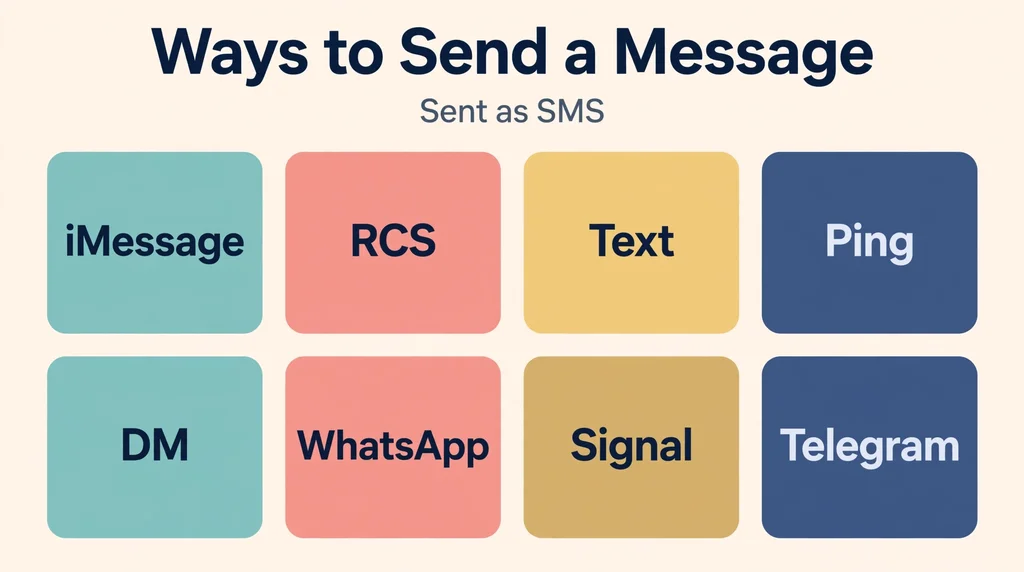
There are many ways to describe the act of sending a message.
While SMS is the technical term, people often use phrases like text, ping, or DM. A text is a general term for any message sent to a phone number.
A ping is a casual way to ask for someone’s attention. A DM, or direct message, is typically reserved for social media platforms like Instagram or Twitter.
Comparison Table:
| Term | Context | Primary Use |
| :— | :— | :— |
| SMS | Technical | Cellular networks |
| iMessage | Apple Ecosystem | Data/Wi-Fi |
| RCS | Modern Standard | Enhanced messaging |
| DM | Social Media | Platform-specific |
| Ping | Casual | Quick notification |
When you are choosing how to communicate, consider the recipient. If you know they are on a different type of phone, expect that your messages might be sent as SMS.
This does not change the content of your message, but it does change the features available to you.
For instance, you will not see the three dots that indicate someone is typing if you are communicating via standard SMS.
How to Respond to This Term
If a friend asks you why your messages are appearing as SMS, you can respond in a few different ways depending on your relationship.
Casual: Hey, my phone is just acting up! It keeps switching to SMS for some reason. I will try to fix it when I get home.
Funny: I guess my phone decided to go retro today. It is feeling a bit vintage, so it is using the old-school SMS method.
Professional: I apologize if my messages are coming through differently. I am currently experiencing some connectivity issues, but I am receiving your messages fine.
Privacy-conscious: I noticed my phone is using SMS for our chat.
Just a heads up that this is not end-to-end encrypted, so maybe let us move to a more secure app for this discussion.
By providing clear context, you put
By providing clear context, you put the other person at ease.
You are effectively telling them that the change in the appearance of the message is a technical choice, not a social one.
Regional and Cultural Differences
The reliance on SMS varies significantly around the world.
The United States, SMS and iMessage are the dominant forms of mobile communication. In many other countries, however, third-party apps like WhatsApp or Telegram are the primary way people stay in touch.
In regions where WhatsApp is the standard, seeing a sent as SMS notification might actually be a sign that something is wrong.
It might mean that the user has uninstalled their primary messaging app or that they are traveling abroad and do not have their data roaming enabled.
In some parts of Asia, apps like WeChat or Line are the standard.
If you are traveling, it is important to understand which platform is dominant in the region you are visiting.
If you try to send a text to a contact in a country where everyone uses a specific app, they might not even notice your SMS message for days.
Always check your settings and your data plan when you are crossing borders, as this is the most common reason for unexpected SMS behavior.
Comparison with Similar Technologies
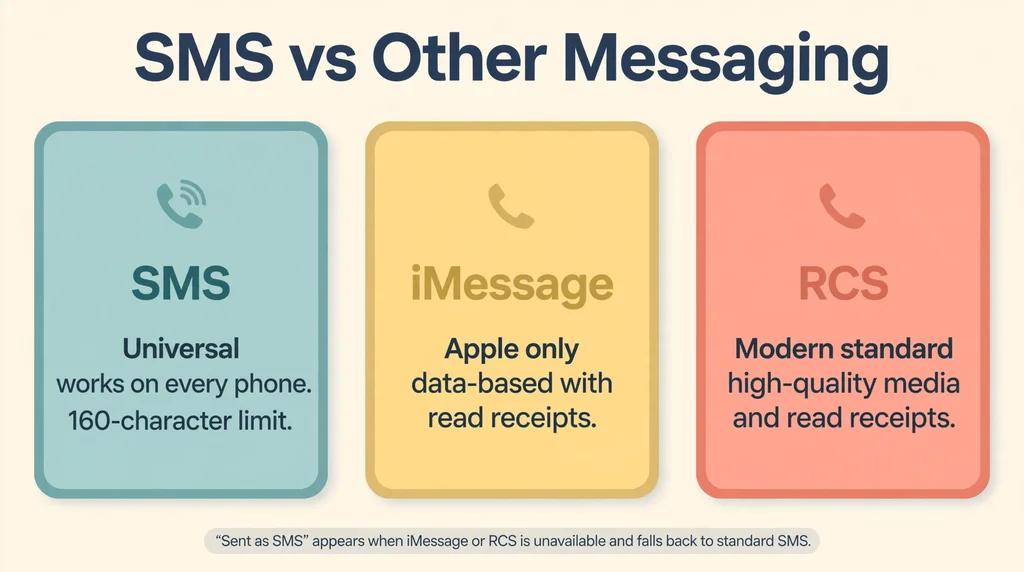
It is helpful to look at how SMS stacks up against other messaging protocols. SMS is the foundation. It is universal and works on every phone ever made.
However, it is limited in terms of media quality. If you send a photo over SMS, it is often compressed heavily, making it look blurry or pixelated.
RCS is the successor to SMS. It allows for high-quality image transfers, read receipts, and group chat management.
If you are using an Android phone, you are likely using RCS by default.
When an iPhone communicates with an Android phone, they are slowly adopting standards to make the experience more like RCS.
iMessage is a closed system. It is excellent, but it only works when both parties have Apple devices.
This creates a walled garden effect.
If you have an iPhone and your friend has an Android, you are stuck with the limitations of the older SMS protocol unless you both decide to use a third-party app like WhatsApp or Signal.
How People Use ‘Sent as SMS’ Online
On dating apps like Tinder or Hinge, moving the conversation to text is a big step.
Once you exchange numbers, you might find that the conversation changes based on the phone types involved.
If you are on an iPhone and your match is on Android, the switch to SMS might feel like a downgrade in features.
Tips for messaging:
1. Do not obsess over the bubble color. It does not reflect the quality of the person you are talking to.
2.
If you are worried about media quality, use an app that supports high-resolution files.
3.
If the conversation is stalling, do not blame the messaging protocol. It is usually just a lack of chemistry.
In gaming communities, you might be tempted to share your phone number for faster coordination. Be aware that sharing your number opens you up to SMS-based spam.
Only share your number with people you trust. Once you move to SMS, you lose the anonymity that gaming platforms provide.
Is ‘Sent as SMS’ Ever Offensive?
There is no inherently offensive meaning behind the term sent as SMS. It is a neutral technical status.
However, tone is everything in digital communication.
If you send a short, curt message as an SMS, the lack of features like typing indicators might make you seem more distant or cold than you intended.
If you are having a difficult conversation, try to be extra clear.
Use emojis or descriptive language to convey your emotion, as the recipient cannot see your face or hear your voice. The absence of modern messaging features can sometimes lead to misunderstandings, so over-communicating is usually a safe bet.
Never assume that the recipient is ignoring you just because the message was sent as SMS.
They might be in a place with poor service, or they might simply be busy.
Using ‘Sent as SMS’ at Work
In a professional setting, SMS is a double-edged sword. It is immediate and highly likely to be read, which makes it great for urgent updates.
However, it lacks the formality of email. If you are communicating with a client, it is often better to use a dedicated work messaging tool like Slack or Microsoft Teams.
If you must use SMS for work, keep it concise and professional. Avoid abbreviations that might be confusing.
If you are sending a document, do not rely on SMS to share the file, as the compression can make it unreadable.
Instead, send a link to a cloud-based storage service.
Professional alternatives:
– Email: Best for formal documentation and long-form discussions.
– Project Management Tools: Best for tracking tasks and team updates.
– Video Conferencing: Best for sensitive or complex discussions where tone is vital.
Using these tools ensures that your professional communication remains clear, secure, and organized. SMS should be reserved for quick, non-critical updates.
Frequently Asked Questions
1. Does sent as SMS mean I am blocked?
No, it simply means your phone is using the cellular network instead of a data-based messaging service.
2. Does sent as SMS mean the message was delivered?
It means the message was successfully sent to the network. Delivery depends on the recipient having a signal to receive it.
3. Why do my texts go through as SMS sometimes?
Your phone defaults to SMS when it cannot establish a data connection or when communicating with a device that does not support your specific messaging app.
4. Is there a way to force my phone to use iMessage?
You cannot force iMessage if the recipient does not have an Apple device.
It only works between Apple users.
5. Does sent as SMS cost money?
Depending on your mobile plan, SMS might be included or it might incur a fee. Check your service provider’s terms.
6. Can I turn off SMS on my phone?
You can disable SMS in your settings, but this will prevent you from texting anyone who does not use the same data-based app as you.
7. What is the difference between SMS and MMS?
SMS is for text only. MMS allows you to send images, videos, and larger files over the same cellular network.
Conclusion
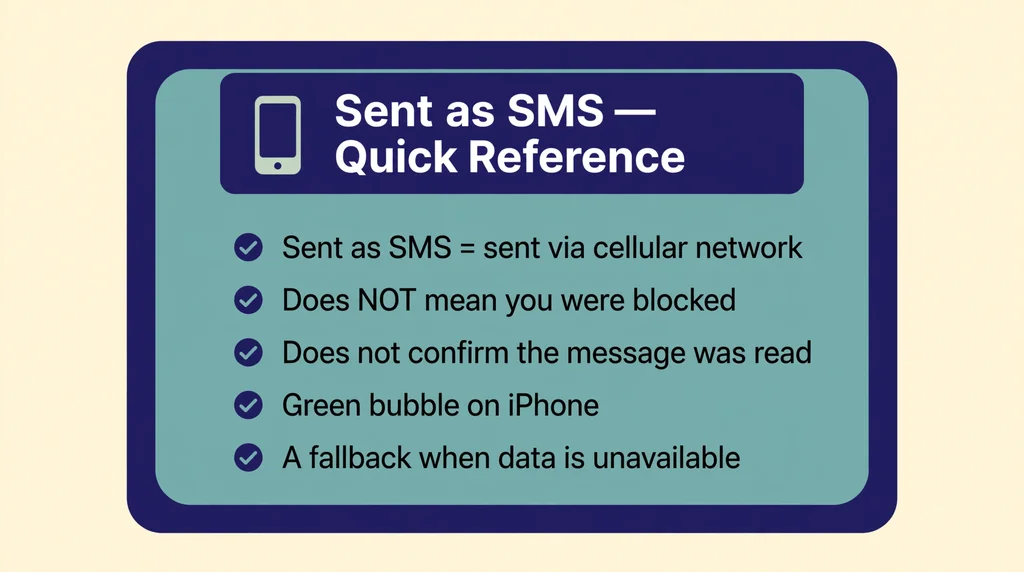
Understanding the sent as SMS notification clears up a lot of digital anxiety.
It is a standard function of modern mobile phones, designed to ensure your message reaches its destination even when your preferred data-based app is unavailable.
Whether you are texting an Android user from your iPhone or dealing with a spotty internet connection, this feature is your safety net.
By keeping the context of your communication in mind and choosing the right tools for the right situation, you can keep your conversations flowing smoothly.
Next time you see that green bubble, do not panic.
It is just your phone doing its job, making sure your words reach the person on the other end.
Stay connected, be mindful of your settings, and keep the conversation going with confidence.