
Seeing “Time Sensitive” above a Snapchat notification can make you wonder what you are missing. Is the Snap urgent?
Is your streak about to end? Or did someone send you a private message that needs an instant reply?
Pronunciation: /tym-SEN-sih-tiv-meen-on-SNAP-chat/
Other Snapchat and messaging terms explained here include Green Dot and The Green Dot On Snapchat.
The answer is simpler than it looks.
Time Sensitive on Snapchat usually refers to an iPhone notification priority setting.
Snapchat can mark certain notifications for priority delivery, allowing them to appear even when Focus or Do Not Disturb is active.
Apple introduced Time Sensitive notifications with iOS 15, and Snapchat uses this notification system for selected alerts.
The label does not automatically mean the sender marked the message as urgent.
It also does not mean your Snap will disappear faster, your account has a problem, or someone has a special status with you.
In this guide, you’ll learn what Time Sensitive means on Snapchat in 2026, why the clock-like notification appears, what it means for Snaps and chats,
and whether you actually need to respond right away.
Definition & Meaning
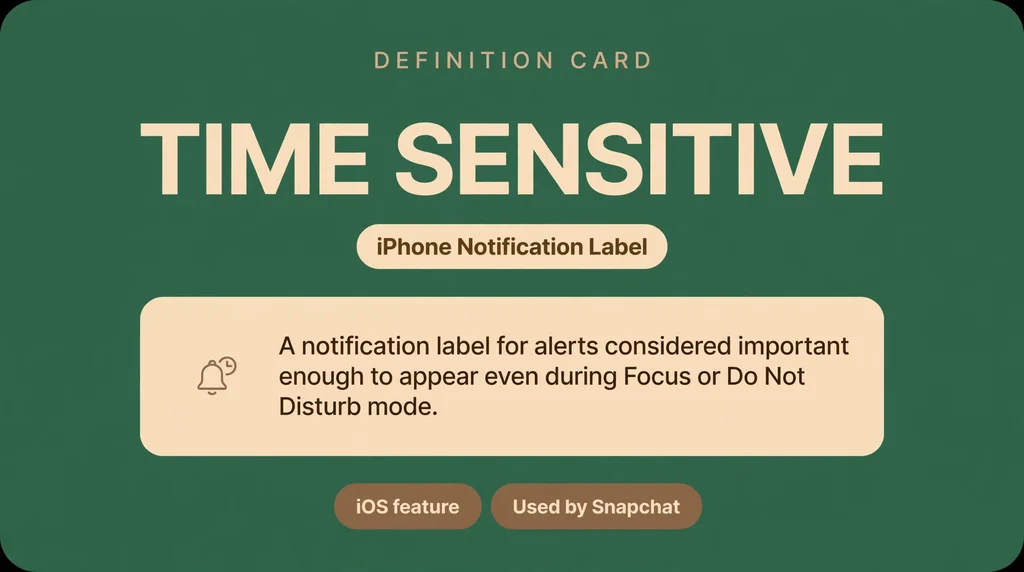
Time Sensitive on Snapchat means a Snapchat notification has been given higher priority on your iPhone.
It may reach you even while certain Focus or Do Not Disturb settings are active.
The label describes how the notification is delivered, not necessarily what the sender means or how urgent the actual message is.
Simple meaning:
Time Sensitive = a higher-priority Snapchat notification that your iPhone may show sooner than a normal alert.
It does not mean the Snap itself has a special timer.
Full Form and Meaning
There is no abbreviation or separate full form for “Time Sensitive.”
The phrase itself means something that needs attention within a particular period or is more useful when seen promptly.
On Snapchat, however, the term is specifically connected to notification priority on supported iPhone devices.
Snapchat can request this type of delivery, while iOS controls how the notification is presented and whether it can bypass applicable Focus settings.
Full phrase: Time Sensitive
Meaning: A notification that may require quicker attention and is given higher delivery priority.
Understanding the Meaning of Time Sensitive
When you see the term time sensitive on your iPhone, it is not just a random tag.
It is a specific feature built into the iOS operating system to help you manage your digital priorities.
Essentially, this label indicates that an app considers a notification to be urgent or important enough to bypass your standard notification settings.
When a developer marks an alert as time sensitive, it tells your iPhone that the information is meant to be seen right away.
This is different from a regular alert that might just sit in your notification center until you decide to check it.
Think of it as a way for your phone to ensure you do not miss something that requires your immediate attention.
For example, if you are using a ride-sharing app, a notification saying your driver has arrived is truly time sensitive.
You need to know that information immediately so you do not miss your ride.
In the context of Snapchat, it might signify that someone is trying to reach you in a way that requires a faster response than a standard message.
This feature is part of the broader effort by Apple to help users manage their screen time and focus on what matters most during their busy days.
The History and Evolution of Notification Features
The way we receive alerts on our devices has changed drastically over the last decade. In the early days of smartphones, every single alert was treated equally.
Whether it was a breaking news alert or a simple game update, your phone would buzz and light up with the same level of intensity.
This led to what many people now call notification fatigue. Users were constantly interrupted by non-essential pings, which made it hard to stay productive or focused on real-life tasks.
Apple introduced the concept of intelligent notification management to combat this issue. As part of their push toward better digital well-being, they developed tools to help users filter the noise.
The introduction of the focus mode and the ability to classify notifications based on their urgency were major steps forward.
By allowing apps to categorize their own alerts, the system became much smarter.
This evolution meant that your phone could learn which apps are most important to you and deliver those messages with higher priority.
Over time, these settings have become more refined, giving you granular control over exactly what gets through to your lock screen and what stays hidden until you are ready to view it.
You can learn more about how these notification settings on iPhone function by visiting the official support documentation.
How the Feature Functions in Various Contexts
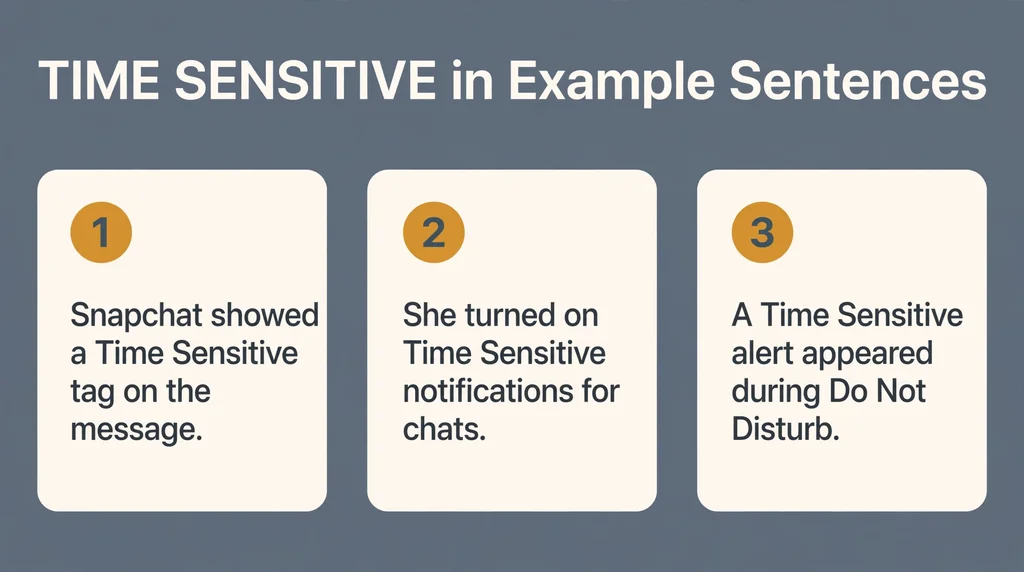
The way this feature behaves depends heavily on the app you are using and your specific configuration.
When a developer builds an app, they choose which events trigger a priority status.
In a messaging app like Snapchat, this might be triggered by a direct mention or a specific type of incoming call.
In other apps, like calendars or weather services, it might be triggered by an upcoming event or a severe weather warning.
Let us look at a few examples in conversation. Imagine you are texting a friend.
Friend: Hey, are you coming to the party tonight?
You: I am on my way, why?
Friend: The venue just changed!
In this case, the app might flag that second message as time sensitive because it contains critical information that changes your current plans.
If you were in a focus mode that silences standard notifications, this alert would still break through to notify you of the change.
This is how the system keeps you informed without constantly interrupting you with less important updates. It creates a balance between staying connected and maintaining your peace of mind.
Common Misconceptions and Clarifications
There is a lot of confusion regarding what this label actually implies.
Many people assume that if a notification is marked as time sensitive, it means the sender is angry or that something bad has happened. This is not necessarily true.
The label is assigned by the software, not by the person sending the message.
Just because you see this tag on a Snapchat notification does not mean your friend is waiting for you to reply within seconds.
It simply means that the app has categorized that specific interaction as one that should be brought to your attention sooner rather than later.
Another common misconception is that you cannot turn this off. Some users believe that these alerts are mandatory and will always interrupt their day. This is incorrect.
You have full control over your settings.
If you find that an app is abusing this privilege and sending you too many alerts, you can go into your system settings and adjust the permissions for that specific application.
You can choose to allow or disable these priority alerts on a per-app basis, ensuring that only the truly important things get through to you.
Similar Terms and Alternatives
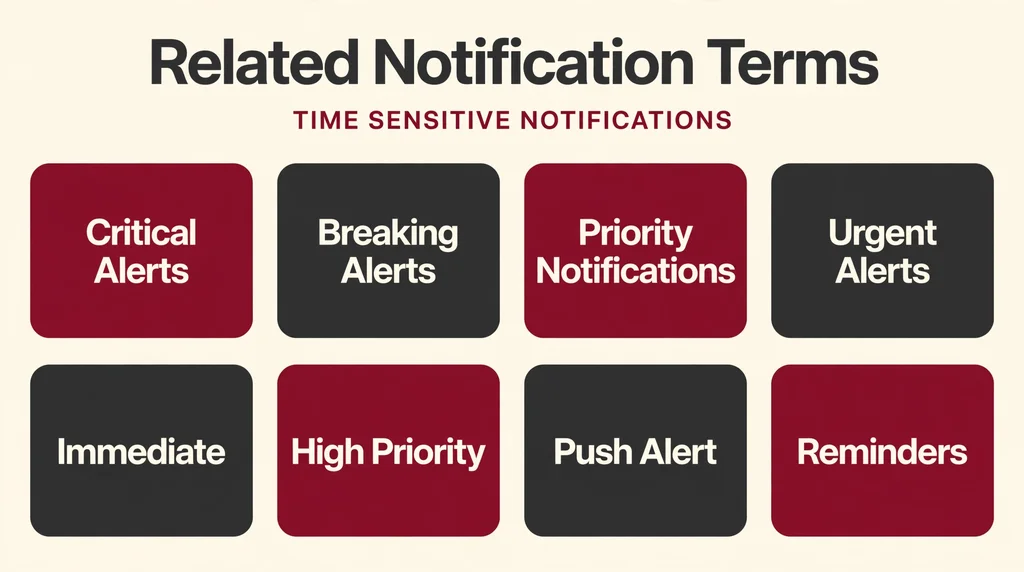
In the world of mobile technology, several terms are used to describe the importance of an alert.
While time sensitive is the specific term used by Apple, other platforms use different language to achieve the same result.
You might see terms like urgent, priority, or high-importance. These all serve a similar purpose: to tell the user that the information contained in the alert is relevant right now.
To help you understand the landscape, here is a comparison of how different systems handle these alerts:
| Term | Context | Function |
|---|---|---|
| Time Sensitive | iOS | Bypasses focus modes to alert the user. |
| Urgent Alert | Android | Triggers sound and vibration even in silent mode. |
| Priority | Email/Messaging | Highlights the message in the inbox. |
| High Importance | Professional Apps | Flags the message for faster review. |
Understanding these terms helps you navigate different devices and apps with ease. While the labels change, the intent is almost always the same.
How to Respond to These Notifications
Responding to these alerts requires a bit of balance. If you see a notification tagged as time sensitive, take a moment to evaluate the content before you react.
If it is a message from a friend about a change in plans, a quick response is helpful.
If it is an automated update from an app, you might not need to do anything at all.
For a casual response, simply acknowledging the message with a quick note or an emoji is usually enough.
If it is professional, take the time to read it carefully and respond with a clear and concise answer.
If you are concerned about your privacy, remember that you do not have to open the app immediately.
You can view the notification on your lock screen to get the gist of the message without triggering a read receipt or letting the other person know you are active.
Being mindful of how you react to these alerts helps you stay in control of your digital interactions.
Regional and Cultural Variations
The way we perceive urgency can vary depending on where you are in the world. In some cultures, immediate responses are expected and are a sign of respect.
In others, a more relaxed approach to communication is the norm. While the technology behind these notifications is global, the way people use them is influenced by regional habits.
In fast-paced urban environments, users might rely heavily on these alerts to keep up with their busy schedules.
In more relaxed settings, people might choose to disable these features entirely to enjoy their downtime. There is no right or wrong way to handle these alerts.
It is all about finding what works for your lifestyle and your cultural context.
As technology continues to bridge these gaps, we are seeing a more standardized approach to how we handle digital urgency, but the human element remains a major factor.
Comparison with Similar Features

It is important to distinguish between time sensitive notifications and other types of alerts like critical alerts or standard notifications.
Critical alerts are very rare and are usually reserved for life-safety information, such as emergency weather warnings or security alerts. These will always sound and appear, regardless of your settings.
Time sensitive notifications are a middle ground. They are important, but they are not life-threatening. They are meant to improve your user experience by filtering the noise.
Standard notifications, on the other hand, are the default. They are delivered when they arrive and are subject to your focus mode settings.
By understanding the difference between these three tiers, you can better customize your phone to suit your needs.
If you find yourself overwhelmed, start by silencing standard notifications and only allowing time sensitive alerts from your most important contacts and apps.
Where You’ll See Time Sensitive Used Online
On platforms like Tinder or Twitter, the concept of urgency is often baked into the design.
When you get a notification that someone has messaged you or liked your profile, it is designed to grab your attention.
If these platforms use the time sensitive tag, it is usually to encourage you to open the app and engage with the content.
In gaming communities, these alerts can be vital.
If you are part of a guild or a team, a notification about a scheduled match or a group event might be marked as time sensitive to ensure everyone shows up on time.
Responding to these is usually expected if you want to remain an active member of the group.
The key is to be selective. Just because an app wants your attention does not mean you have to give it.
Use your settings to ensure that only the communities and apps that truly matter to you can break through your focus mode.
Does Time Sensitive Have Any Hidden Meanings?
It is worth noting that some people might try to use these features in a manipulative way.
For instance, someone might send a message that is not actually important but try to find ways to make it seem urgent.
However, since the time sensitive label is assigned by the app developer and the iOS system, it is very difficult for a regular user to manually force this label onto a message.
If you find that you are constantly receiving these alerts from an app in a way that feels intrusive or annoying, it is best to reconsider whether you need that app installed.
Tone and context always matter.
If a friend is sending you messages that are not urgent but keeps pressuring you for a fast response, that is a social issue, not a technical one.
Do not let the software dictate your social boundaries. If you feel uncomfortable, you have the right to mute the conversation or restrict the app entirely.
Can You Use Time Sensitive in Professional Settings?
In a professional setting, the use of time sensitive alerts should be handled with care.
If you are using a messaging app for work, such as Slack or Microsoft Teams, these alerts can be very useful for highlighting truly urgent matters.
However, overusing them can lead to burnout and a lack of trust among team members.
If you are a manager or a team leader, be mindful of how you communicate urgency.
Use these features only when there is a genuine need for a quick response. For everything else, standard communication channels are usually better.
If you are an employee, do not feel pressured to respond to every single alert immediately, especially if it falls outside of your working hours.
Establish clear boundaries with your team about when you are available and when you are not.
Using technology to support your work is great, but it should not come at the expense of your professional well-being.
Frequently Asked Questions
1. Does the time sensitive tag mean I have to reply immediately?
No, it simply means the app has flagged the information as important.
You should reply based on the actual content of the message, not just the tag.
2. Can I turn off time sensitive notifications for specific apps?
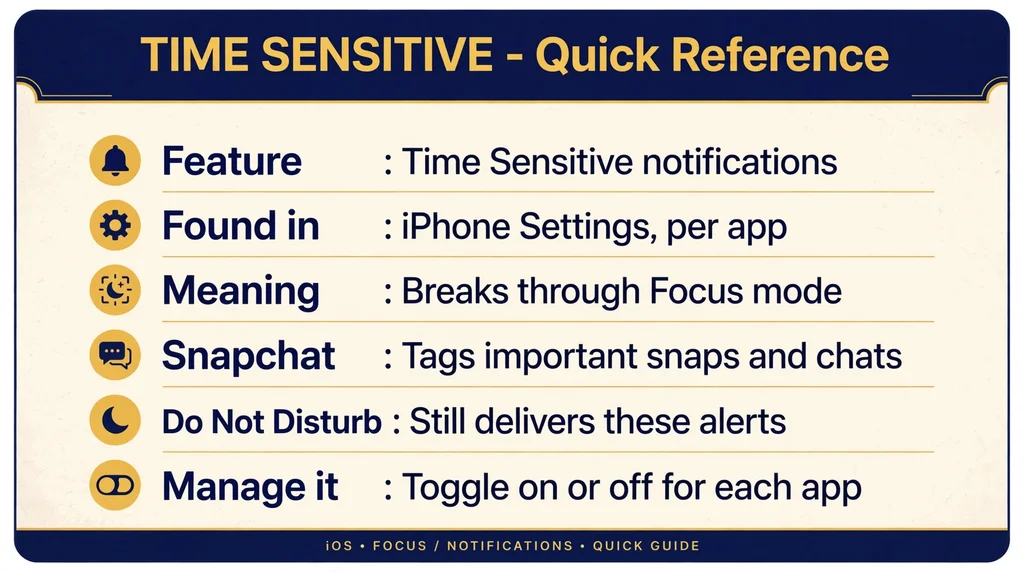
Yes, you can go to Settings, then Notifications, and select the app to adjust its specific alert settings.
3. Will these notifications always bypass my Do Not Disturb mode?
They are designed to, but you can configure your focus mode settings to allow or block them as you see fit.
4. Is this feature exclusive to Snapchat?
No, it is an iOS feature available to many apps, including mail, calendar, and other messaging platforms.
5. Why do I see this tag for some people but not others on Snapchat?
It depends on the type of interaction, such as a direct mention or a specific alert that the app developer has deemed high priority.
6. Does this feature use more battery life?
Not significantly. It is a system-level process that is highly optimized to run in the background without draining your battery.
7. Can I use this feature to make my own messages seem more important?
No, the label is determined by the system and the app developer, not by the individual user.
Conclusion
The world of mobile notifications can feel overwhelming, but tools like the time sensitive feature are designed to help you regain control.
By understanding how these alerts work, you can filter out the noise and focus on the messages that truly deserve your attention.
Remember that you are the one in charge of your device, not the other way around.
Take the time to explore your settings, set boundaries that work for your lifestyle, and do not be afraid to silence apps that add more stress than value to your day.
Whether you are using your iPhone for work, play, or staying in touch with friends, a little bit of customization goes a long way in making your digital experience more peaceful and productive.
Stay informed, stay focused, and enjoy your time online without the constant pressure of every single notification.