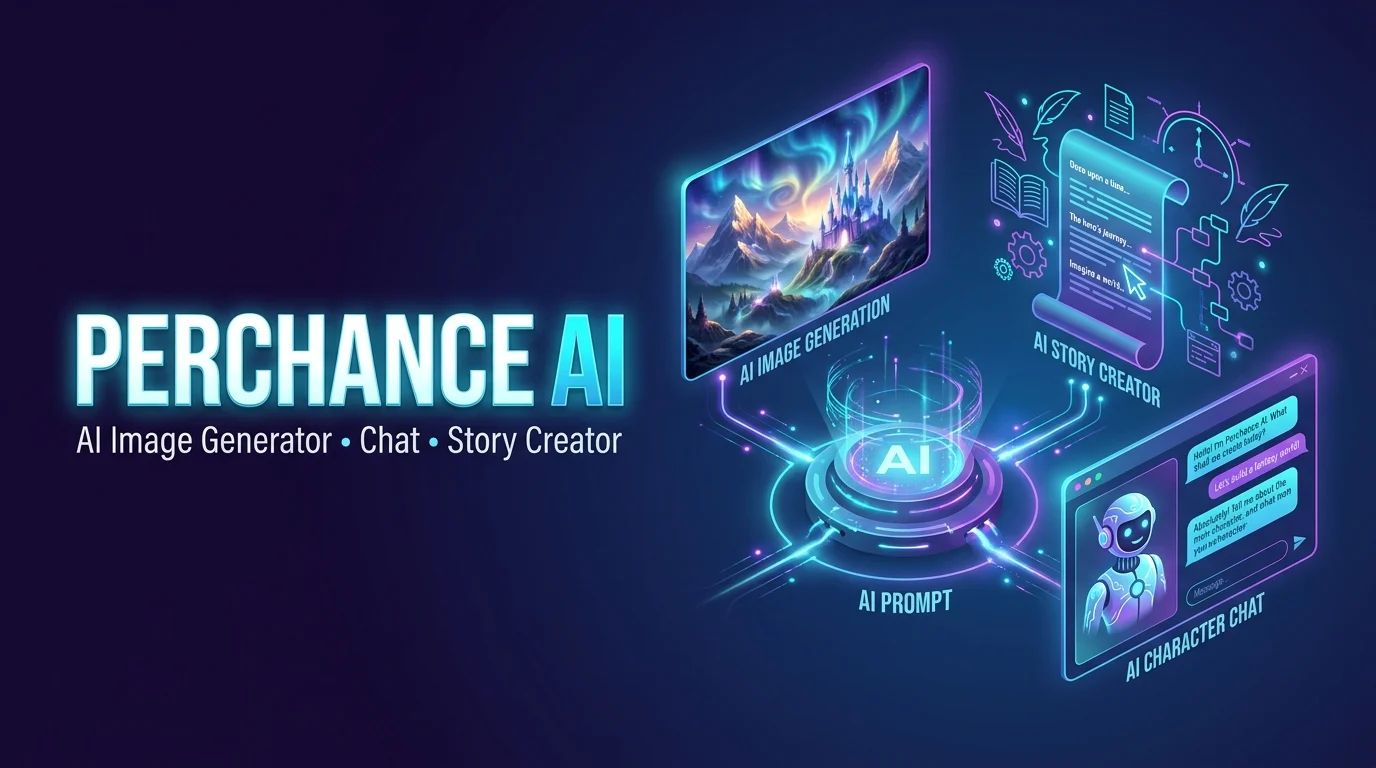
Perchance AI is a web-based platform that hosts creative generators for producing AI images, written content, stories, and character conversations. Users can explore tools such as the Perchance AI image generator, AI story generator, and AI character chat.
Many public generators advertise free access without registration, although available features, output quality, and settings can vary between individual tools.
Perchance AI can turn a simple idea into an image or an engaging AI conversation. But how does it work, and is it worth trying in 2026?
Perchance AI is commonly associated with the AI tools available on the original Perchance.org website. These include a text-to-image generator and AI text tools for chat and story-style writing. Its image generator advertises free use without signup, making it an option for people who want to explore AI creativity without a complicated setup. However, the features and experience can vary between generator pages.
This guide explains Perchance AI’s main features, how to create images, how to start an AI chat, and how to write better prompts. You’ll also learn what to do when an image misses important details and what to understand about privacy. Perchance’s privacy policy explains how its AI plugins handle inputs and warns users to be careful with community-created generators.
Ready to explore Perchance AI? Start with a clear prompt, refine your results step by step, and avoid sharing sensitive personal information. This guide will help you understand the tool and use it with realistic expectations.
What Is Perchance AI?
Perchance AI generally refers to AI-powered generators available through Perchance.org. The platform began as a way to create randomized, customizable generators and has expanded to include community-created tools for different creative tasks.
For example, an image generator can turn a written description into an illustration, while a story generator can develop a fictional scene from your idea. AI character chat tools offer another experience by allowing users to interact with fictional personalities through text.
An important distinction is that Perchance is not simply one AI model with a single set of features. It hosts different generators, and their capabilities depend on how each tool is created and configured. Official pages include an AI image generator, an AI writer, and AI story generators.
This structure gives users access to a variety of creative tools in one place. However, it also means that one generator’s features or limitations may not apply to every other generator on the platform.
Main Features of Perchance AI
Perchance AI supports several types of creative workflows. The exact options depend on the generator you choose.
1. Perchance AI Image Generator
The Perchance AI image generator lets you create visuals by entering a text prompt. Your prompt describes the subject, setting, appearance, mood, and artistic style you want.
For example, you might enter:
* A detailed fantasy castle on a mountain, glowing lanterns, misty forest, dramatic moonlight, cinematic digital painting.
The generator uses your description to create an image. You can then adjust your prompt and generate another version if the first result does not match your expectations.
Common use cases include:
- Digital art: Explore illustrations, fantasy scenes, and creative compositions.
- Character design: Develop visual concepts for fictional characters.
- Anime artwork: Experiment with anime-inspired characters and scenes.
- Social media visuals: Create concept images for posts and creative projects.
- Visual brainstorming: Test ideas before developing a more polished design.
Image quality can vary depending on the specific generator, its underlying model, and the complexity of your prompt. Therefore, do not assume every Perchance AI image tool offers identical results or controls.
2. Perchance AI Story Generator
The Perchance AI story generator helps users develop fictional narratives and creative writing ideas. It can be useful when you have a basic concept but need help turning it into a scene or story.
For instance, you might start with a detective investigating a mysterious message in an abandoned hotel. A suitable story generator could help develop the setting, introduce characters, and suggest possible plot developments.
Writers can explore several applications:
- Short stories and fictional scenes
- Fantasy and science fiction concepts
- Character backstories
- Story prompts and plot ideas
- Creative writing exercises
- Early drafts for personal projects
The generated content should be treated as a starting point rather than a finished manuscript. Review the writing, correct inconsistencies, improve dialogue, and make sure the final version reflects your intended style.
3. Perchance AI Chat and Roleplay
Perchance also hosts AI character chat generators. These tools let users exchange messages with fictional personalities and explore interactive conversations.
Depending on the generator, you may be able to select a character, provide background information, or define personality traits that influence the conversation.
People use AI character chat for fictional roleplay, dialogue experiments, storytelling, and casual creative exploration.
For example, a writer developing a fantasy novel could simulate a conversation between a royal advisor and a young hero. The exchange might reveal dialogue ideas or help the writer understand how each character speaks.
Keep in mind that AI-generated responses can be inconsistent. A character may forget earlier details, contradict established facts, or respond in ways that do not fit its assigned personality.
4. Perchance AI Text Generator and Writer
The AI writer can assist with generating text from a prompt. Depending on the available tool, you might use it to develop ideas, draft passages, or experiment with different writing approaches.
Potential applications include brainstorming blog topics, generating descriptive passages, creating fictional dialogue, and organizing early content ideas.
However, an AI writer does not automatically guarantee accurate information, original insights, or publication-ready quality. Verify factual claims, edit awkward wording, and review the final text before publishing it.
5. Custom and Community-Created Generators
One of Perchance’s distinguishing features is its customizable generator system. Users can create, modify, and share generators for different purposes.
These tools may cover random character names, fantasy settings, writing prompts, image creation, and other specialized tasks.
The community-driven structure creates flexibility because different creators can develop different experiences. However, you should also check individual generator pages rather than assuming every tool is maintained by the same person or provides the same functions.
How to Use Perchance AI
Getting started is usually straightforward. Many public AI generator pages advertise access without requiring an account, although requirements can depend on the specific tool.
Follow these steps to try a generator.
Step 1: Open a Perchance Generator
Visit the official Perchance website and locate the tool that matches your goal. Choose an image generator for visual artwork, a story generator for creative writing, or a character chat tool for interactive dialogue.
Make sure you are using the intended website and not an unrelated service with a similar name.
Step 2: Enter Your Prompt
Write a clear description of what you want the generator to produce.
For an image, include the subject, setting, art style, colors, lighting, and composition. For a story, describe the characters, situation, genre, and desired outcome.
A specific prompt usually gives the generator more useful direction than a vague one.
Step 3: Adjust Available Settings
Some generators offer extra controls, such as style choices, character descriptions, generation options, or other customization settings.
Use the options available on your selected page. Not every Perchance generator supports the same controls.
Step 4: Generate Your Result
Activate the generator and review its output. If the result misses important details, revise your prompt and try again.
For example, add a more specific setting or describe the character’s appearance more clearly when the output differs from your original idea.
Step 5: Review and Save Your Work
Check the result for visual mistakes, inconsistent details, or writing problems. Save or download useful outputs using the options available in the generator.
If you intend to publish or sell the result, review applicable terms, relevant third-party rights, and any requirements associated with your intended use.
Is Perchance AI Free?
Many popular Perchance generators advertise free use, and several image, writing, and story generators also advertise no sign-up requirements. However, you should check the individual generator rather than assume every tool has identical access conditions.
A useful way to evaluate the platform is to consider the following:
| Factor | What to Know |
|---|---|
| Cost | Many public generators advertise free access. |
| Registration | Some tools work without an account. |
| Usage limits | Limits and availability may vary by generator. |
| Output quality | Results depend on the tool and prompt. |
| Customization | Settings differ across generator pages. |
| Availability | Individual tools may experience errors or interruptions. |
Free access is useful for experimentation, but it does not guarantee professional-grade output, permanent availability, or identical features across every generator.
Benefits of Perchance AI
Perchance AI can be useful for people who want to experiment with creative tools without setting up a complicated workflow.
Easy access: Many generators open directly in a browser, making them convenient for casual use.
Multiple creative options: Users can explore image generation, writing, storytelling, and character conversations through separate generators.
Prompt-based creation: You can describe an idea in ordinary language and use it to guide the output.
Creative experimentation: Generating variations helps you test different concepts, settings, artistic styles, and fictional scenarios.
Custom generators: The platform’s customizable structure allows users to build and explore specialized tools.
For beginners, these advantages make Perchance a practical place to explore generative AI and develop creative ideas.
Limitations of Perchance AI
Despite its accessibility, Perchance AI is not suitable for every task.
Inconsistent Output Quality
Generated images may contain distorted details, unnatural anatomy, or inaccurate interpretations of a prompt. Written output may include repetition or logical errors.
You should inspect the result rather than assuming the generator has produced a finished piece.
Different Features Across Generators
The platform hosts many individual tools. Their interfaces, capabilities, settings, and performance may differ, making direct comparisons difficult.
Limited Control for Specialized Work
A basic generator may not provide the precise editing controls, consistent character references, advanced workflows, or predictable outputs that professional projects require.
Privacy and Content Considerations
Avoid entering passwords, financial details, confidential business information, or other sensitive personal data into generators. Review the platform’s privacy policy and the terms of the specific tool before submitting information.
Perchance’s terms also state that its services are intended for users aged 18 and older.
Finally, remember that AI output can require substantial editing. Treat it as assistance for creative work rather than a replacement for your own judgment.
Is Perchance AI Safe and Legit?
Perchance.org is an established generator-hosting website, but the safety of an individual generator depends partly on what it offers and how it is configured.
Before using a tool, check its URL, available controls, and any content warnings. Be cautious when opening unfamiliar third-party pages, downloading files, or providing personal information.
For privacy, avoid sharing private conversations or confidential material. If you create a public generator, review the platform’s terms carefully: its terms explain that other users may fork or remix public generators, and publicly posted contributions can be visible to others.
For commercial projects, Perchance’s terms FAQ states that users may use AI-generated images and text commercially without required attribution. However, this does not automatically resolve every copyright, trademark, publicity-rights, or third-party licensing question. Review the current terms and relevant rights before relying on generated content in a commercial project.
Perchance AI Alternatives
Perchance may suit quick experiments, but other tools can be a better match for specific needs.
| Tool Category | Best Use |
|---|---|
| Dedicated AI image generators | More specialized visual creation and editing workflows |
| AI writing assistants | Drafting, revising, summarizing, and structuring text |
| AI character platforms | Character-focused conversations and interactive roleplay |
| Professional design software | Detailed editing and production-ready design work |
When comparing alternatives, consider image quality, privacy settings, creative controls, pricing, usage limits, and licensing terms. Do not choose a tool based on the word “free” alone; evaluate whether it meets your actual requirements.
Tips for Getting Better Results With Perchance AI
You can often improve your results by making a few simple changes to your prompts.
Be specific: Describe the subject and intended outcome rather than entering only a broad topic.
Add relevant details: For images, mention lighting, background, composition, and artistic style. For writing, specify the genre, tone, setting, and characters.
Test different variations: Small changes in wording can produce different results. Compare outputs instead of relying on the first attempt.
Keep instructions consistent: Avoid including conflicting descriptions in the same prompt.
Edit the final output: Refine the image or text before using it in a public or professional project.
Check permissions: Review the applicable terms before publishing, selling, or incorporating output into client work.
The goal is to use the generator as a creative assistant while maintaining control over quality and final decisions.
Frequently Asked Questions
1. What is Perchance AI used for?
Perchance AI provides generators for creating images, stories, written content, fictional characters, and interactive conversations.
2. Is Perchance AI free to use?
Many Perchance generators advertise free access, but available features and usage conditions can vary between individual tools.
3. Can I use Perchance AI without signing up?
Yes, several public Perchance generators advertise no-sign-up access, although you should check the requirements of your chosen tool.
4. Can I use Perchance AI-generated images commercially?
Perchance’s terms FAQ permits commercial use of generated images and text, but other applicable rights and legal requirements may still matter.
5. Is Perchance AI safe?
Use trusted generator pages, avoid sharing sensitive information, review privacy terms, and check warnings before interacting with unfamiliar tools.
Final Thoughts
Perchance AI offers a flexible way to explore AI image generation, creative writing, story development, and character chat through browser-based generators. Its straightforward interface and the free access advertised by many public tools make it appealing to beginners and hobbyists.
However, the platform’s community-driven structure means you should evaluate each generator individually. Features, output quality, reliability, and available controls can differ, while generated content may require careful editing.
For casual creative projects, Perchance AI can be a useful starting point. For professional work, compare its output with other tools and review privacy, licensing, and quality requirements before making it part of your workflow.
2 thoughts on “Perchance AI | Features, Image Generator, Chat, and How to Use It in 2026”