Few search terms hide as much confusion as XFree. Type the name into a search engine and you may land on an adult video site, a set of developer tools, or a piece of software history. They share a name and nothing else. So before you click anything, it helps to know which XFree you are looking at.
Here is the short version. The best known XFree today is xfree.com, an adults-only video tube site. A completely separate service, xfree.in, offers free browser tools for developers. And XFree86 is a retired open-source software project from the 1990s. To write this guide, we checked the name against independent site reviews, the tools site’s own FAQ, and the software project’s documented history. The sections below separate the three meanings, explain how the video site works, and cover the safety and legal questions honestly. They also list the legal services that make the risky route unnecessary for most viewers.
XFree Quick Answer
The video site. For most people searching today, XFree means xfree.com. It is an adults-only video tube site. Watching is free, the site is funded by advertising, and no account is needed to view videos. Its clips are short, and they come from both individual uploaders and professional studios.
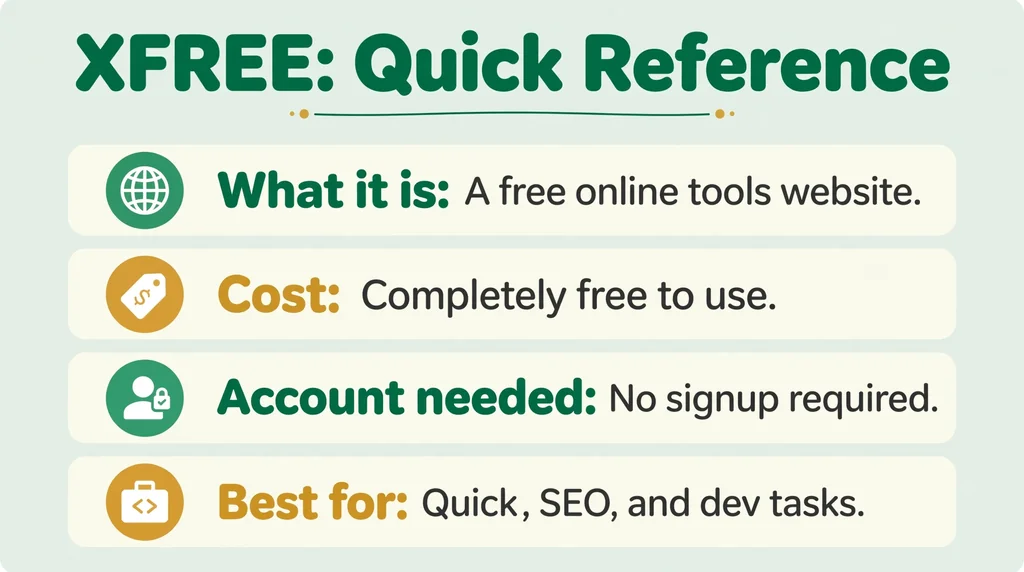
The tools site. A separate service at xfree.in uses the same name for something entirely different. It offers more than 58 free browser tools for developers, SEO work, and data tasks. It has no connection to the video site, and its own FAQ says so plainly.
The software. XFree86 was a free, open-source version of the X Window System. It powered the graphics of most Linux and BSD systems through the 1990s. The project retired years ago, and its work continues in the X.Org server.
So the name alone tells you nothing. The domain and the context tell you which XFree you have found. Most searchers mean the video site, so this guide gives it the most space. Still, each meaning gets its own section below, because mixing them up is exactly how bad advice spreads.
Definition and Meaning
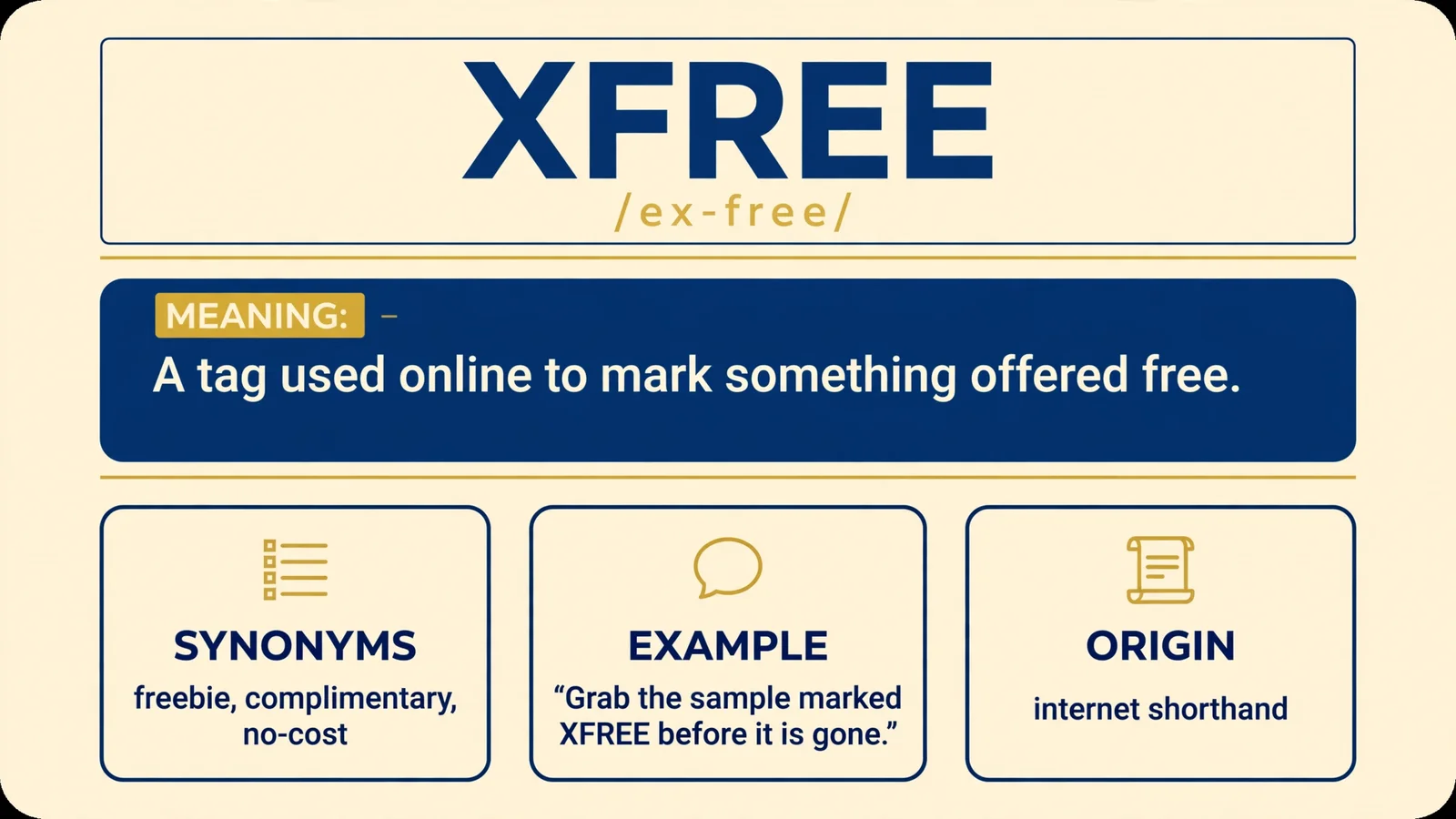
XFree has no official full form, and it is not an acronym. It also has no standard meaning in texting or slang, despite what some low-quality explainer pages claim. The name is simply a label that several unrelated projects and websites picked independently.
That is why definitions of XFree seem to contradict each other online. One page describes a video site. Another describes software tools. A third describes a decades-old graphics system. Each page can be accurate about its own subject while saying nothing true about the others.
Context is the only reliable guide. If the name appears in an old Linux manual, it means the software. It appears as xfree.in, it means the tools. If it appears as xfree.com, it means the adult video site discussed next.
A few quick tells help you sort a new mention fast:
- A page full of video thumbnails and tags means the tube site.
- A page offering converters, checkers, or code tools means xfree.in.
- A page mentioning servers, drivers, or Linux distributions means XFree86.
It also helps to know that no single official XFree company stands behind the name. Dozens of lookalike domains use similar names, some of them built only to catch careless visitors. Checking the exact domain is therefore part of understanding the meaning itself.
Search results make the point clearly. Trust-checking services list dozens of similar addresses, including xfree.video, xfree.hk, and xfreechat.com, alongside the better known domains. Some belong to small unrelated services. Others exist only to catch people who typed the name from memory. When a name has this many claimants, the honest definition is the disambiguation itself. XFree means whichever service a given domain actually runs, and nothing more general than that.
The word free inside the name also pulls in two directions at once. On the video and tools sites, it means free of charge. In the software project, it meant free in the licensing sense, with source code open to study and share. That double meaning is part of why the name keeps being reused. It promises something valuable while saying nothing specific.

What Is XFree.com?
Let us be direct about the best known meaning. Xfree.com is an adult website. It hosts pornographic video clips, and it is meant for adults only. Any guide that describes it as a general video platform is leaving out the most important fact about it.
The site works like a classic video tube. Visitors land on a feed of short clips, shown as vertical thumbnails in the style popularized by TikTok. Reviews of the site describe most clips as brief, often around 1 to 2 minutes long. Browsing runs through categories, tags, and a search box, so viewers filter by topic rather than by channel or creator.
The videos come from two sources. Individual users upload their own clips. Studios and professional producers also contribute content, and professional material makes up a large share of the catalog. One detailed review noted that many videos on the site appear to be lifted from professionally produced adult films rather than uploaded by their makers. That observation matters, and it returns in the legal section below.
The site has Hungarian roots and long presented a Hungarian-first interface, although its content is international. The domain itself is old. WHOIS data reported by the trust-checking service Scamadviser suggests the domain was registered roughly 26 years ago.
Reviewers do not even agree on the site’s own history. One review dates the domain’s adult use to the early 2000s. Another describes the platform as running since the late 2000s. The safe conclusion is narrower. The domain is old, the tube format is well established, and the service has operated for many years under the same simple model. Beyond that, detailed claims about its founding and ownership are hard to verify, which is itself typical of this corner of the web.
Watching costs nothing and needs no account. The site pays its bills with advertising instead. What that advertising model involves is the subject of the safety section below.
What the site is not also deserves a line. It is not a mainstream social platform, and it is not a licensed film or television service. It does not commission series or license studio catalogs in the way the legal services in this guide do. It’s a hosting wall for uploaded clips, and everything else in this guide follows from that.
How Does XFree Work?
For viewers, the process is deliberately simple. You open the site, scroll the feed, and tap a thumbnail. The video plays in your browser. There is no sign-up wall, no subscription, and no app to install. Search and tag filters narrow the wall of clips when you know what you are looking for.
The viewing experience is built for speed rather than depth. Clips start in the browser with a single tap, and the feed keeps serving related material as you scroll. There are no long program pages or curated collections of the kind licensed services maintain. The design assumes short visits and quick choices, which matches the short length of the clips themselves.
For uploaders, the site follows the standard tube model. Registered users can submit videos, which then appear in the same public feed as studio content. That open door explains the mixed catalog described above. Amateur uploads sit beside professional productions, and the rights status of the professional material is often unclear.
One review of the site reports that contributors can receive monetary rewards per submission. Treat that as a single reviewer’s claim. No detailed public creator program with published rates has been documented for this site, unlike the partner programs run by large mainstream platforms. Anyone promising steady income from uploading here is going beyond the evidence.
Money flows in through advertising. Like most free tubes, the site sells ad space around and inside the viewing experience. Pop-ups, banners, and redirect ads are part of that model. The more aggressive the advertising, the more a site earns per visitor, which is why the most intrusive pages cluster on the least regulated services. Mainstream platforms reject whole categories of ads. A gray-area tube has no such filter, and its visitors carry the difference. Understanding this matters, because the ads, not the videos, are where the real risks of such sites sit.
This model also explains the mixed rights picture. On open-upload platforms, some videos are posted by the performers or studios that own them. Others are re-uploaded by strangers with no rights at all. The platform cannot easily tell the two apart at upload time. Instead, it leans on the notice-and-takedown system described below, removing flagged videos after the fact. Viewers therefore cannot assume that a playable video is a lawful one.
Finally, content on sites like this is unstable. Videos appear, vanish, and reappear under new links. The reason is the takedown system explained in the legal section below. A popular clip may be online in the morning, gone by the evening, and back again under a different title within days.
Is XFree Safe?
The honest answer is that the videos are rarely the problem. The danger on free streaming and tube sites sits in the advertising and the prompts around the video. Research presented to WIPO’s Advisory Committee on Enforcement, contributed by the music industry body IFPI, measured this directly. It found that malvertising accounted for about 12 percent of advertisements on piracy sites. Those malicious ads generated at least 121 million US dollars a year. Nearly 80 percent of the pirate sites investigated served malware-ridden advertisements.
The tricks are consistent across such sites. Fake download buttons sit beside real play buttons. Pop-ups and pop-unders open behind the video. Click-to-play overlays redirect you instead of playing. The payloads range from ransomware to trojans disguised as media players, codec packs, or software updates. Some pages run cryptojacking scripts that mine cryptocurrency in your browser. Others push spyware that records keystrokes and credentials. Cryptojacking is the quietest of these tricks. The page mines in the background while you watch, slowing your device and draining its battery, and it stops only when you leave. Spyware sits at the other extreme, aiming at passwords and banking details rather than spare processing power.
These are not theoretical risks. Microsoft security researchers reported a malvertising campaign that began in late 2024 on illegal streaming websites. It used redirect chains, including redirectors hidden inside video frames, to deliver information-stealing malware. Close to one million devices were compromised. Separately, research commissioned for the Premier League’s anti-piracy campaign found piracy websites to be on average 17.3 times riskier than mainstream websites. Adult sites add one more layer, covered in the privacy section next.
Learning to spot the trap helps as much as avoiding it. A real play button sits inside the video frame and starts the clip. A fake one opens a new tab, a download prompt, or a page demanding an urgent update. Overlays that cover the whole screen, countdown timers, and sudden warnings about your device are all standard scenery for these scams. When a page behaves like that, the safest click is the one that closes the tab.
None of this means every visit causes harm. It does mean the free price of such a site is paid partly in exposure. A few habits cut that exposure sharply.
Never Install Anything a Video Page Offers
No legitimate free video needs a special player, codec, or browser extension. If a page insists that you install something before watching, close it. That prompt is the single most common malware route on sites of this kind.
Treat Any Payment Prompt as a Scam
A site that advertises itself as free should never ask for card details before a video plays. If it does, you are on a lookalike page or facing a scam overlay. Leave without entering anything, and do not trust the page again.
Keep Your Browser and System Updated
Updates close the security holes that malicious ads exploit. A current browser also blocks many known malicious domains automatically. This simple habit removes much of the background risk before you click anything.
Close Strange Tabs Instead of Clicking Inside Them
Redirects and pop-unders are designed to earn one more click from you. Clicking anywhere inside such a page, even on its own close button, can trigger another redirect or a download. Close the tab or window from the browser’s own controls instead. Losing the video is a small price for breaking the chain.
XFree Privacy
Privacy on a site like this has two sides. On one side, watching without an account limits what you hand over directly. The site does not need your name or email address just to play a video.
On the other side, the tracking runs quietly in the background. Scamadviser warns that adult websites commonly carry third-party trackers, and that warning appears in its report on this very domain. Those trackers can see your IP address, your approximate location, and details of your device and system. They build advertising profiles from browsing behavior, on a category of site that many people would least want profiled. Scamadviser also notes that adult sites are prone to data breaches, which is a further reason to limit what you share with them.
There is also a simpler point that applies to every website. Any site you visit receives your IP address, because your device needs a route back for the page to load. On mainstream services, that fact sits inside published privacy policies and regulated advertising systems. On gray-area tubes, the same fact feeds third-party trackers with far less transparency. The difference is not the data itself. It is how little you know about who holds it.
If you create an account anywhere, you add an email address and a password to that exposure. Reusing a password from another service multiplies the damage if a breach ever happens. The practical rule is simple. Share as little as possible, use a unique password if you register at all, and assume that free, ad-funded pages watch how you browse even when they never ask your name.
Is XFree Legal?
Legality depends on your role and your country. It also depends on the video. Content uploaded by its own creators, with full rights, is lawful to watch. Content re-uploaded without permission is where the legal exposure begins. Reviewers report that a large part of this site’s catalog looks like re-uploaded professional material, so the question is not academic.
In the European Union, viewers themselves can infringe. In the Filmspeler case (C-527/15, decided on 26 April 2017), the Court of Justice of the EU ruled on media players preloaded with links to illegal streams. Crucially, it held that streaming a work from an unlawful source is not covered by the temporary copying exception in EU law. In plain terms, knowingly watching pirated streams can itself count as infringement in the EU.
The ruling was about streaming, not downloading, which is why it matters here. It closed the argument that watching a pirated stream is legally harmless simply because no lasting copy is kept on your device.
The United States takes a different aim. The Protecting Lawful Streaming Act, passed in December 2020 and codified at 18 U.S.C. § 2319C, made it a felony to run an illicit streaming service for commercial gain. Penalties reach up to 3 years for a first offense, 5 years where the work was pre-release, and 10 years for repeat offenders. The law targets operators, not individual viewers.
Uploaders face the sharper edge everywhere. Distributing copyrighted work without permission violates the exclusive rights set out in 17 U.S.C. § 106. Civil statutory damages run from $750 to $150,000 per work. Criminal liability can also follow where the infringement is willful.
Platforms sit in the middle. Under the DMCA, at 17 U.S.C. § 512, services keep their legal protection by removing infringing uploads quickly after notice and by cutting off repeat infringers. Internet providers face a matching pressure, because the same safe-harbor system expects them to terminate the accounts of repeat infringers. That is why videos on tube sites constantly disappear and resurface. The churn is the takedown system at work, not a technical fault.
The practical summary is short. Watching content that its creators uploaded themselves is lawful. Watching or sharing re-uploaded commercial content carries real risk, which falls mainly on uploaders and operators in the United States and can reach viewers as well in the European Union. When a large share of a site’s catalog is reportedly re-uploaded, caution is the reasonable response.
XFree86: The Original XFree
Long before the video site existed, XFree was a famous name in computing. XFree86 was a free and open-source implementation of the X Window System, the software that draws windows and graphics on Unix-like systems. For about a decade, it was the graphics foundation of nearly every Linux and BSD computer.
How the Name Started
The project began in 1992. Four developers, David Wexelblat, Glenn Lai, David Dawes, and Jim Tsillas, started fixing bugs in Thomas Roell’s X386 server, which was part of the X11R5 release. Their improved version was first called X386 1.2E.
Then the paths split. Roell’s newer X386 versions were sold commercially instead. The free project needed its own name, and it chose a pun. XFree86 plays on “X-three-eighty-six” by reading as “X-free-eighty-six.” The word free was the whole point. This version would stay free of charge and free to share. David Dawes became the project’s lead developer, and the work was carried out by The XFree86 Project, Inc.
Through the 1990s, XFree86 drove most innovation in the X world. It shipped almost universally with Linux and the BSD systems. In 1999, the team even joined X.Org as an honorary member, a sign of how central the project had become.
The software’s reach is hard to overstate. XFree86 began as a port of X for 386-compatible personal computers, the machines that gave the project its number. It grew into the standard implementation that an entire generation of open-source systems was built on. It was released under the XFree86 License, version 1.1, and for years it was simply the default choice. If you installed Linux in the 1990s, your screen almost certainly ran on it.
The Split That Ended It
Trouble arrived in two waves. In 2003, developer Keith Packard was expelled from the core team, and the core team itself then voted to disband. Governance was already shaky when the bigger blow landed.
In February 2004, version 4.4.0 appeared with a new license. The license added a credit clause that the Free Software Foundation considered incompatible with the GPL. Major distributions refused the new terms. Debian and OpenBSD instead shipped the release candidate, the last build made under the old license. Developers then forked that code into a new project, the X.Org Server. Most XFree86 contributors moved with it.
XFree86 never recovered from the split. Its last release, version 4.8.0, came out in December 2008. The final code commit followed on 18 May 2009. By December 2011, the project was confirmed dormant. Its legacy survives in the X.Org software that inherited its codebase and its community.
That legacy is why the name still appears in modern places. Old documentation, changelogs, and configuration files across the Linux world still mention XFree86. The X.Org server that replaced it was forked directly from its code, so parts of the project effectively never died. They continued under a new name, with a license the wider community could accept.
XFree() for Programmers
Programmers meet a smaller XFree in old code. XFree() is a general-purpose routine in Xlib, the C language library for the X Window System. Its job is to free data that Xlib itself allocated, unless a specific free function is named for that object. Passing it a null pointer does nothing, by design. The official Xlib specification even devotes a section, titled “Freeing Client-Created Data,” to this function and its correct use.
XFree.in: The Unrelated Tools Site
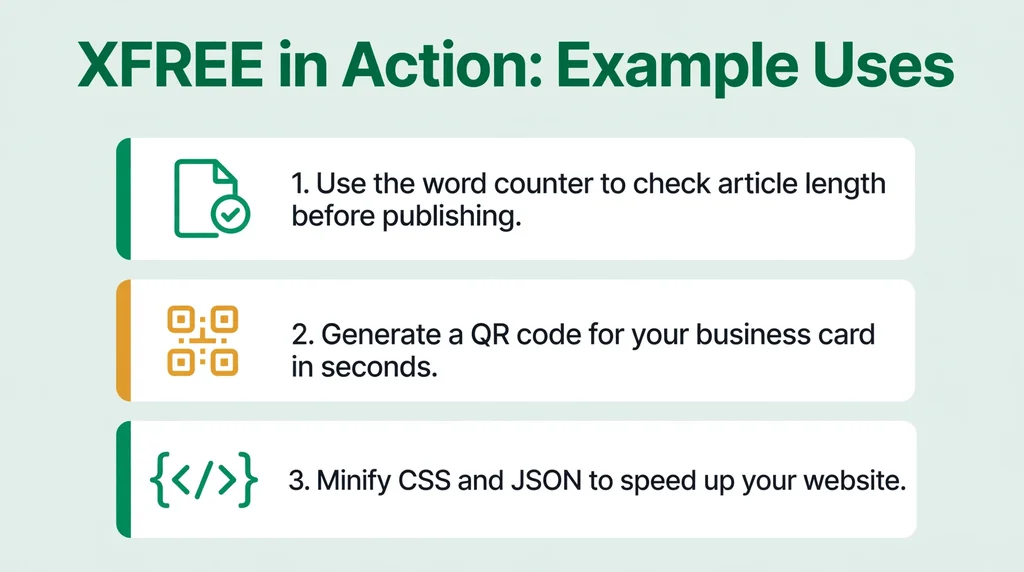
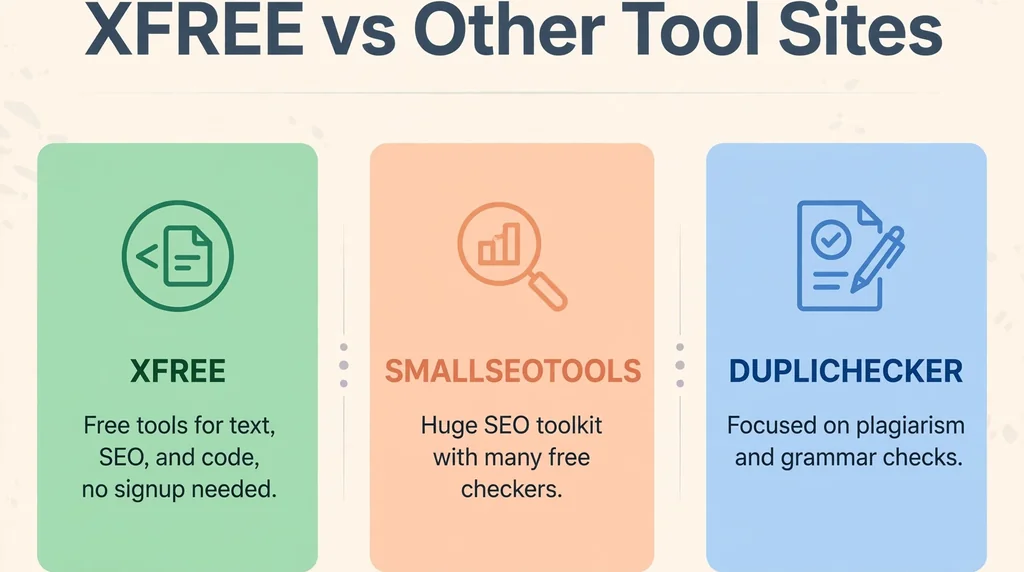
The third XFree is a working website, and it wants you to know that it is separate. Xfree.in offers more than 58 free tools that run in your browser. They cover developer tasks, SEO checks, AI features, data conversion, text handling, and security utilities. No sign-up is required to use them.
Its selling point is a feature called Local Mode. Most tools process your input inside the browser, using JavaScript and WebAssembly, instead of sending it to a server. A few tools, such as DNS, IP, and WHOIS lookups, do use the site’s own server, because they need outside data to work. Its AI features run in a clearly labeled cloud mode. The project is open source under the MIT License.
Most usefully, its FAQ answers the naming confusion directly. The site states that it is not affiliated with xfree.com, or with the XFree86 and X.Org windowing software. If a tools page under this name is what you were looking for, that statement settles which XFree it is.
For developers, the practical value is the processing model. Sensitive working data, such as code snippets or long documents, can be handled by many of its tools without leaving the browser at all. That is a genuine privacy feature. However, it belongs to this tools site alone. It says nothing about the video site that happens to share the name.
XFree vs Legal Free Streaming Services
Free viewing exists on both sides of the legal line. The difference is not the price. It is how the content got there, and who checks the advertisements around it.
| Feature | XFree.com | Tubi | Pluto TV |
|---|---|---|---|
| Cost | Free, ad supported | Free, ad supported | Free, ad supported |
| Account to watch | Not required | Not required for most content | Not required |
| Content rights | Mixed, much appears re-uploaded | Licensed library | Licensed channels and library |
| Ad screening | Unvetted third-party ads | Vetted advertising | Vetted advertising |
| Content stability | Videos vanish after takedowns | Stable catalog | Stable catalog |
The products also differ in kind. The tube offers short clips uploaded by whoever showed up. The licensed services offer full films, series episodes, and scheduled live channels. Both are free to watch, but they are not substitutes for each other. One sells convenience and volume. The other sells a catalog that someone has paid to assemble and license.
The comparison removes a common assumption. No account and no subscription are not unique features of gray-area sites. Licensed services offer the same convenience. They simply add studio deals, screened advertising, and stable catalogs on top of it.
XFree Alternatives
If your goal is free movies and TV, legal services now cover it well. Each option below is a real, licensed service with a named owner standing behind it.
Tubi. Fox Corporation acquired Tubi in 2020. The service is free and ad supported, with a library of tens of thousands of movies and shows. Much of that library plays with no account at all, which makes it the closest legal match for casual, zero-cost browsing.
Pluto TV. Paramount acquired Pluto TV in 2019. It runs more than 250 live channels, from news and sport to classic television, alongside an on-demand library. No sign-up is required, and its channel guide gives it a feel close to traditional TV.
The Roku Channel and Xumo Play. Both follow the same free, ad-supported model, mixing live channels with on-demand titles. The Roku Channel comes from Roku and sits inside its devices and apps. Xumo Play needs no sign-up and focuses on easy, immediate viewing.
Kanopy and Hoopla. These two remove advertising entirely. Both are free with a public library card, funded through your library rather than through ads. Their catalogs lean toward films, documentaries, and quality series.
YouTube. For creator-led video, YouTube remains the obvious legal home. It is free at the point of use, runs official apps on every device, and operates under clear content rules, with real systems for removing infringing uploads.
None of these services is a like-for-like replacement for an adult site, and none of them tries to be. They are the safer answer to the broader “watch something free” intent behind many XFree searches. With them, you keep the zero price and drop the malvertising exposure and the legal gray area entirely.
Frequently Asked Questions About XFree
What is XFree?
XFree is a name shared by several unrelated services. The best known is xfree.com, an adults-only video tube site that is free and ad supported. Xfree.in is a separate browser tools site with no connection to it. XFree86 was a historic open-source software project. The domain and the context tell you which one a page means.
Is XFree free?
Yes, in every sense of the name. Watching on xfree.com costs nothing and needs no account, because advertising pays the bills. The tools on xfree.in are also free and need no sign-up. XFree86, meanwhile, was free software in the licensing sense, distributed at no cost under its own license.
Is XFree the same as XFree86?
No. XFree86 was a software project that implemented the X Window System, and it was active mainly in the 1990s. It ended years before today’s video site became widely known. The similar names are a coincidence layered on a pun, and the projects, operators, and content have nothing in common.
Do I need an account to watch on XFree?
No. Reviews of xfree.com agree that viewing is open, with no registration required. An account only becomes relevant if you want to upload videos yourself. That account-free model is also why the site collects less direct personal data from casual viewers, although ad trackers still follow visits.
Is XFree safe?
It carries more risk than licensed services do. Research on piracy and free streaming sites links their advertising to malware, fake download buttons, and heavy tracking. The video itself is rarely the threat. The prompts and pop-ups around it are. The safety checklist in this guide reduces the risk, but it cannot remove it completely.
Is watching XFree legal?
It depends on the video and on your country. Watching material uploaded by its own rights holders is lawful. In the EU, courts have held that streaming from an unlawful source can itself infringe copyright. In the US, the felony streaming law targets the operators of illicit services rather than individual viewers. Uploading pirated content is risky everywhere.
What is XFree.in, and is it connected to the video site?
Xfree.in is a collection of more than 58 free browser tools for developers and similar tasks. It is not connected to the video site at all. Its own FAQ states that it has no affiliation with xfree.com or with the XFree86 software. The services simply share a short, generic name.
Why do videos keep disappearing from sites like XFree?
Copyright takedowns are the reason. Rights holders send removal notices, and platforms delete flagged uploads quickly to keep their legal protection under laws such as the DMCA. The same videos are then often reposted under new links. That cycle is why catalogs on tube sites change constantly.
What are the safest free alternatives to XFree?
For movies and TV, Tubi and Pluto TV are free, legal, and ad supported, with no account needed for most viewing. The Roku Channel and Xumo Play work the same way. Kanopy and Hoopla are free with a public library card and carry no advertising at all. All of them avoid the malware and legal risks described above.
Why are there so many different XFree sites?
Because no single company owns the name in practice. The video tube, the tools site, and the old software project all adopted it independently, and dozens of lookalike domains use similar addresses. Some are small but real services. Others exist only to catch careless visitors. Checking the exact domain before you trust any page is essential.
Final Verdict
XFree is not one product, and treating it as one is how the confusion starts. The video site is an adults-only tube funded by unvetted advertising. The tools site is a separate, unrelated service. The software project is a retired piece of computing history.
If you use the video site, go in with open eyes. The research presented to WIPO’s Advisory Committee on Enforcement shows exactly why the ads on such sites deserve caution. For general free viewing, the licensed alternatives in this guide deliver the same zero price without the legal gray area or the security exposure. The same caution applies to the lookalike domains trading on this name. If a page demands downloads, payments, or personal details before it shows you anything, it has told you exactly what it is. Believe it, and leave. For most readers, the licensed services are the better default.